


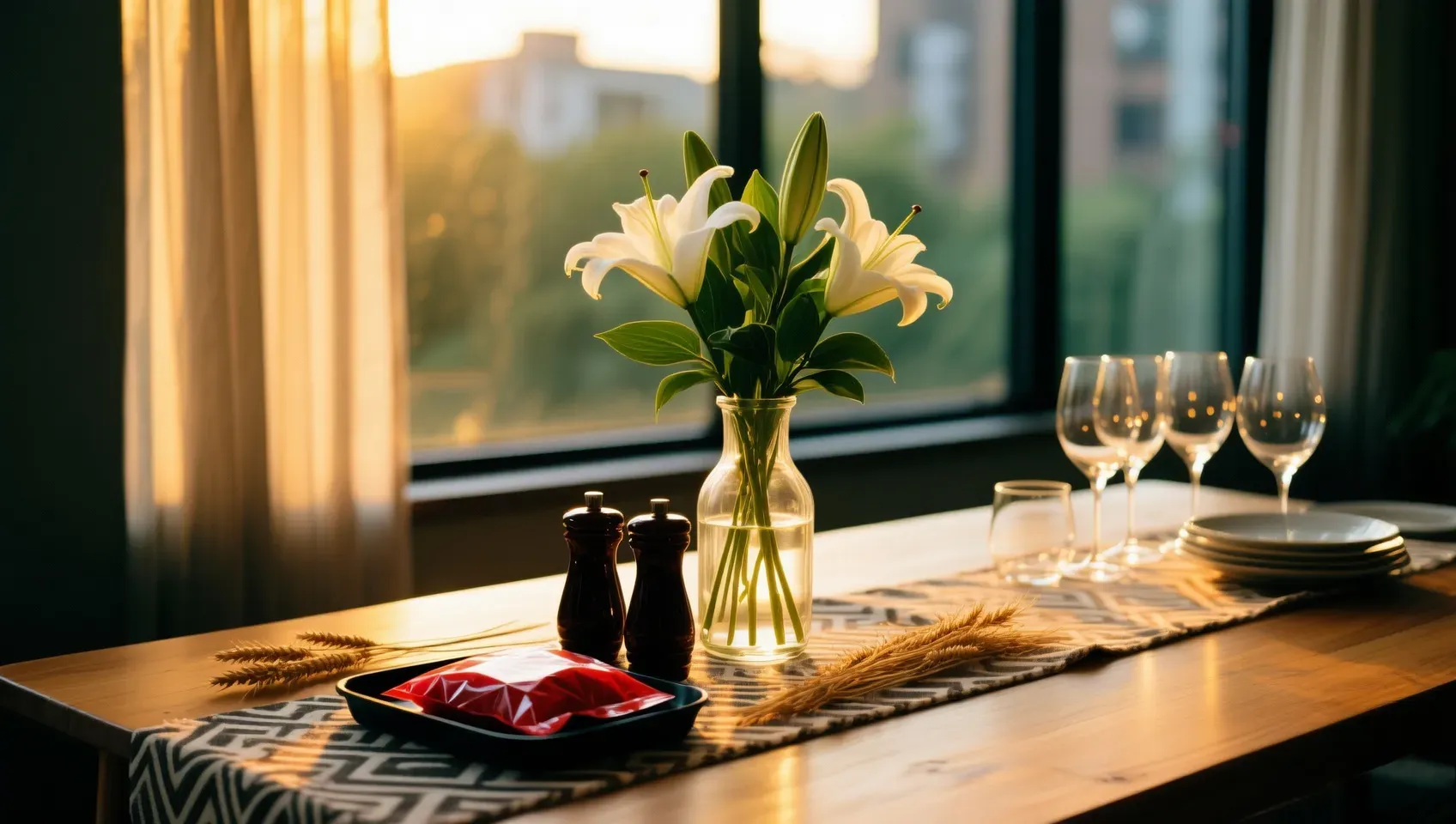
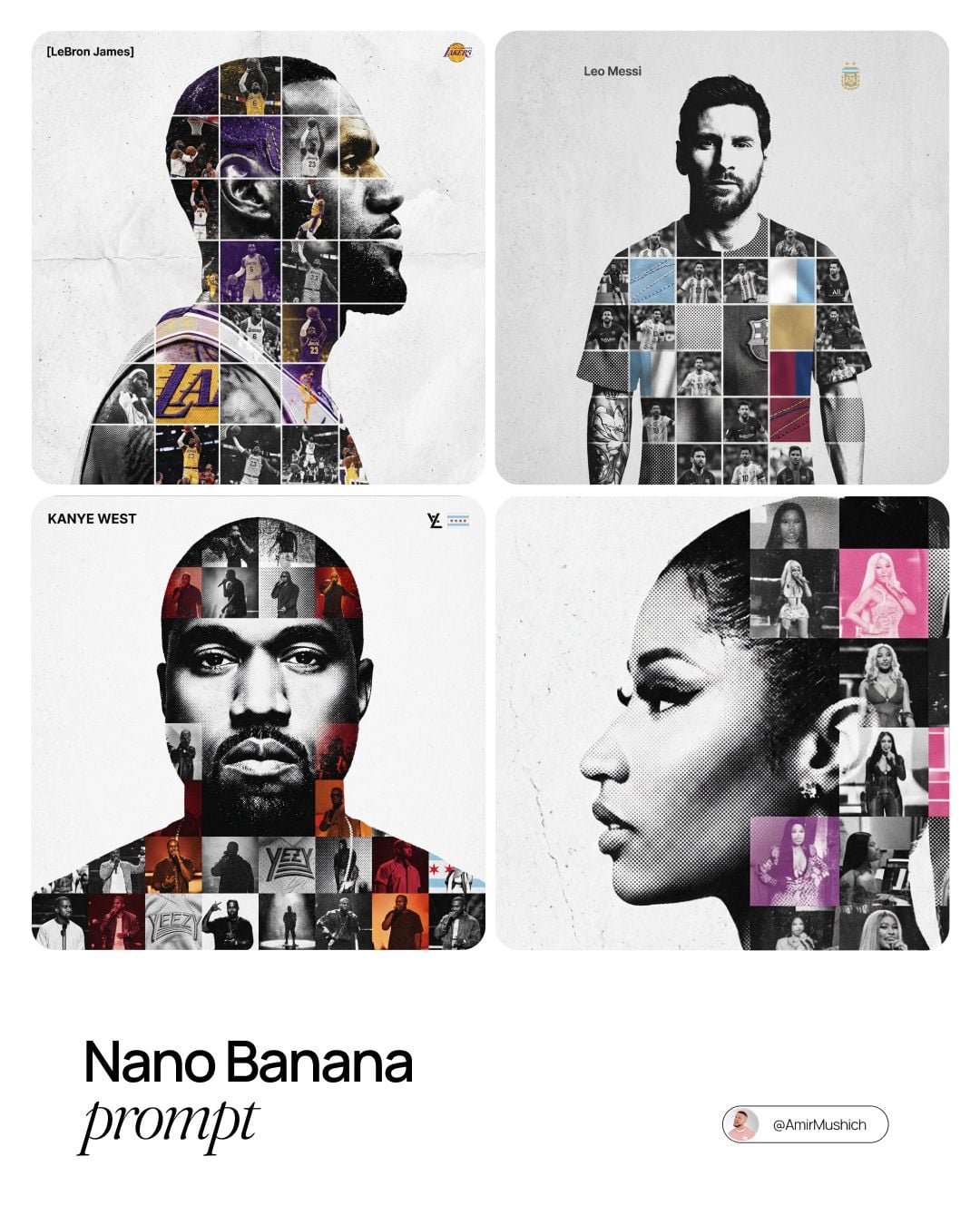
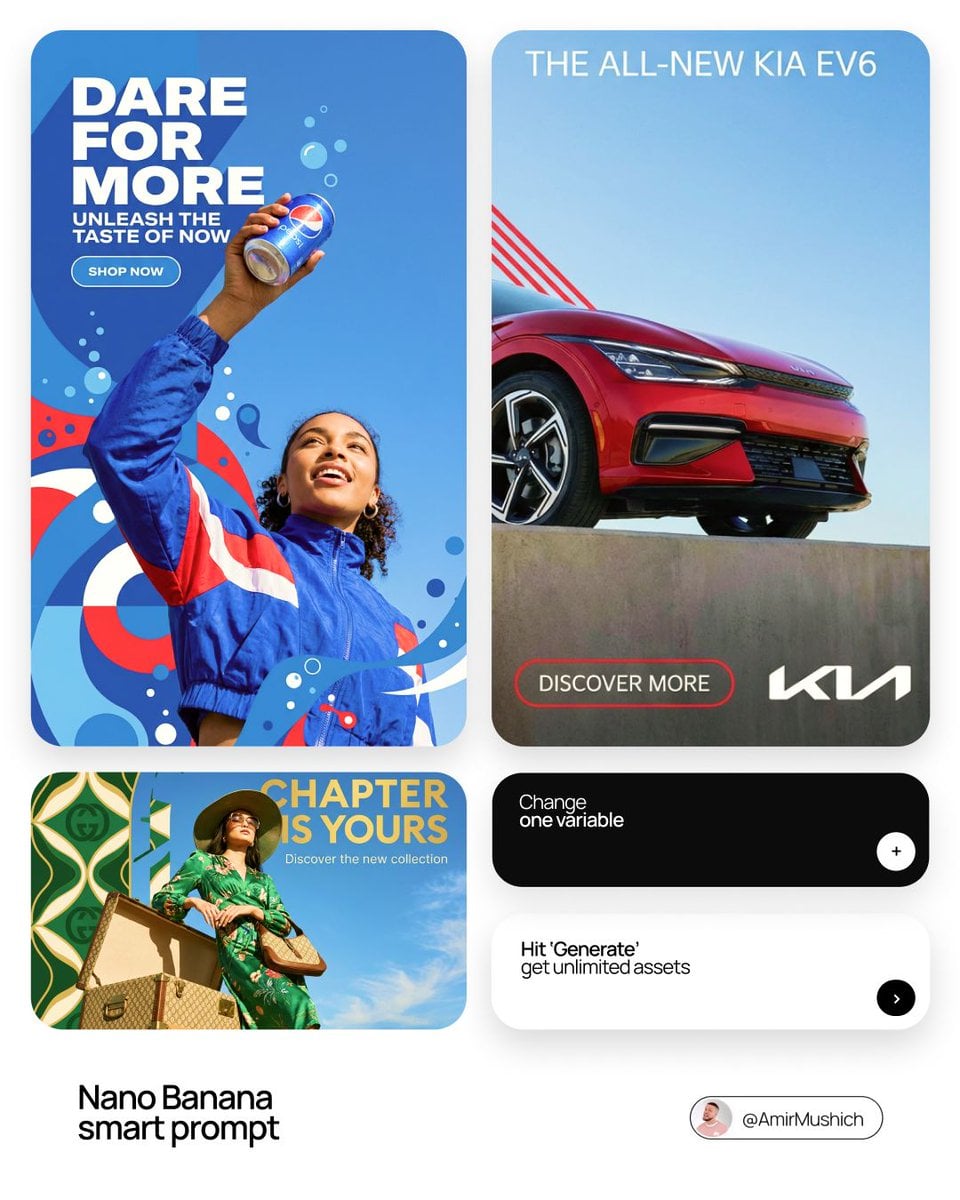
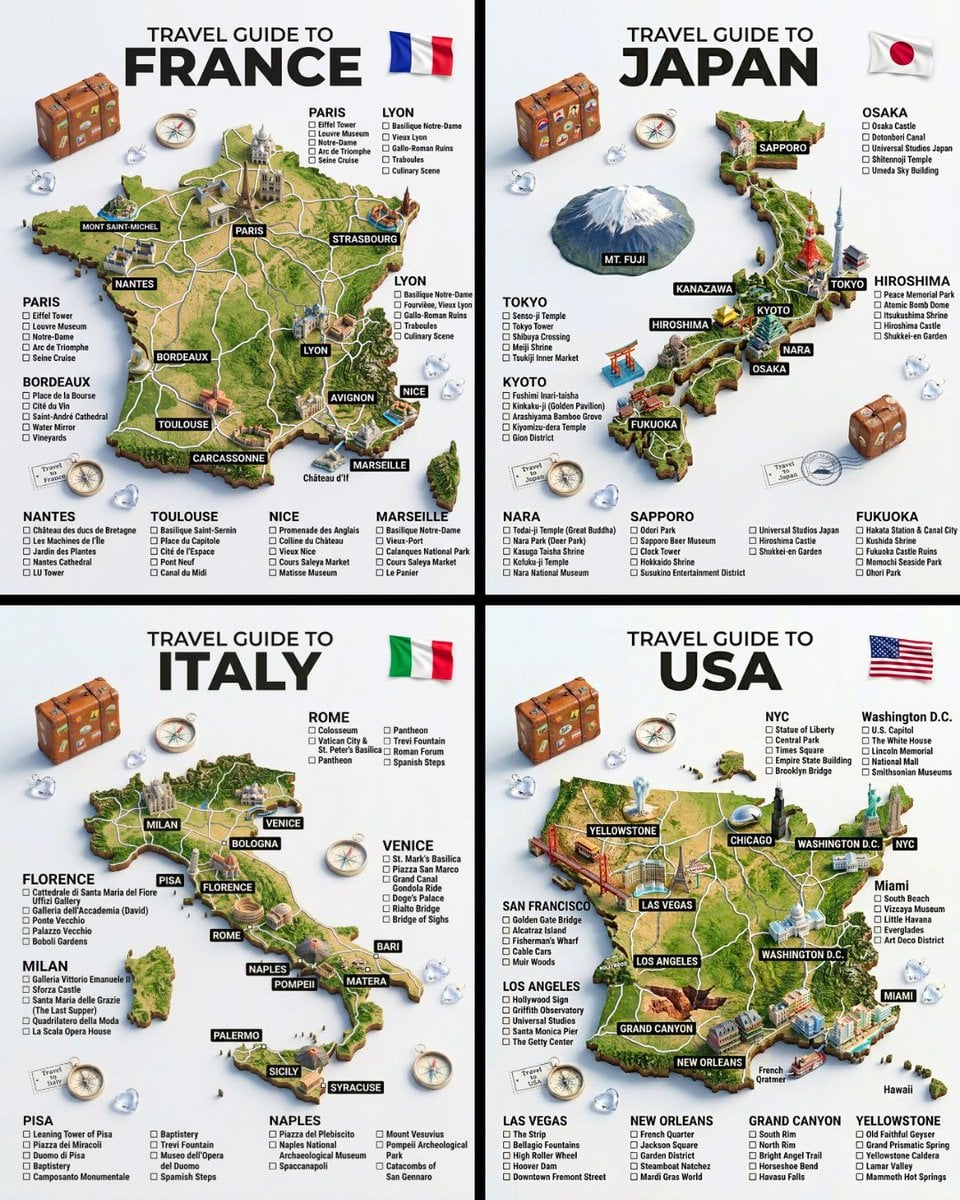
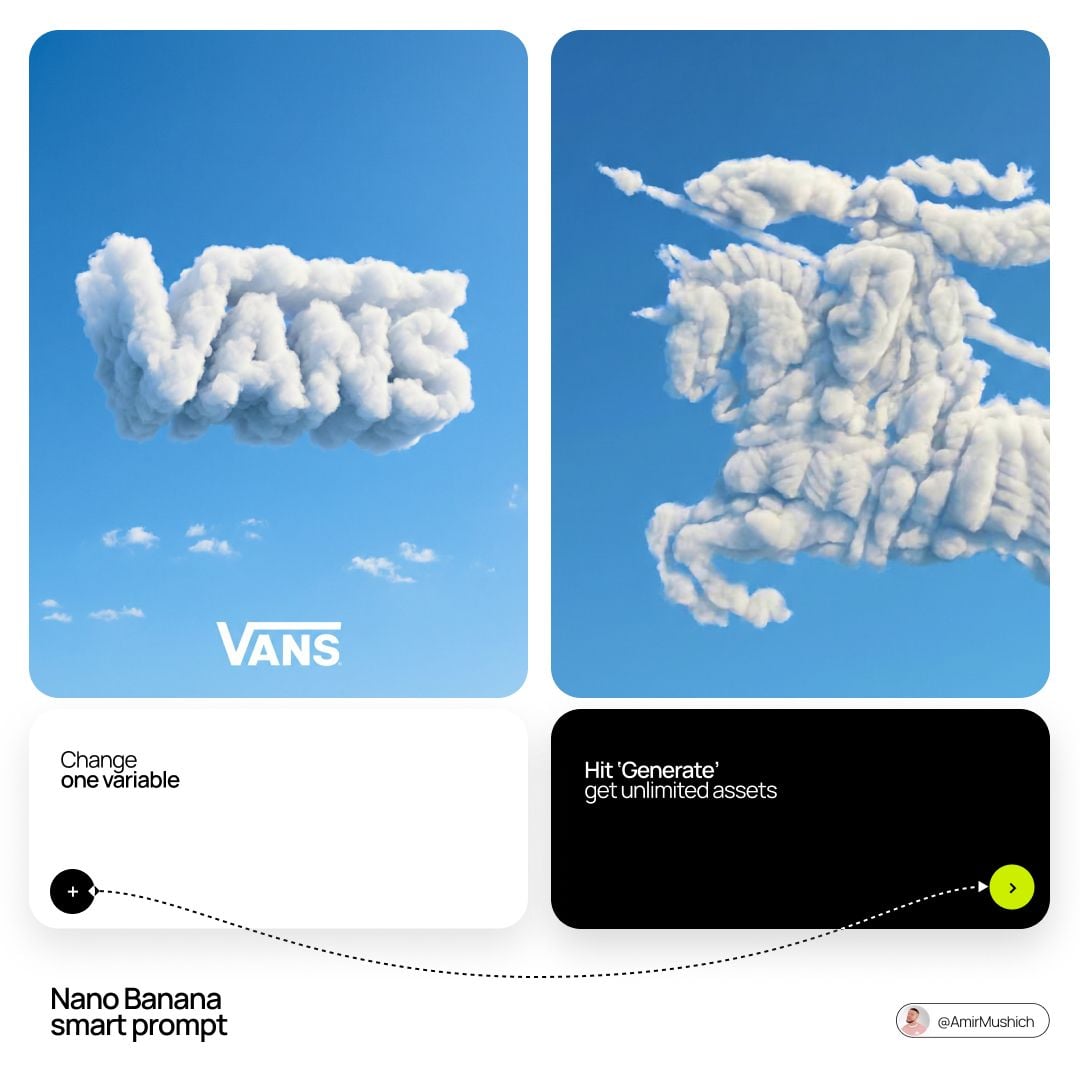
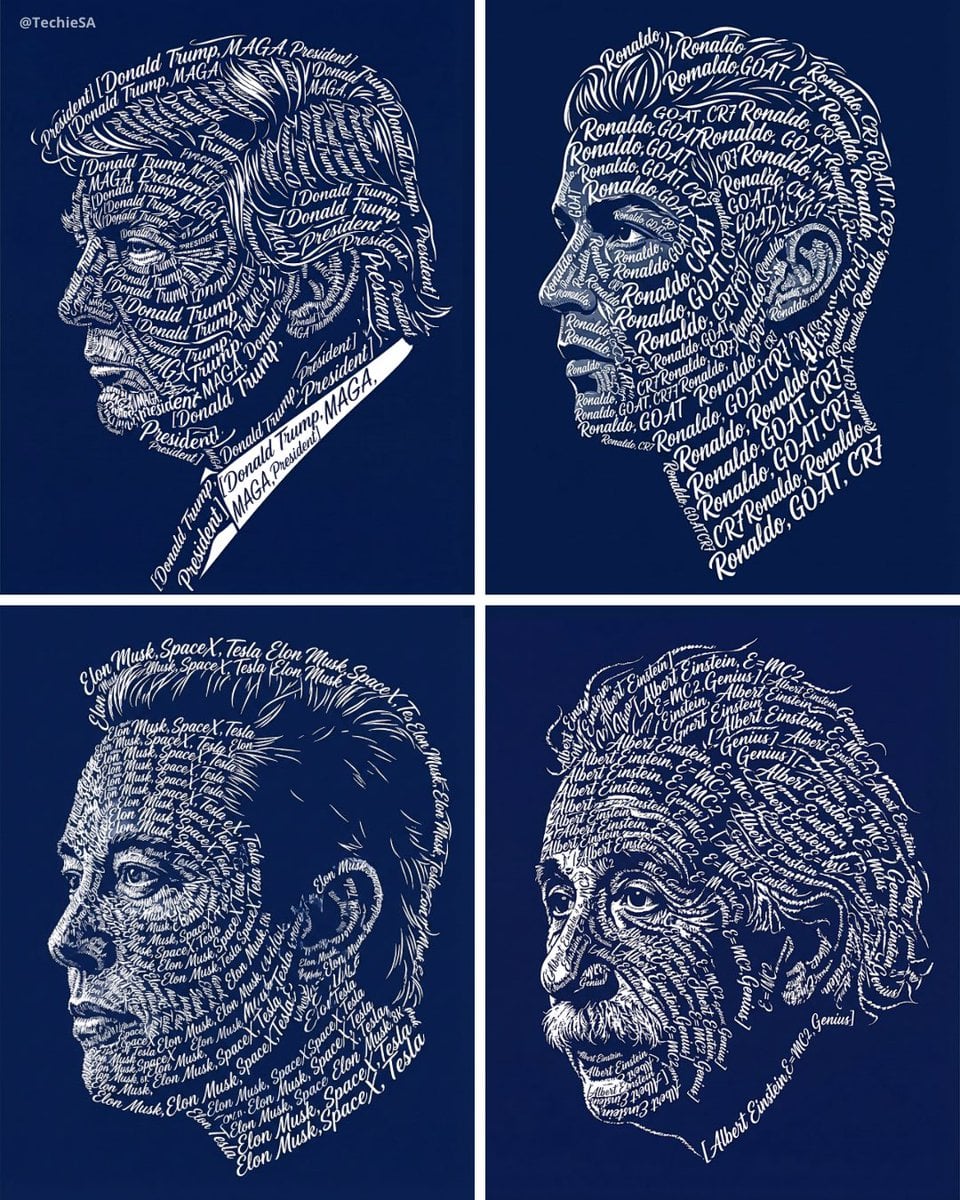
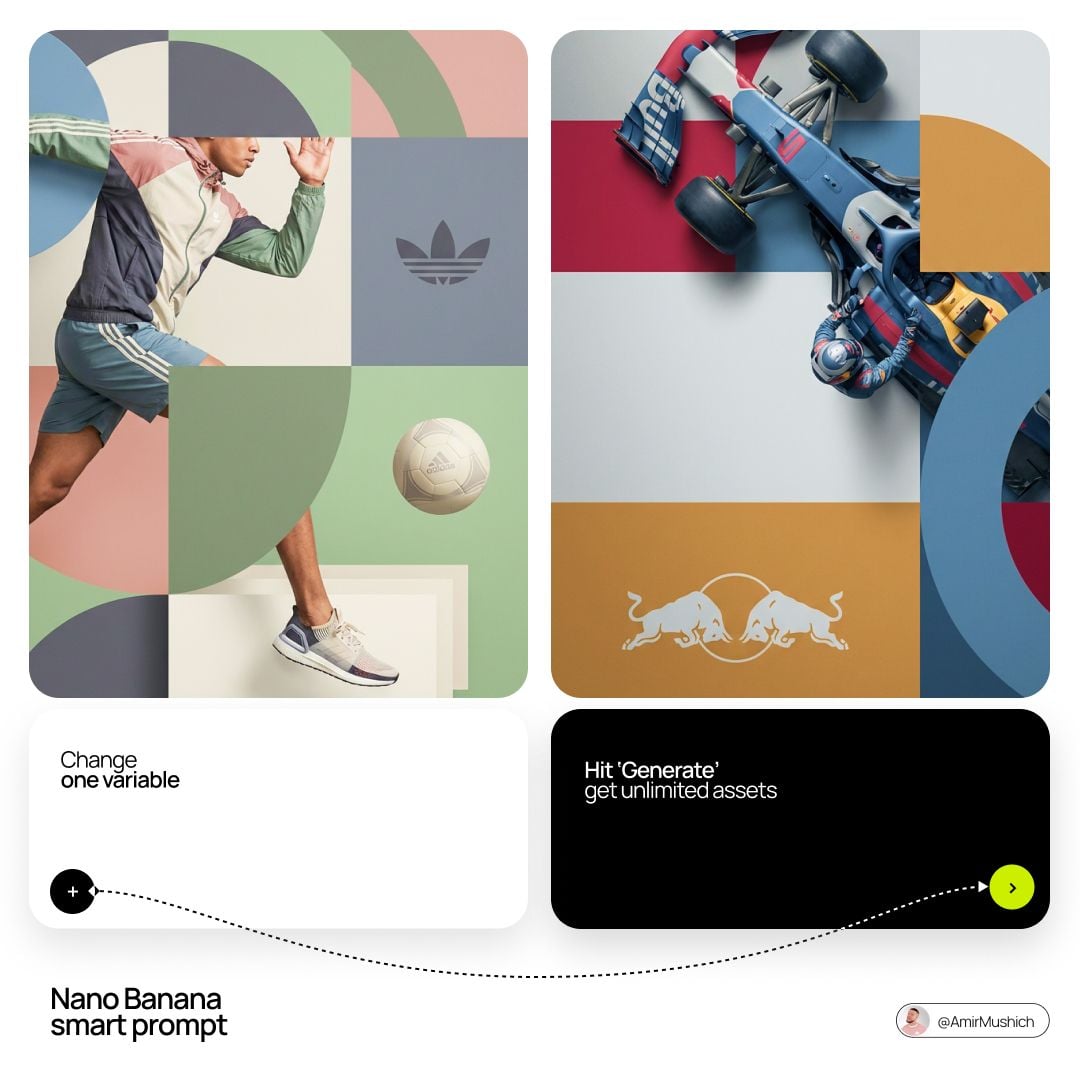
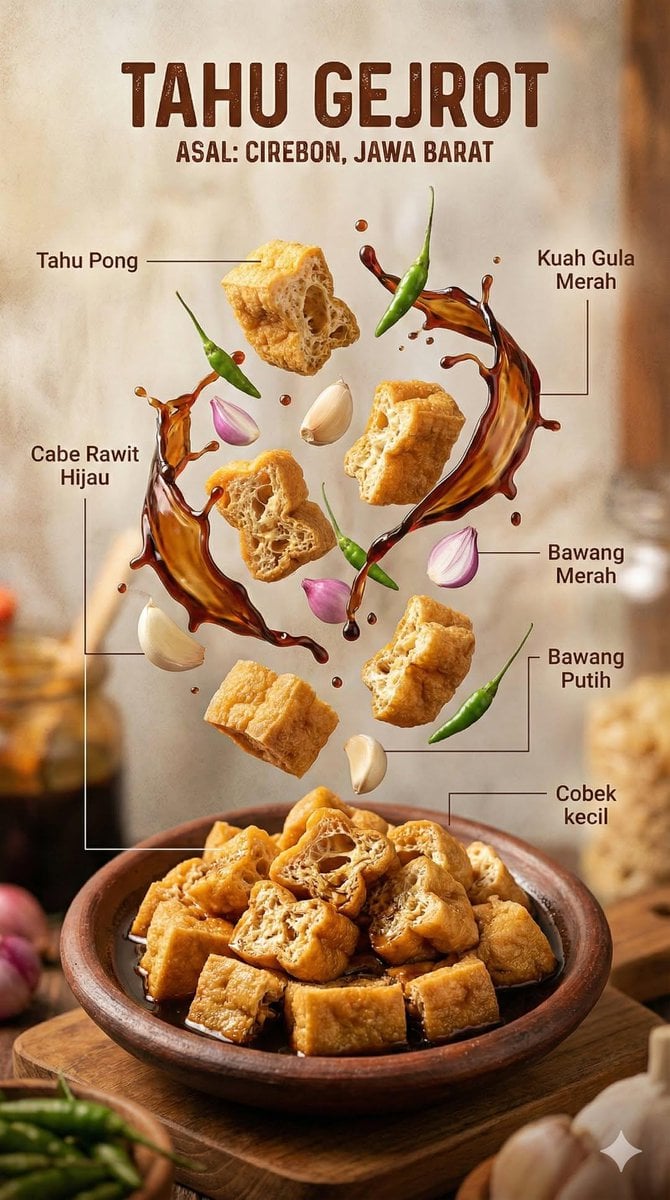
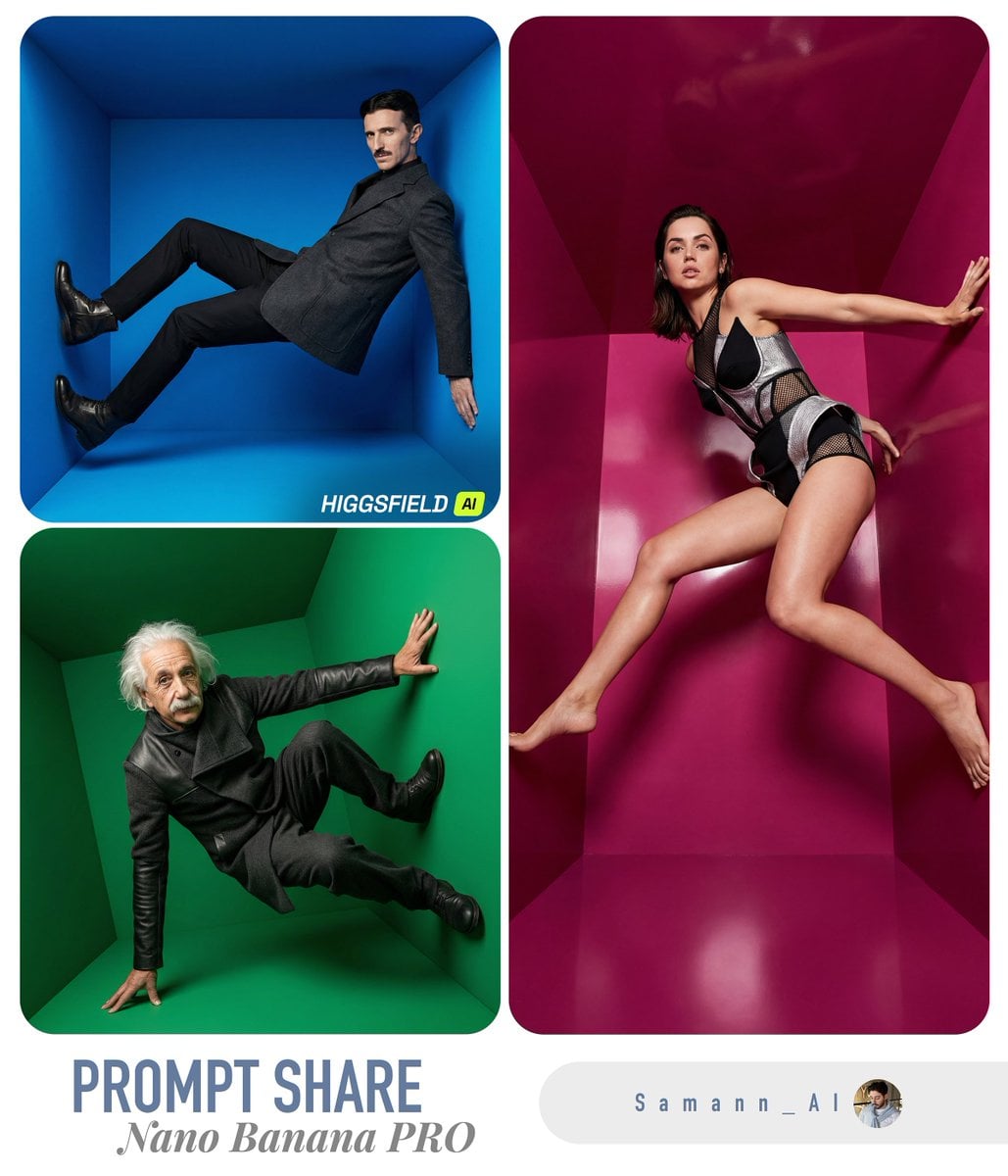
Protect identity and natural texture
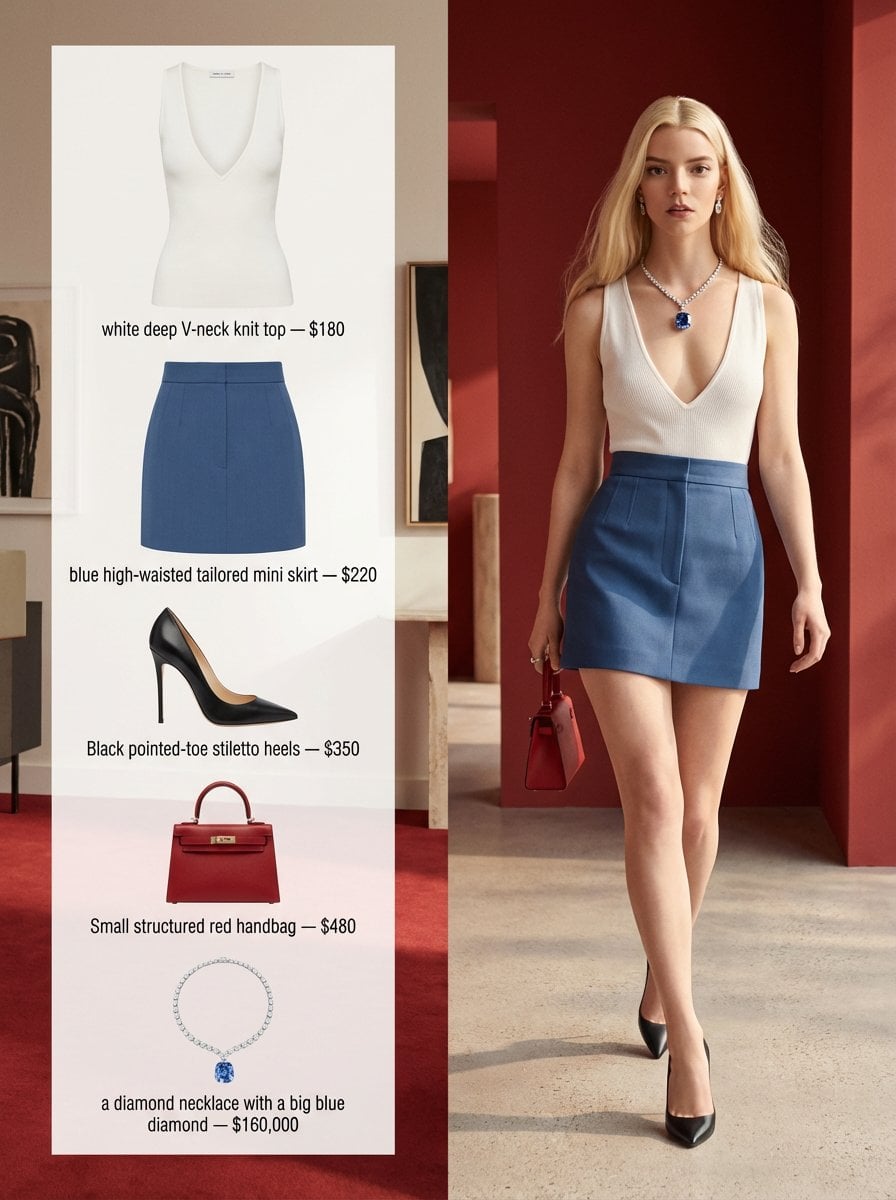
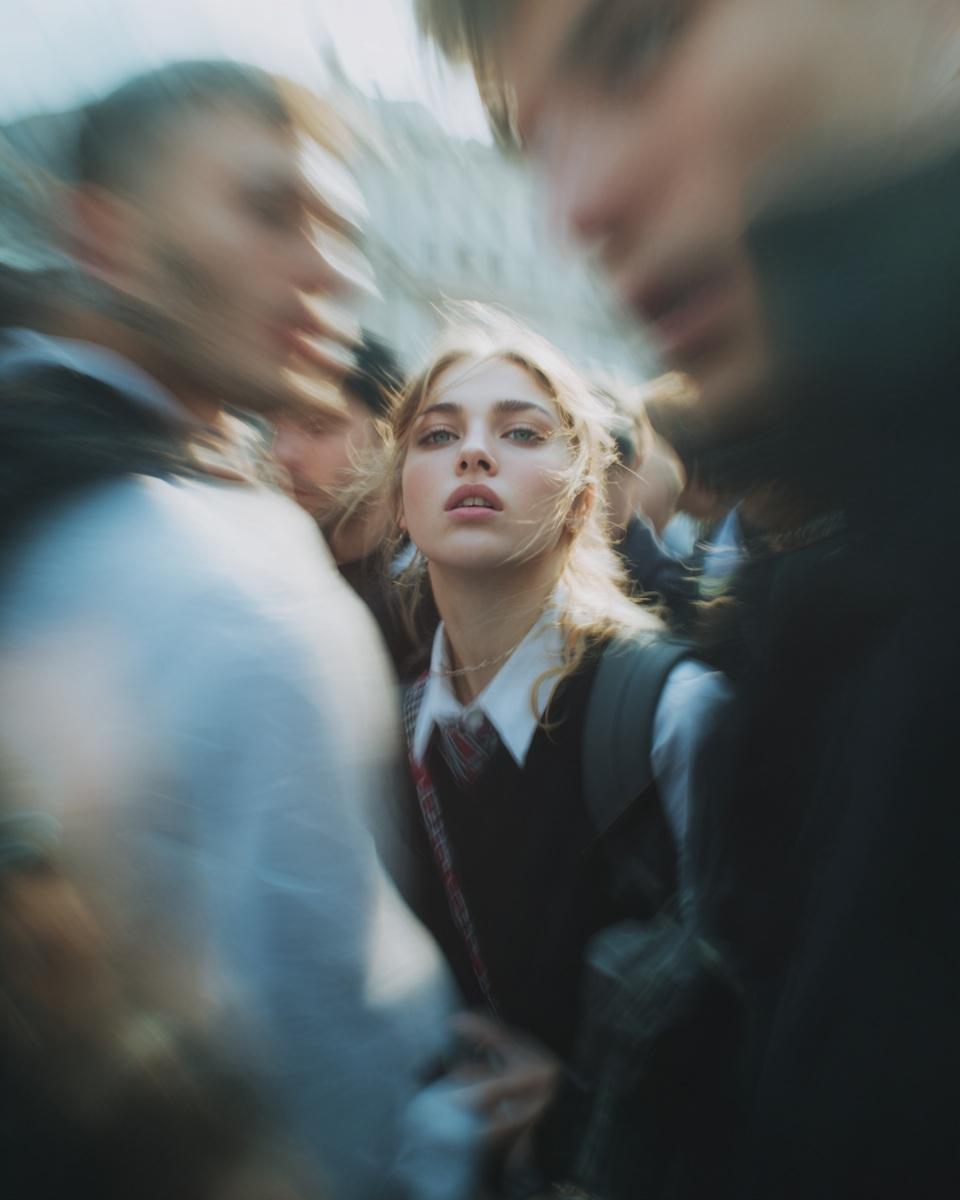
A Pro portrait prompt should lock facial structure and pose while directing wardrobe, setting, lens, and believable light.
In Bimg, keep identity cues and skin texture explicit so refined portraits stay natural.
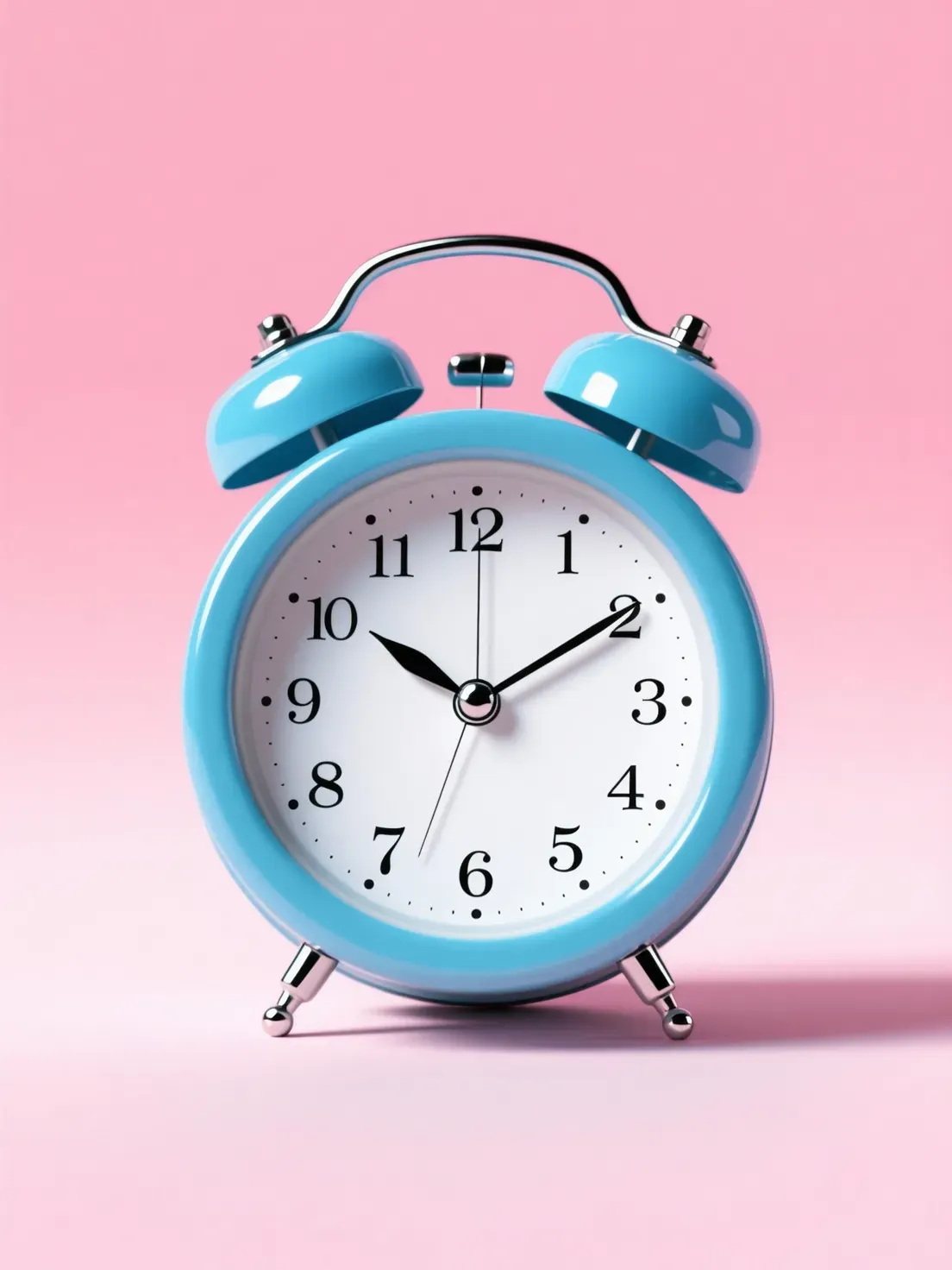
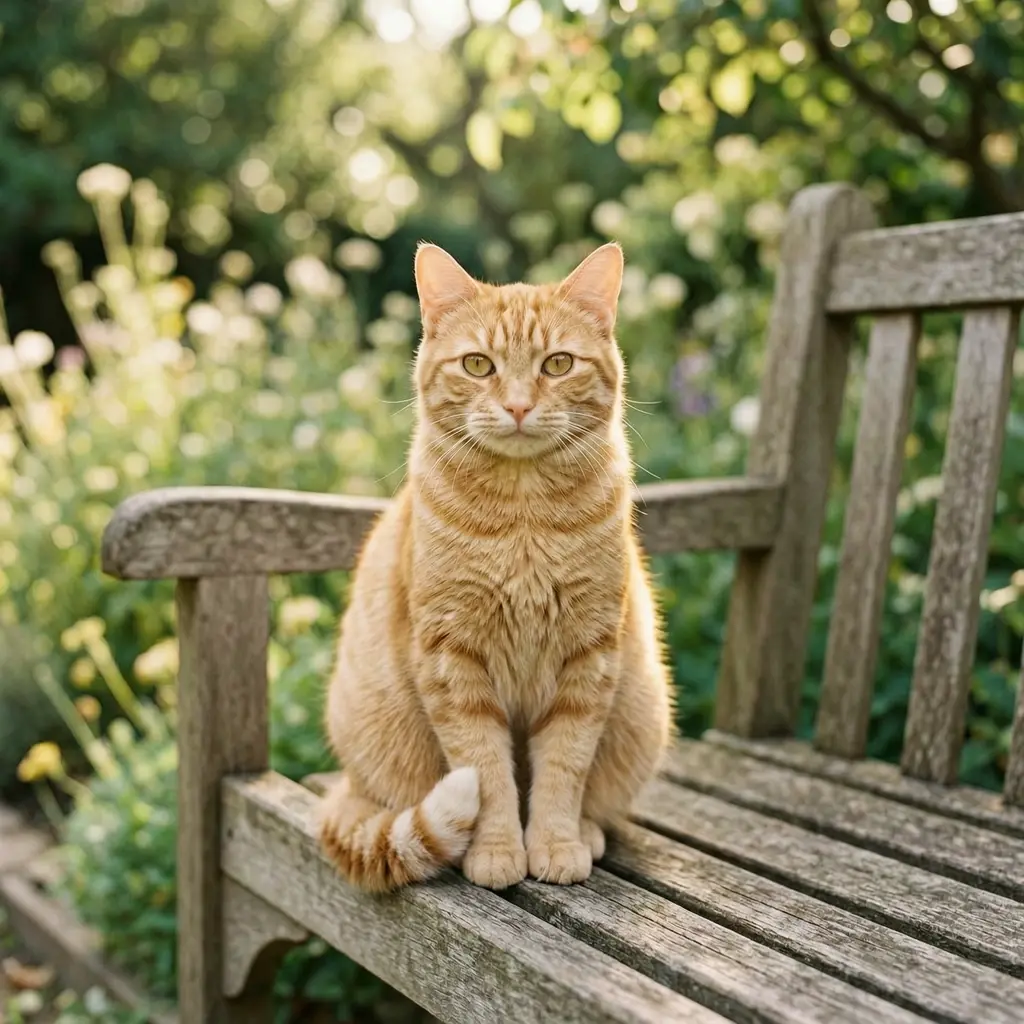
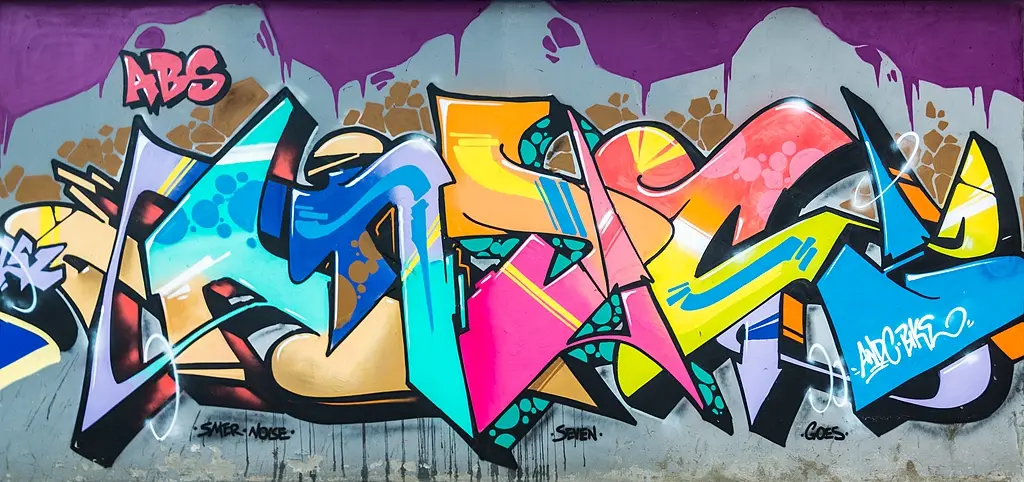
Create refined 1K, 2K, and 4K visuals with Wan 2.7 Image Pro on Bimg. Use text or up to five references for detailed portraits, complex composition, style transformation, and final artwork that needs larger delivery.

Wan 2.7 Image Pro is selected by default. Create one image from a prompt and optional references here, or open the batch workspace when you need Variations, CSV, or Products.
Explore a high-quality selection drawn specifically for this page from Bimg’s cross-model prompt library. Copy a prompt or use it as a starting point with Wan 2.7 Image Pro.
This page uses its own stable random selection from Bimg’s highest-quality cross-model prompts, so model pages do not repeat the same gallery. The examples are inspiration, not verified Wan 2.7 Image Pro outputs.
Browse the full prompt galleryThe settings below reflect the capabilities currently exposed in Bimg, so the generator and this guide stay aligned.
Bimg is an independent platform and is not affiliated with, sponsored by, or endorsed by Alibaba. Model names are used for identification purposes only.
Bimg exposes the controls needed for repeatable production while keeping model-specific limits visible.
A Pro portrait prompt should lock facial structure and pose while directing wardrobe, setting, lens, and believable light.
In Bimg, keep identity cues and skin texture explicit so refined portraits stay natural.

Name foreground, background, overlap, reflection, and negative space so complexity remains organized.
Order several elements around one hierarchy in Bimg so a busy scene still reads clearly.

Preserve subject, geometry, pose, and framing first, then describe the new material and mark-making behavior.
Name the target medium in Bimg while stating the structure to preserve so a restyle keeps its composition.

Move from a written brief to a new visual, or use references when Wan 2.7 Image Pro supports them. Both workflows send a working prompt directly to the generator above.

Write a detailed production brief with subject hierarchy, spatial relationships, material, lens, light, palette, and final ratio. Select 4K only for an approved composition.

Use references to protect identity, product, composition, and camera while directing a refined change in setting, material, or style.
Upload up to five reference images when Wan 2.7 Image Pro needs an existing subject, palette, or layout to guide the edit.
A strong prompt reads like a compact creative brief: concrete enough to guide the model, but organized enough to edit.
Subject + hierarchy + material and light + reference roles + output resolutionFor portraits, state facial structure, pose, hands, body proportions, lens, and crop as protected before changing wardrobe or setting.
Editorial portrait of a middle-aged furniture designer, recognizable natural facial structure, cobalt work coat, warm timber workshop with one coral chair, soft north-window light, realistic skin and fabric texture, 4:3.
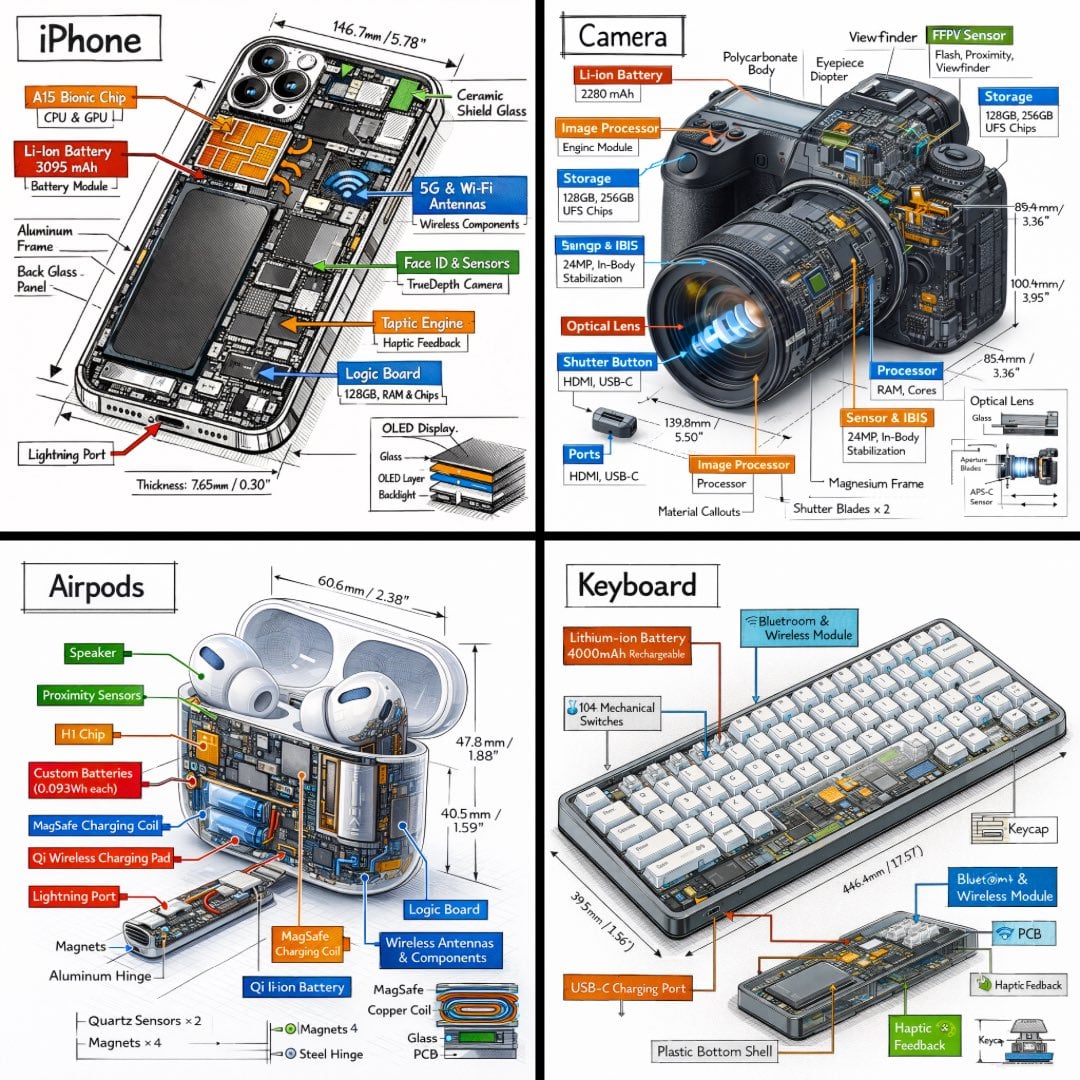
Complex campaign scenes improve when foreground, background, reflection, framing, and negative space are explicit.
Premium furniture campaign: coral sculptural chair in foreground, cobalt glass side table behind, pale concrete arch framing both, soft garden visible through the opening, long afternoon shadows, clean 16:9 composition.
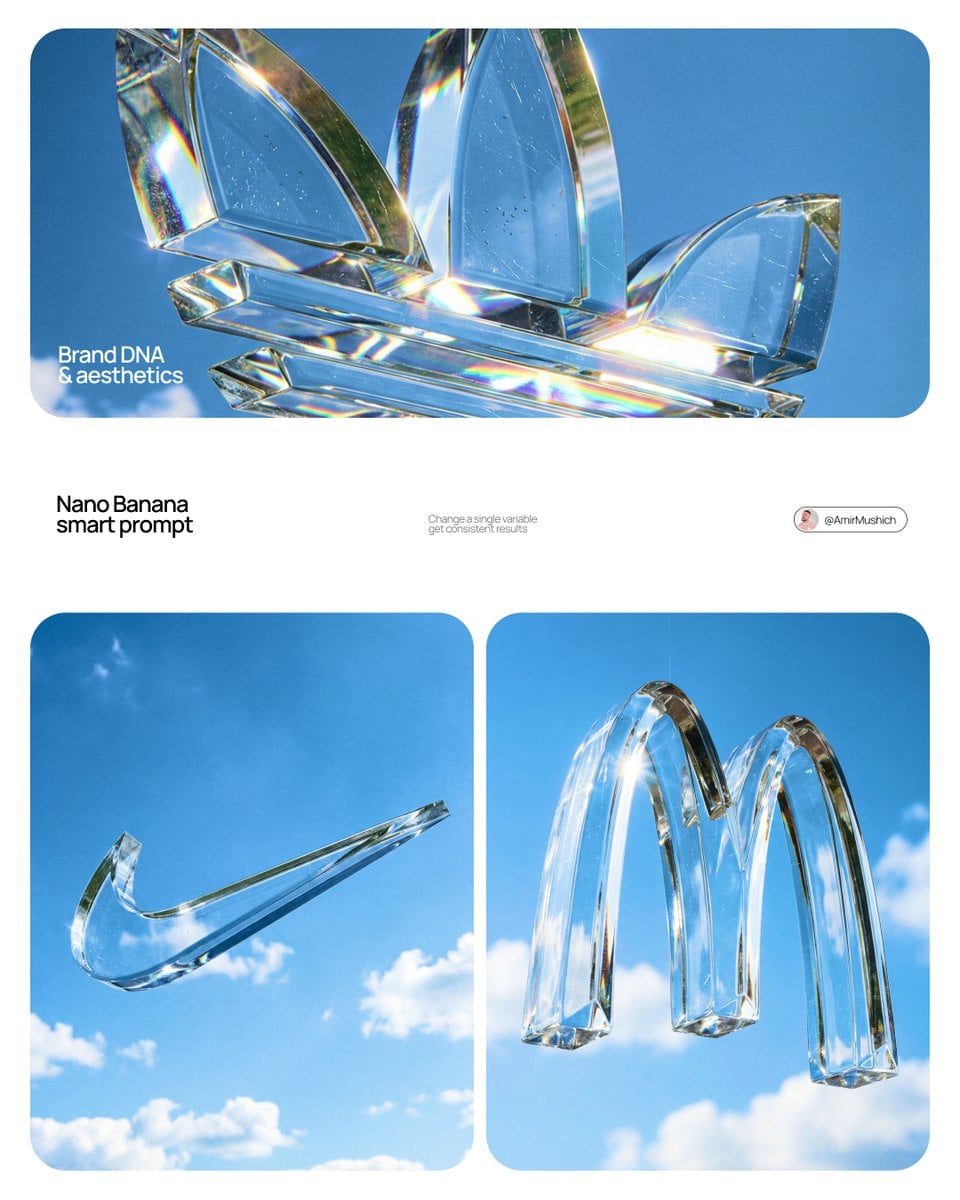
For style changes, describe paper, paint, edge, grain, brush, translucency, and palette while preserving source structure.
Keep the original subject, pose, silhouette, and composition unchanged. Transform the image into a layered gouache painting on warm textured paper, cobalt shadows and coral highlights, visible brush edges, no added objects or text.
The same three-step workflow works for one-off ideas and structured batch production.
Wan 2.7 Image Pro is selected when the page loads. Write one prompt, add supported reference images when needed, or open the batch workspace for larger jobs.
Describe the subject, context, composition, style, and constraints. Then choose the supported ratio and resolution for Wan 2.7 Image Pro, adding reference images only when the model allows them.
Submit the job, compare the Wan 2.7 Image Pro results, and regenerate with targeted prompt changes. Completed work is available in history for later review and download.
Use credits, output tiers, and creative strengths as practical selection signals. The best model depends on the job, not one universal ranking.
| Model | Best-fit strength | Output tiers | Credits / image |
|---|---|---|---|
| Wan 2.7 Image Pro | high-detail final output | 1K / 2K / 4K | 33 |
| Qwen Image 2.0 | balanced quality and speed | 1K / 2K | 13 |
| Qwen Image 2.0 Pro | text-rich and refined visuals | 1K / 2K | 31 |
| Z-Image-Turbo | fast creative iteration | 1K / 2K | 7 |
Practical answers about access, credits, inputs, output controls, batch workflows, and responsible review.
It is designed for detailed portraits, complex commercial compositions, refined style transformations, reference editing, and output up to 4K.
Choose Pro when the approved brief needs larger 4K delivery, more refined detail, or a more demanding portrait, composition, or transformation.
It supports reference images, but results must still be reviewed. Protect facial structure, pose, proportions, hands, lens, and crop explicitly in the prompt.
Yes. Preserve subject and composition first, then describe the target medium, surface, marks, edge quality, and palette.
No. Use 1K or 2K while iterating. Choose 4K only after the creative direction is approved and the delivery requires it.
Yes. Validate one result on this page, then use Variations, CSV, or Products for an approved direction that needs scale.
Wan 2.7 Image Pro currently uses 33 Bimg credits per image, depending on the available output or quality setting. The generator shows the exact estimate before you submit, and normal Bimg refund handling applies to failed jobs.
The current Bimg integration exposes 1K, 2K, and 4K output. Available aspect ratios are shown beside the generator and update automatically when you change the model or workflow.
Yes. Bimg accepts up to 5 reference images for Wan 2.7 Image Pro. State what must remain consistent and what should change so the references act as clear constraints rather than vague inspiration.
No. Bimg is an independent image-generation platform and is not affiliated with, sponsored by, or endorsed by Alibaba. The model name is used only to identify the generation option available in the Bimg workspace.
Compare another model when you need a different balance of speed, detail, editing support, resolution, or credit cost.
Qwen Image 2.0 balances visual quality, iteration speed, and predictable controls for everyday creative production.
View modelQwen Image 2.0 Pro is a strong choice for layouts, realistic texture, and images where visible text matters.
View modelZ-Image-Turbo is designed for rapid drafts, affordable exploration, and high-volume creative iteration.
View modelWan 2.7 Image balances visual quality, iteration speed, and predictable controls for everyday creative production.
View model
Open the generator above with Wan 2.7 Image Pro already selected, write your brief, choose the delivery format, and move from one idea to a reviewable result in the same workspace.
Generate with this model