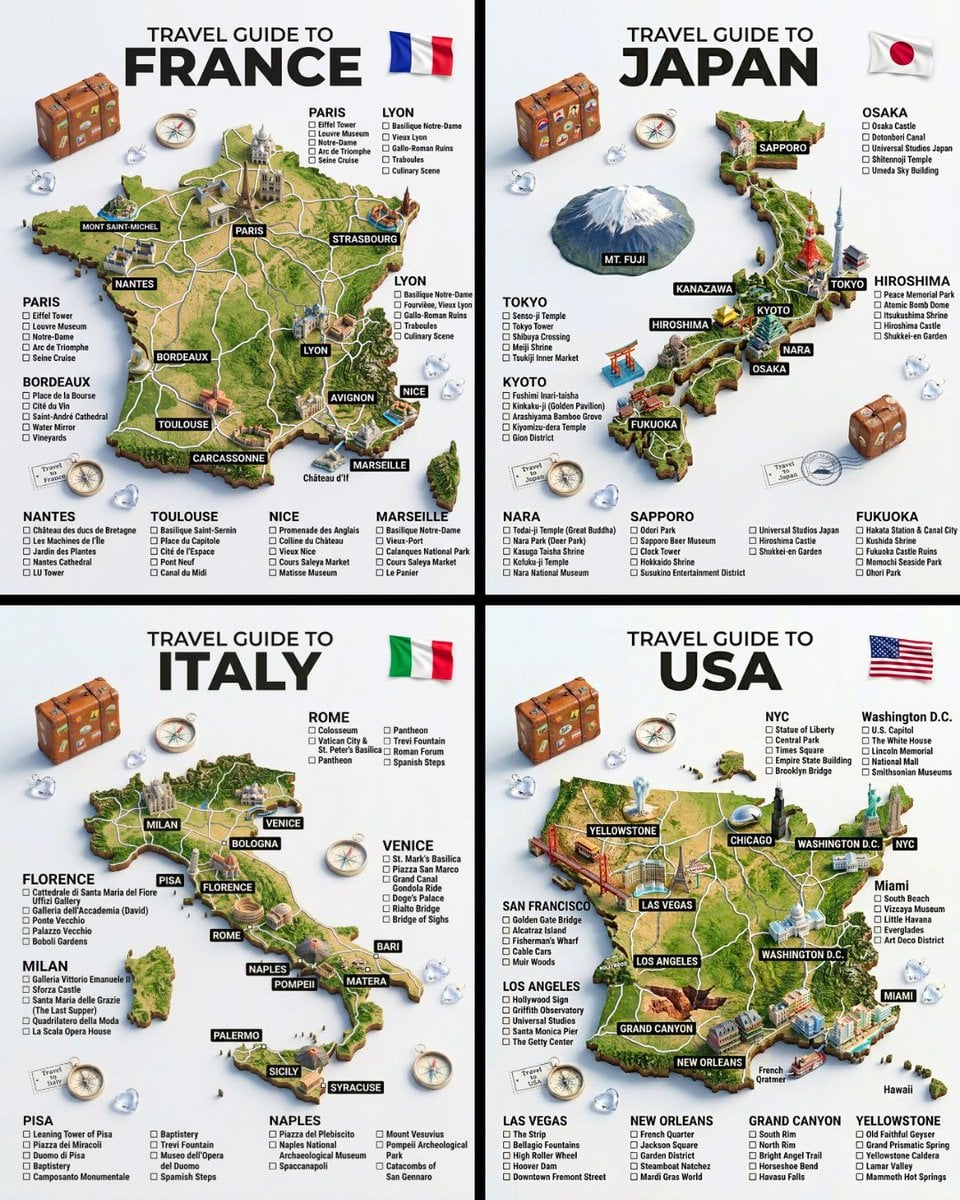
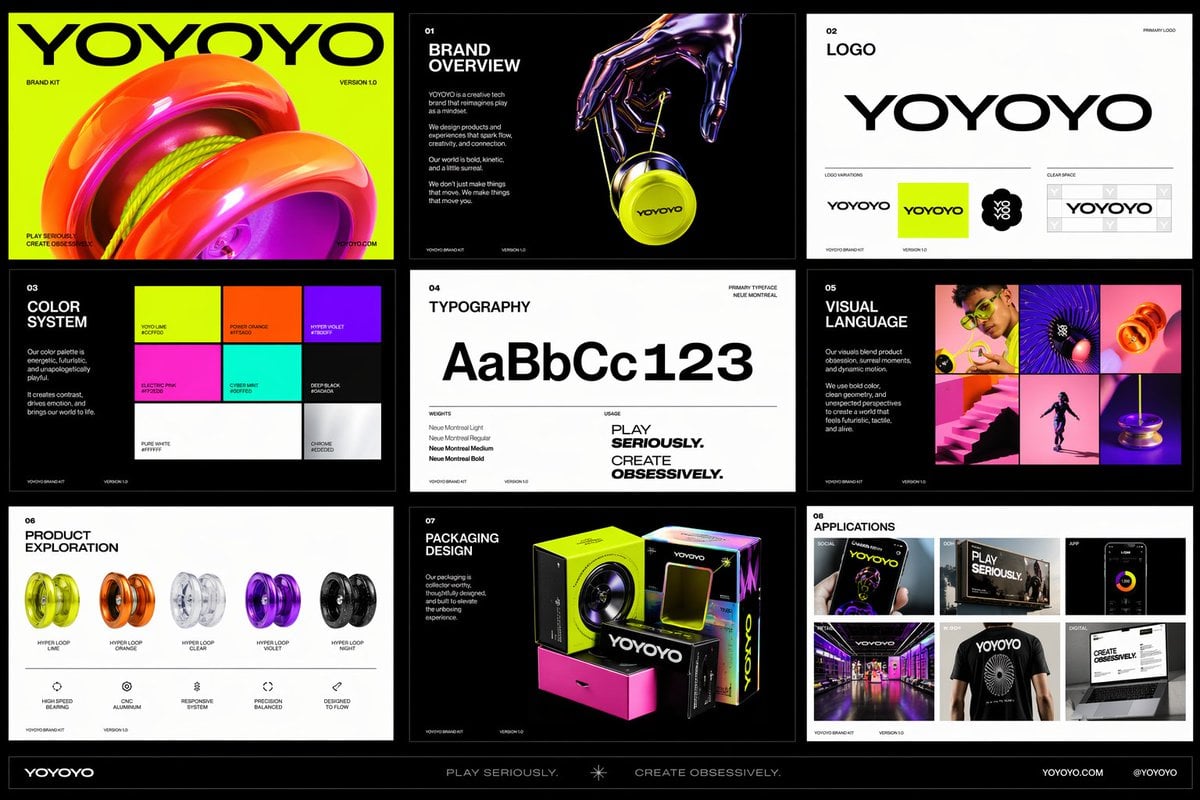
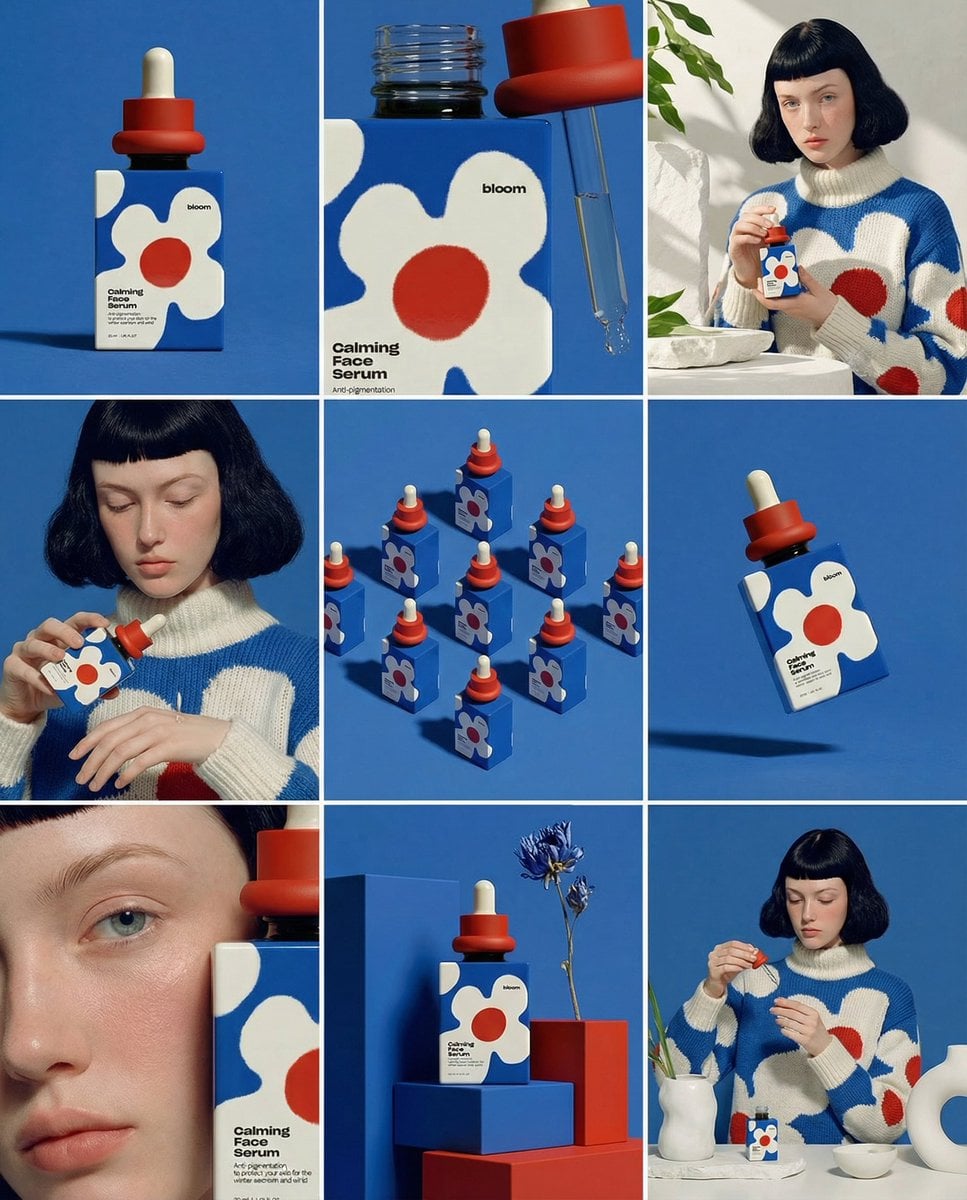
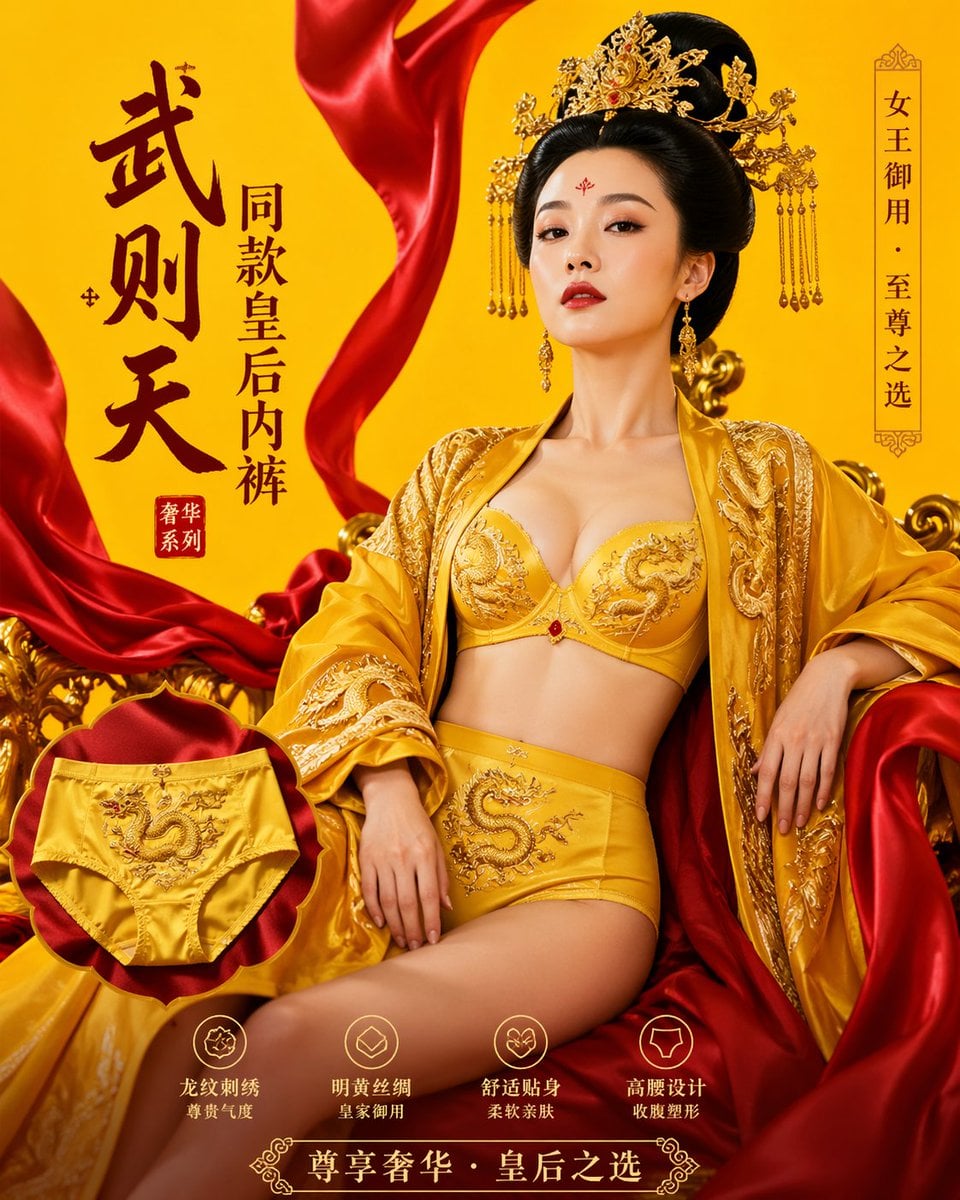
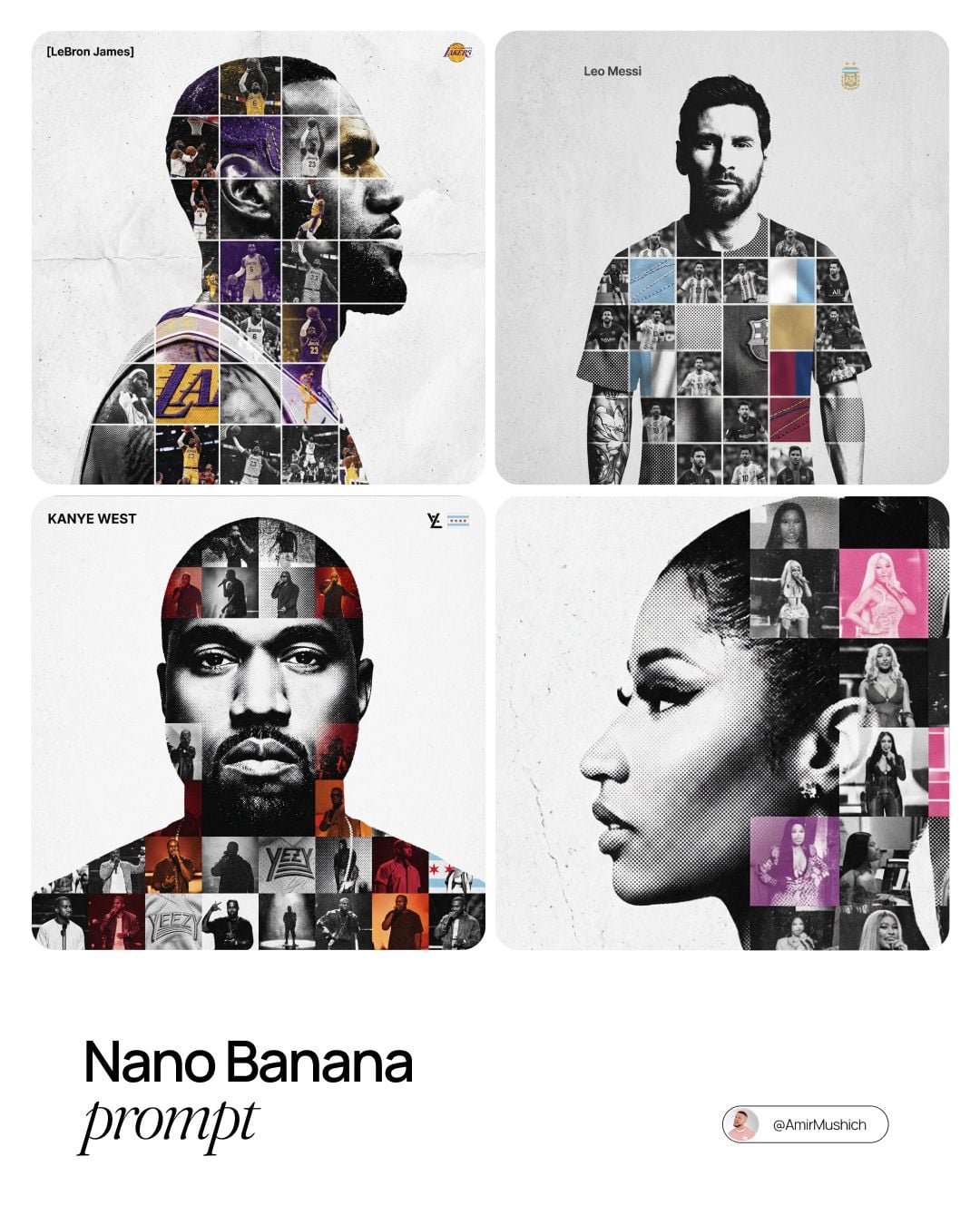
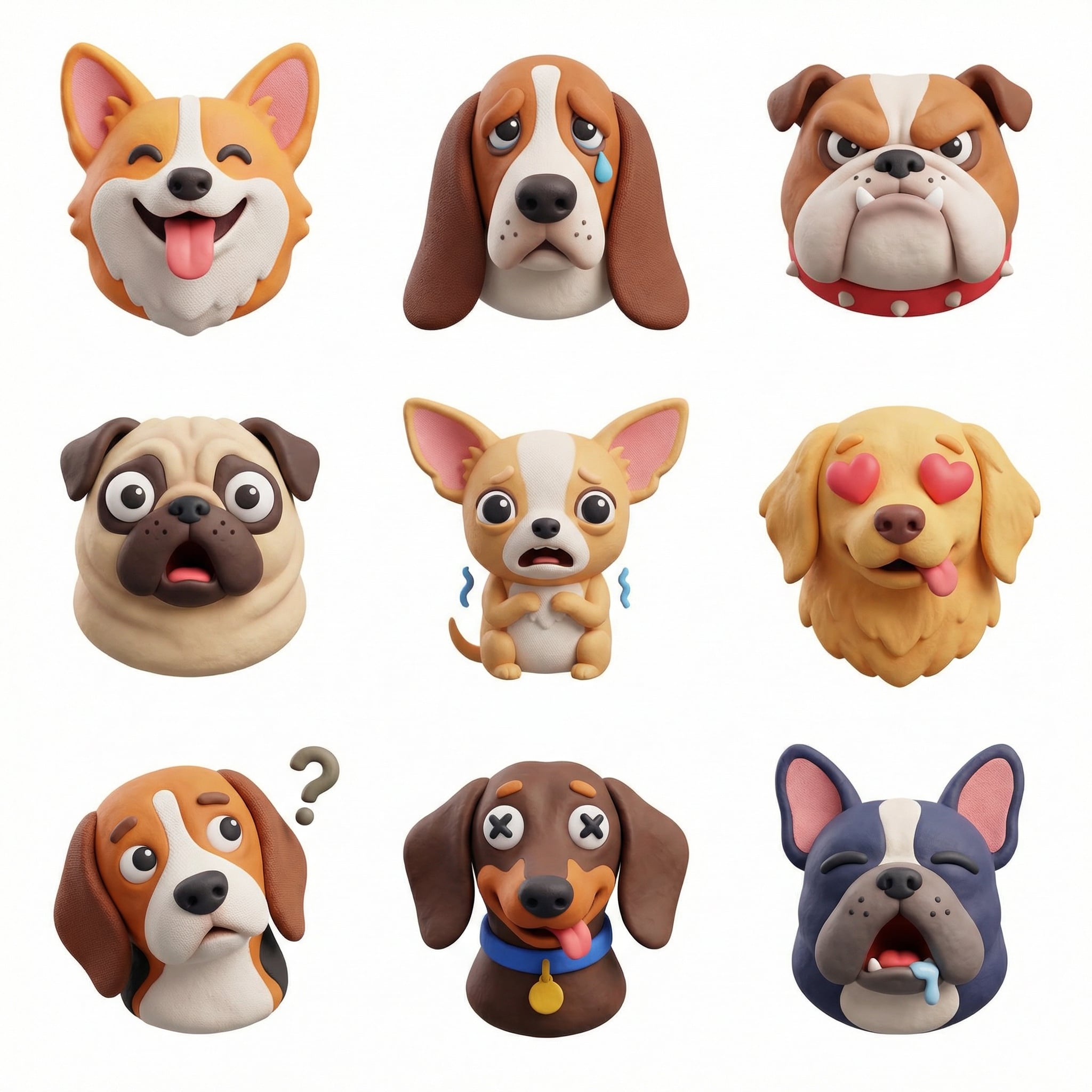
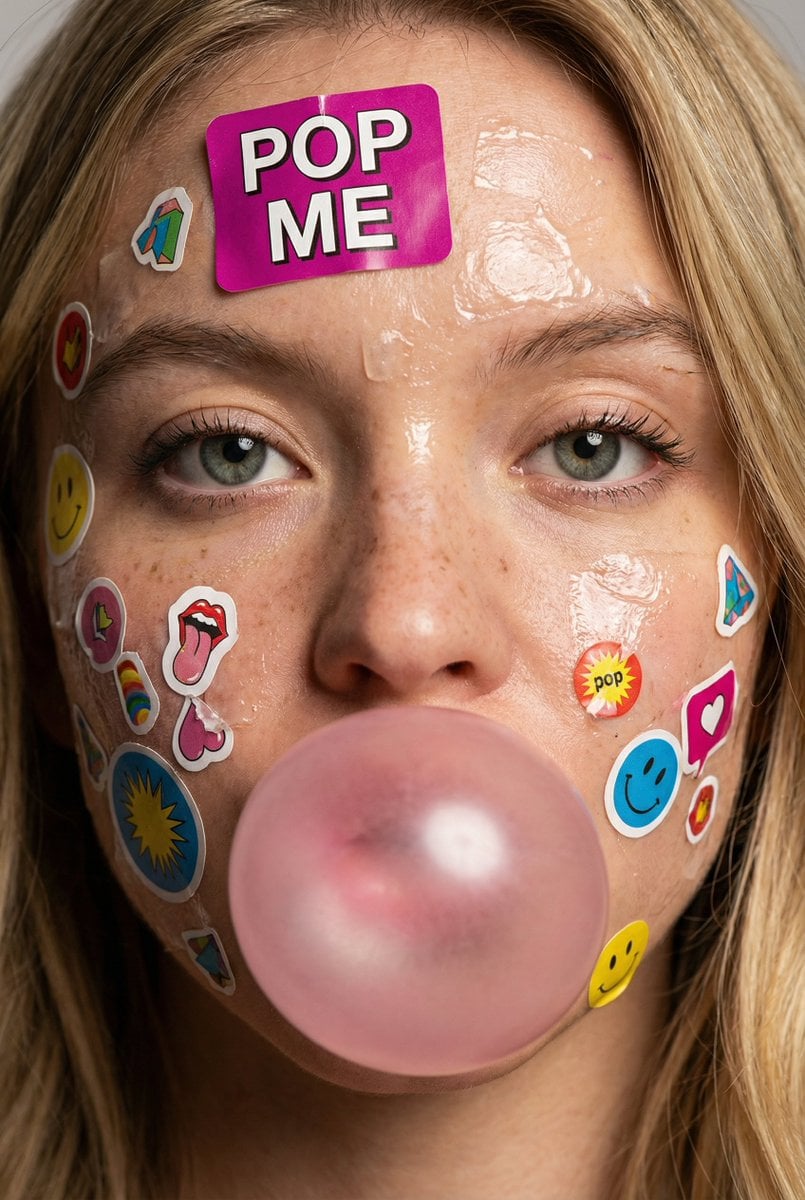
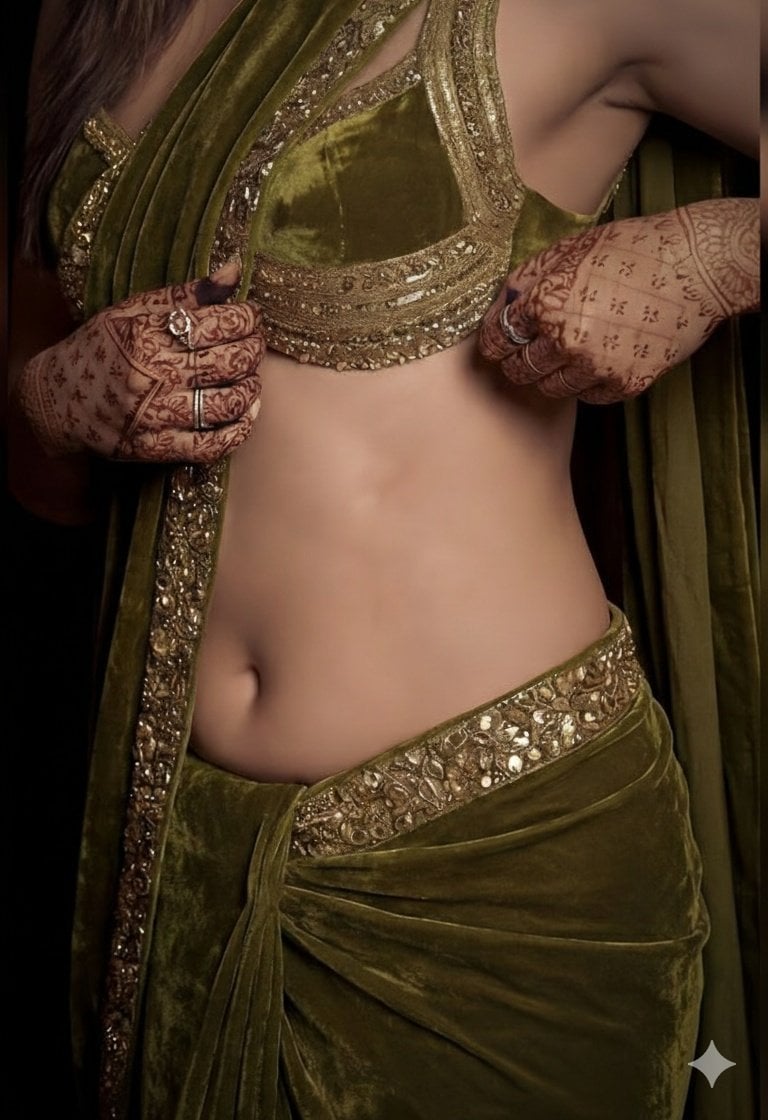
Free to start · No watermark · Up to 4K

Free AI Image Maker

Turn a text prompt into a finished picture, or upload a photo and let image-to-image restyle it. One AI image generator, many models — high resolution output with no watermark.

  • Free AI Image Maker — no credit card required
  • Text to image and image to image in one place
  • Nano Banana Pro, GPT Image 2, Seedream and more
  • No watermark on anything you download
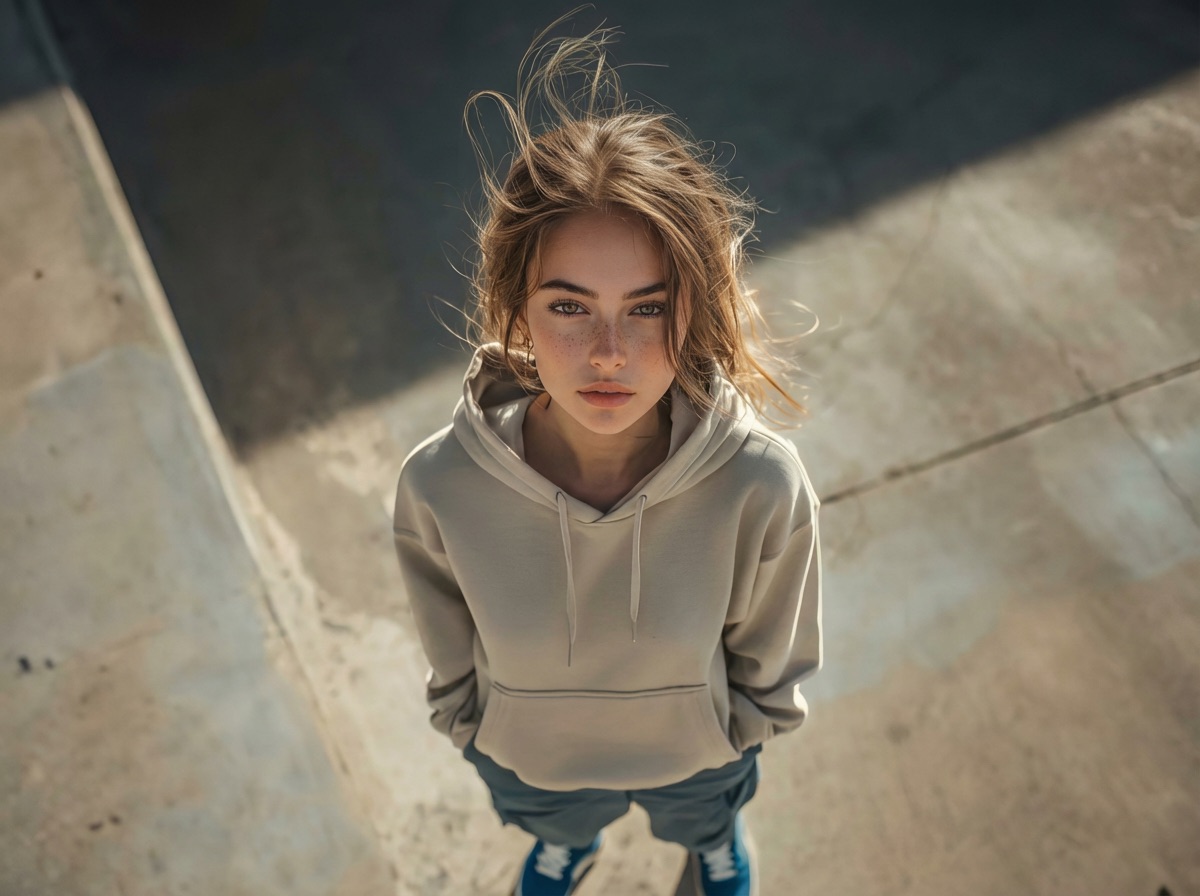
Photoreal portrait the AI Image Maker generated from a pencil sketch
Image to image

Pencil sketch → photoreal portrait

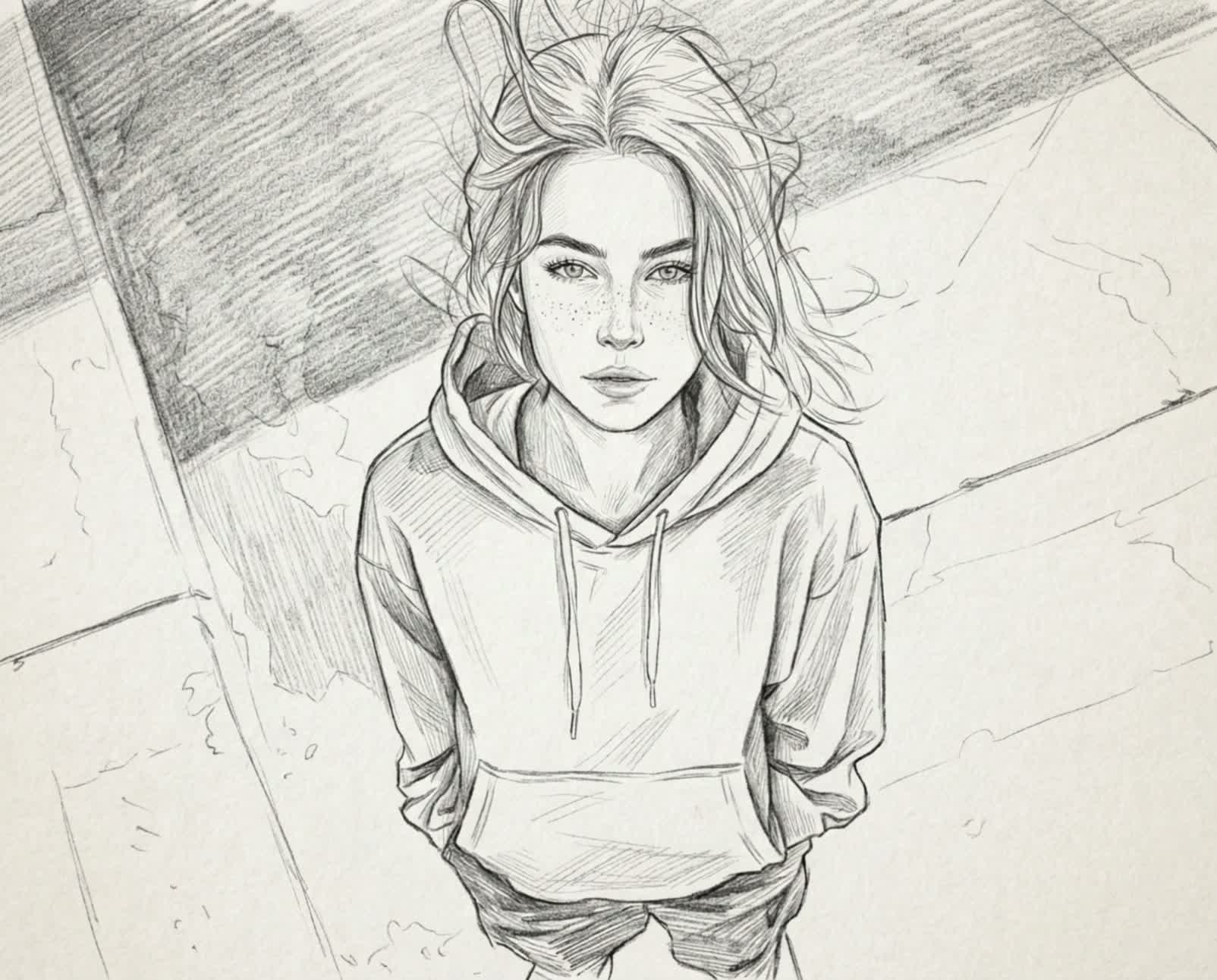
The original pencil sketch used as the input image
Input

Use the AI image maker online — free

Write a prompt to generate a new picture, or upload a photo to edit one you already have. Pick any model from the dropdown, set the size, and generate — nothing to install.

Loading the image generator…
Sample images

AI photo maker: a real before and after

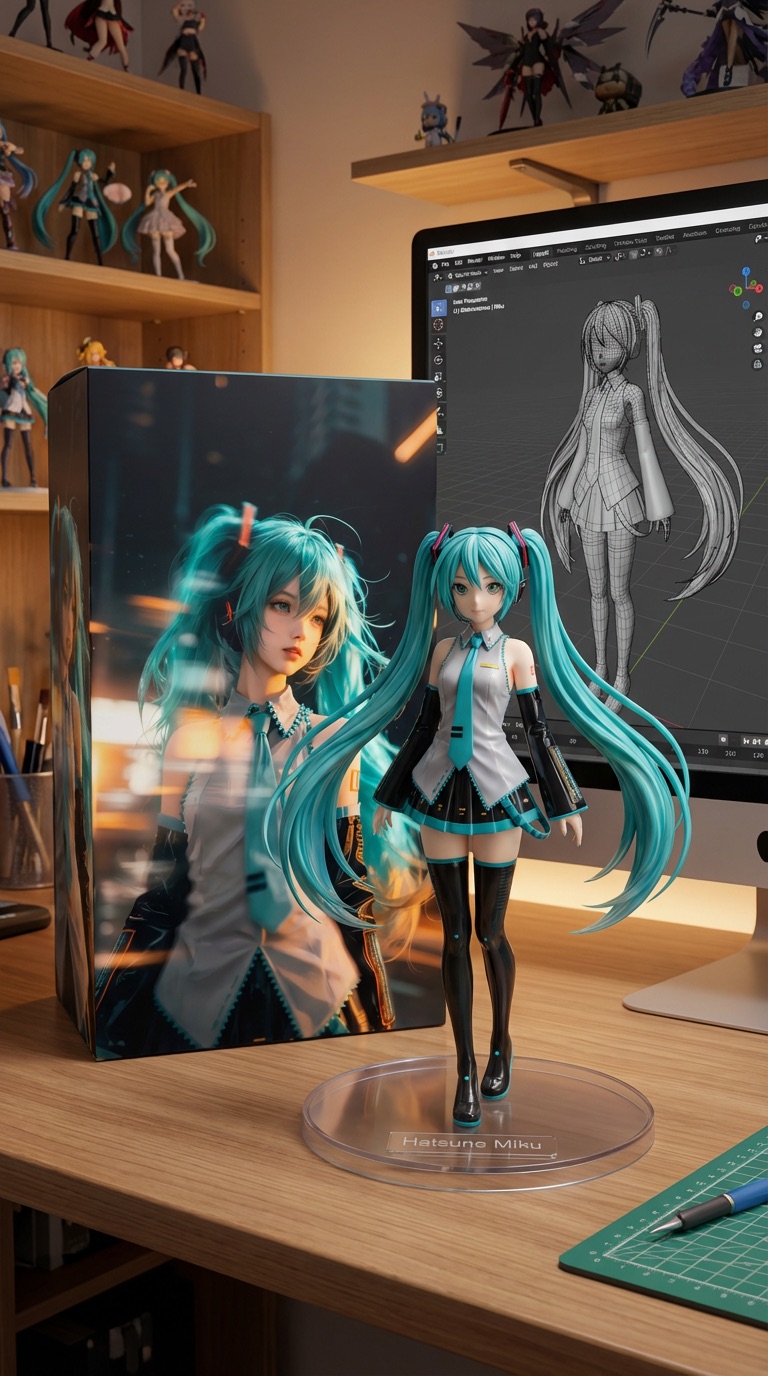
This is one generation, start to finish. Drag the handle to see what the AI photo maker did to the source picture.

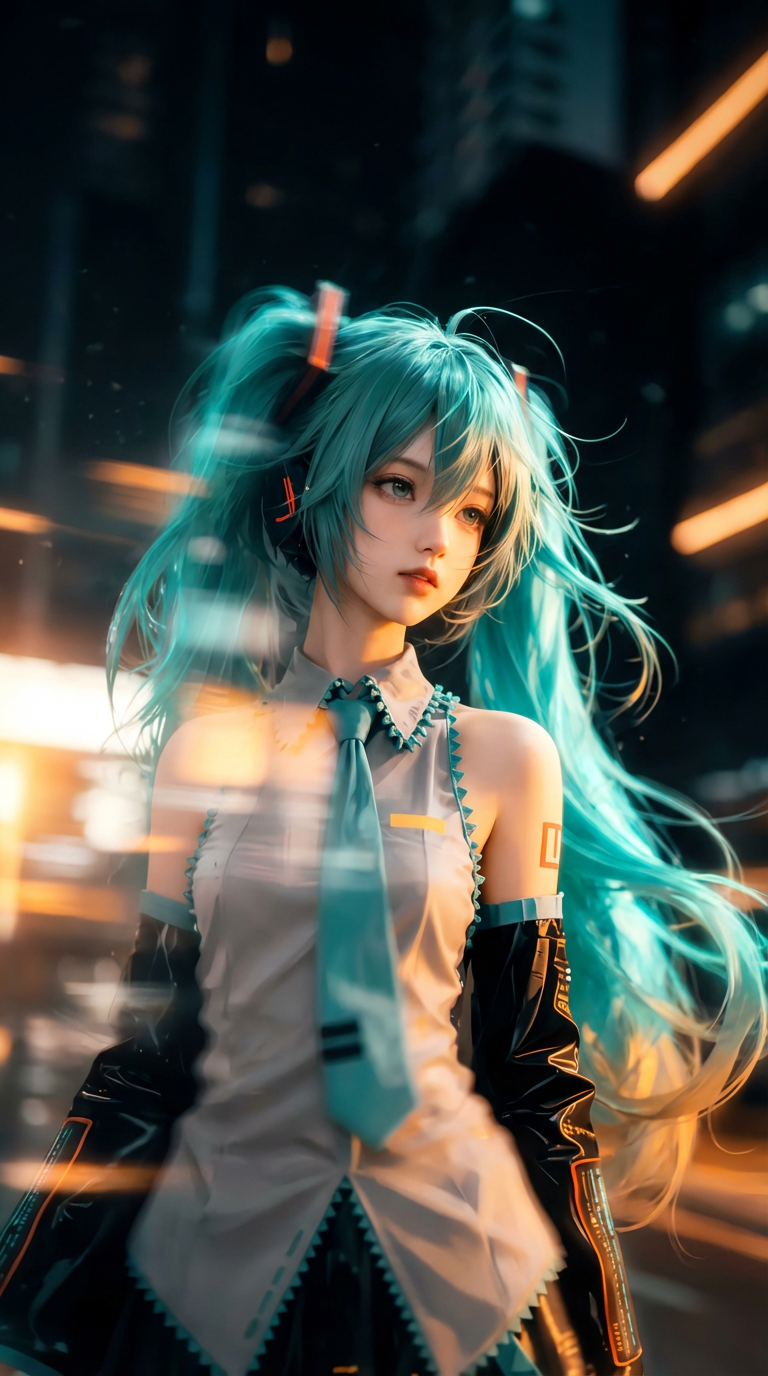
The same character rendered as a collectible desk figure, with the artwork printed on the product box behind itAnime character illustration used as the input imageBeforeAfter
Image to image

Use this picture to make a collectible figure of the character, standing on a clear acrylic base on a wooden desk. Print the original artwork on the product box behind it, and show the 3D modelling software open on the monitor.

One reference image, one prompt. No masking, no layers, no retouching.

Start making images

A free AI image generator and photo editor in one

Most people looking for an AI image generator actually need two things: a way to create a picture that does not exist yet, and a way to change a picture they already have. Bimg does both on this page. Describe what you want and the AI Image Maker draws it from scratch; upload a photo and the same tool restyles, edits, or extends it. You never have to move between an AI image generator and a separate photo editor.

The controls stay in plain language. There is no canvas, no layer stack, and no masking — you write what you want, choose an aspect ratio and a resolution, and generate. If the first result is not right, change one sentence and run it again. Most generations take seconds, so iterating is cheaper than getting the prompt perfect on the first attempt.

Everything you make is yours. Downloads come out at full resolution with no watermark, they are saved to your library so you can re-download them later, and you can use them commercially. New accounts get free credits, so you can judge the output quality before you pay for anything.

Two modes

Text to image and image to image in one AI picture maker

Start from words or start from a photo. Both modes run on the same models and send their prompt straight to the generator above.

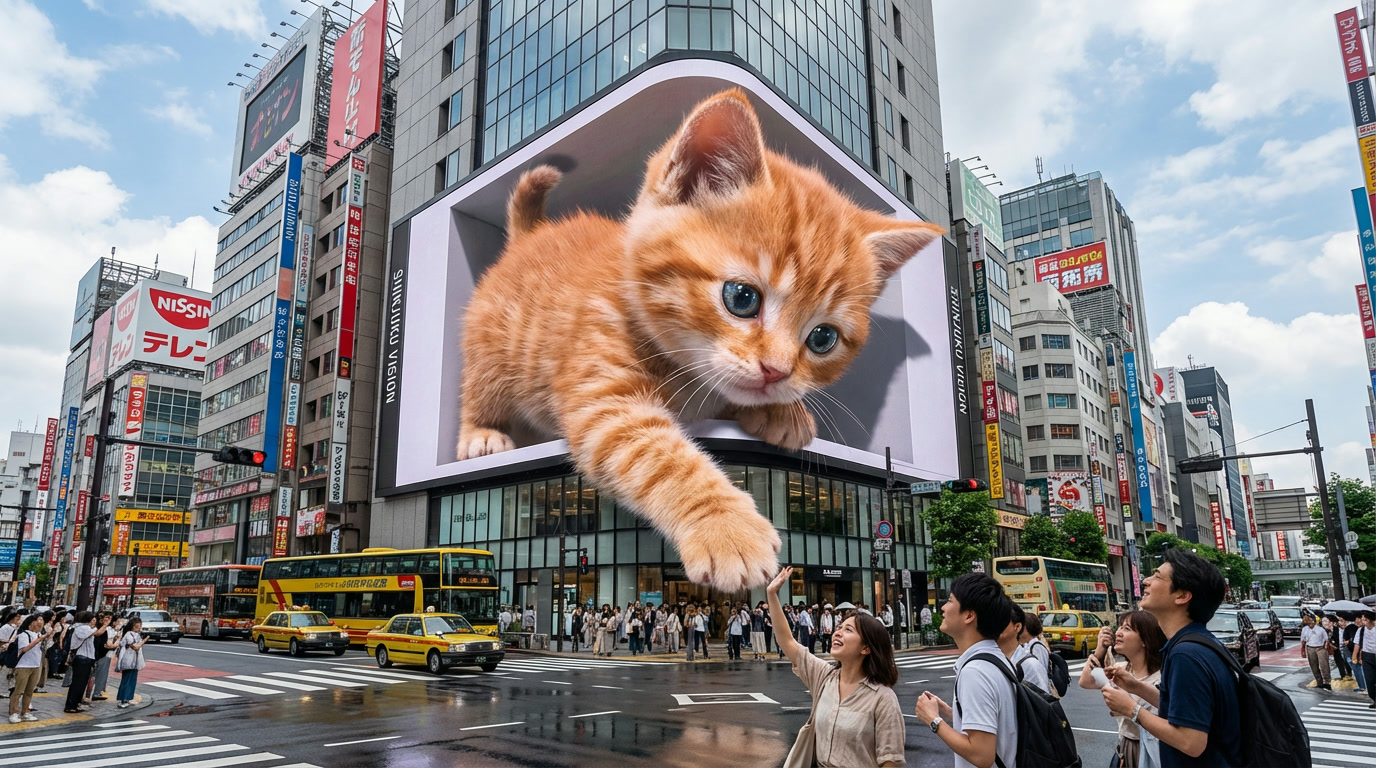
A 3D anamorphic billboard of a kitten above a busy Tokyo crossing, generated from a text prompt
Text to imageNo reference image needed

Describe a subject, a scene, or a style and the AI picture maker builds it from nothing. No reference image needed — this billboard scene, including the crowd, the reflections and the wet asphalt, came from one prompt.

A giant 3D anamorphic billboard on a busy Tokyo crossing at midday, a ginger kitten leaning out of the screen with one paw reaching toward the street, wet asphalt after rain, pedestrians looking up, photoreal, 16:9.
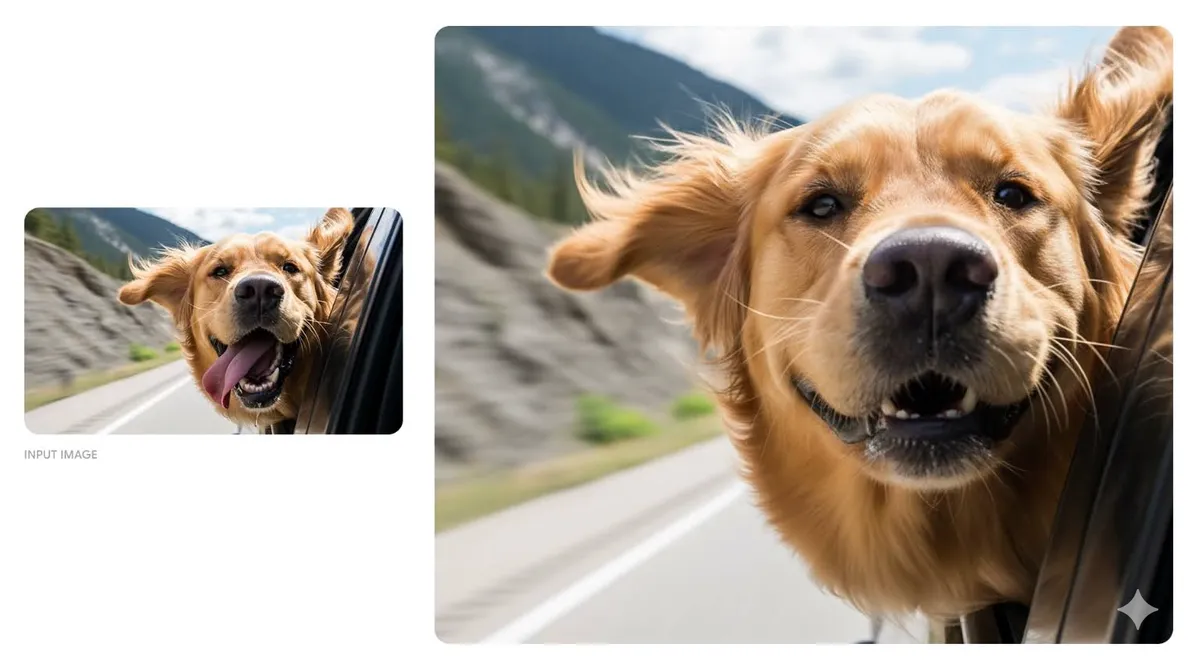
A photo of a dog leaning out of a car window, reframed by the AI Image Maker into a tight photoreal close-up
Image to imageUp to 5 reference images

Upload a photo and describe the change. The AI Image Maker keeps whatever you tell it to keep — here the dog, the car window and the mountain road all survive while the framing is pushed into a close-up — and you can add up to five references to steer the subject, style, or layout.

Keep the dog, its expression, the open car window and the mountain road exactly as they are. Reframe to a tight close-up on the head, hold the motion blur in the background, photoreal.

How it works

How to make an AI image in four steps

The same short workflow covers text-to-image generation and image-to-image editing.

  1. 1

    Pick your mode

    Stay on text to image to start from a prompt, or upload a photo to switch the AI Image Maker into image-to-image mode.

  2. 2

    Write the prompt

    Say what the picture shows, in what style, and how it is framed. For image to image, say what to keep before you say what to change.

  3. 3

    Set model and size

    Choose a model, an aspect ratio, and a resolution. The credit cost updates before you spend anything, so there are no surprises.

  4. 4

    Generate and download

    Results arrive in seconds. Regenerate with a tweak until it lands, then download at full resolution with no watermark.

Models

AI Image Maker models: pick the right engine

Every model below runs inside the same generator. Switch between them at any time — the prompt you already wrote comes with you.

Google

Nano Banana Pro

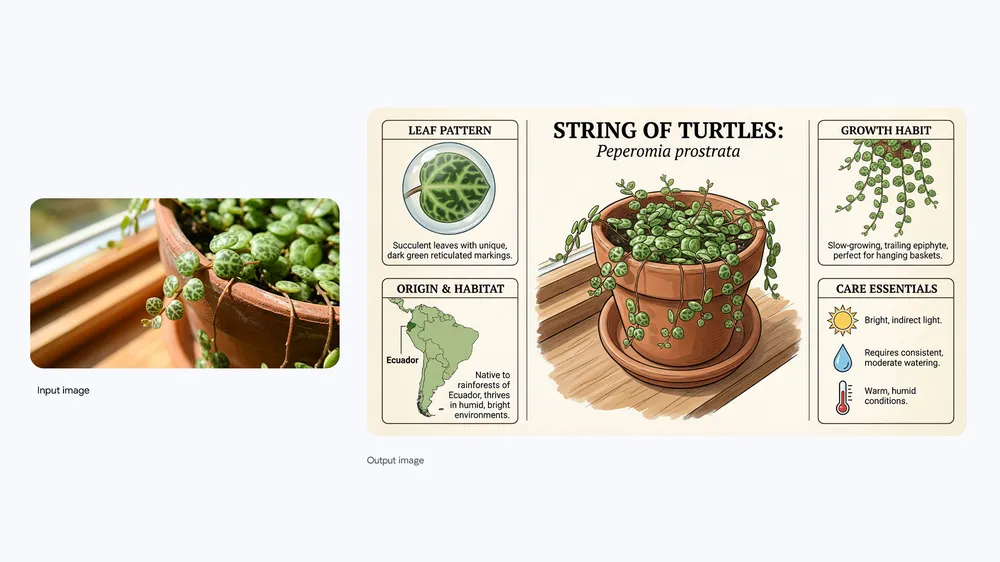
Nano Banana Pro is Google’s highest-quality image model and what this AI Image Maker loads first. It reads long, specific prompts closely, renders legible text inside the picture, and brings real knowledge to an edit — the identification card above was built from nothing but the photo beside it.

  • Keeps characters and products consistent across references
  • Renders readable text in posters, packaging and UI mockups
  • Generates up to 4K for print and large-format work
Modes
Text to image + image to image
Resolution
1K · 2K · 4K
Start making images
A single plant photo turned into an illustrated species card with legible labels and diagrams by Nano Banana Pro
Why this one

Why creators choose this free AI image maker

Two modes, a real model lineup, and clean files you actually own.

Two modesMany modelsUp to 4KNo watermarkCommercial useSaved library

Create and edit without switching tools

Text to image builds a picture from nothing. Image to image changes one you already have. Both live in the same generator, on the same prompt box.

A real model lineup, not one engine

Nano Banana Pro by default, plus GPT Image 2, Seedream, Qwen, Imagen and Z-Image-Turbo. Different jobs genuinely want different models.

Files you own, clean

Full-resolution downloads, no watermark, commercial use allowed, and a library that keeps every image so you can fetch it again later.

Who it is for

An AI image creator for every kind of work

Four jobs this page handles every day — each one shown with an image the AI image creator actually produced.

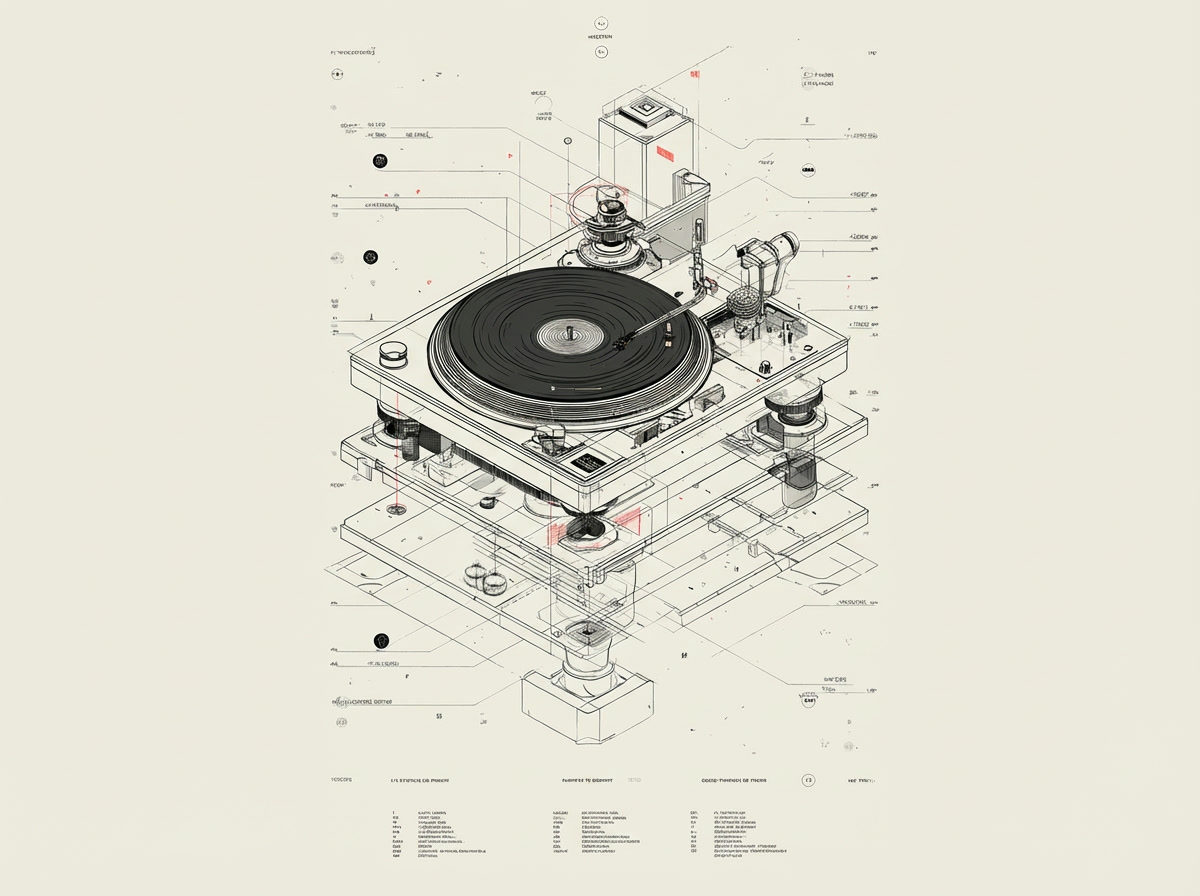
An exploded technical diagram of a record player with callout lines and annotations, generated by the AI image creator
Line art · Exploded views · Diagrams

Designers and technical illustration

Describe an assembly and get a clean exploded view with callout lines and labels, in the drawing style you asked for. It is a fast way to produce spec sheets, patent-style figures, and instructional diagrams without building them by hand in vector software — and to try five visual treatments before you commit to one.

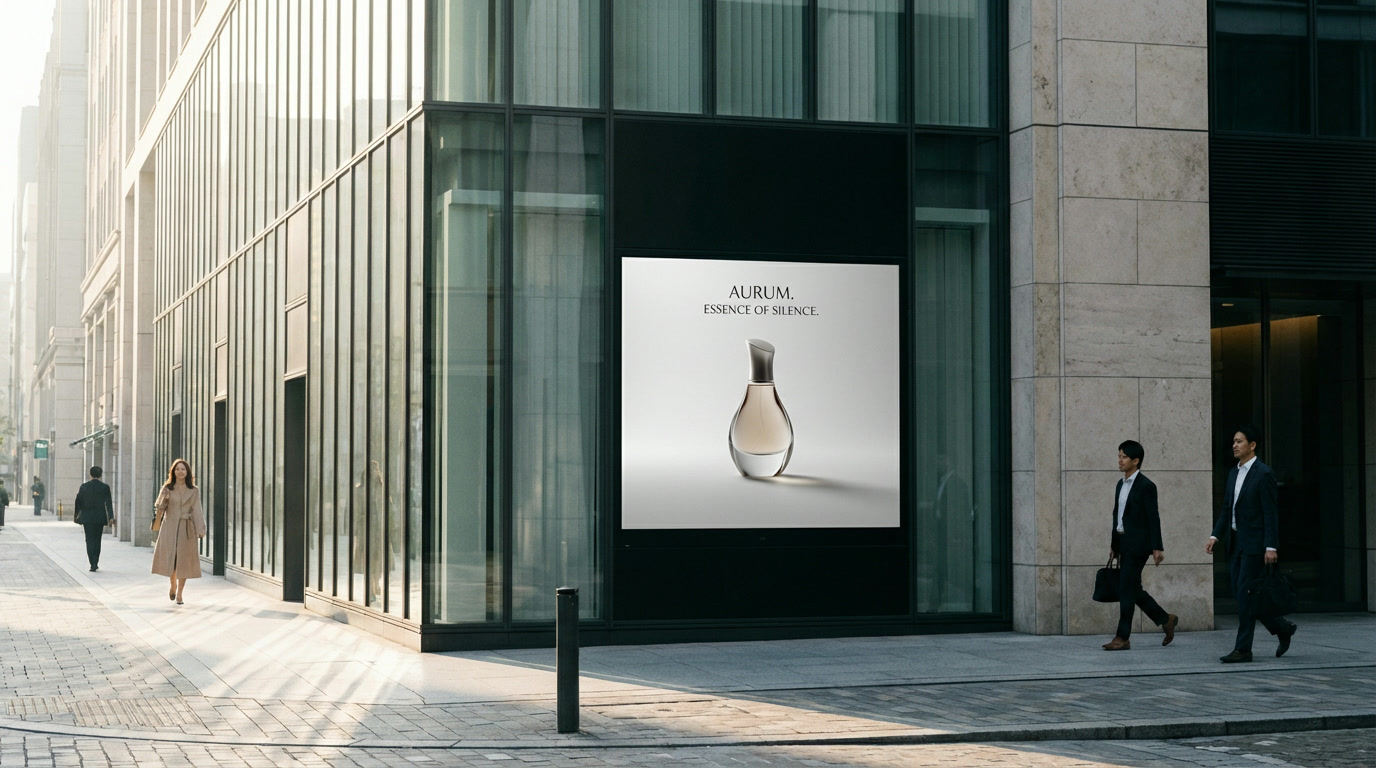
A minimalist perfume campaign displayed on a city storefront billboard, generated by the AI image creator
Campaign visuals · Mockups · Variations

Marketing and advertising

Generate the hero visual and the environment it lives in — the product, the poster, and the street it is mounted on, all in one pass. Because a variation costs one more generation, you can put five treatments in front of a client instead of describing four of them.

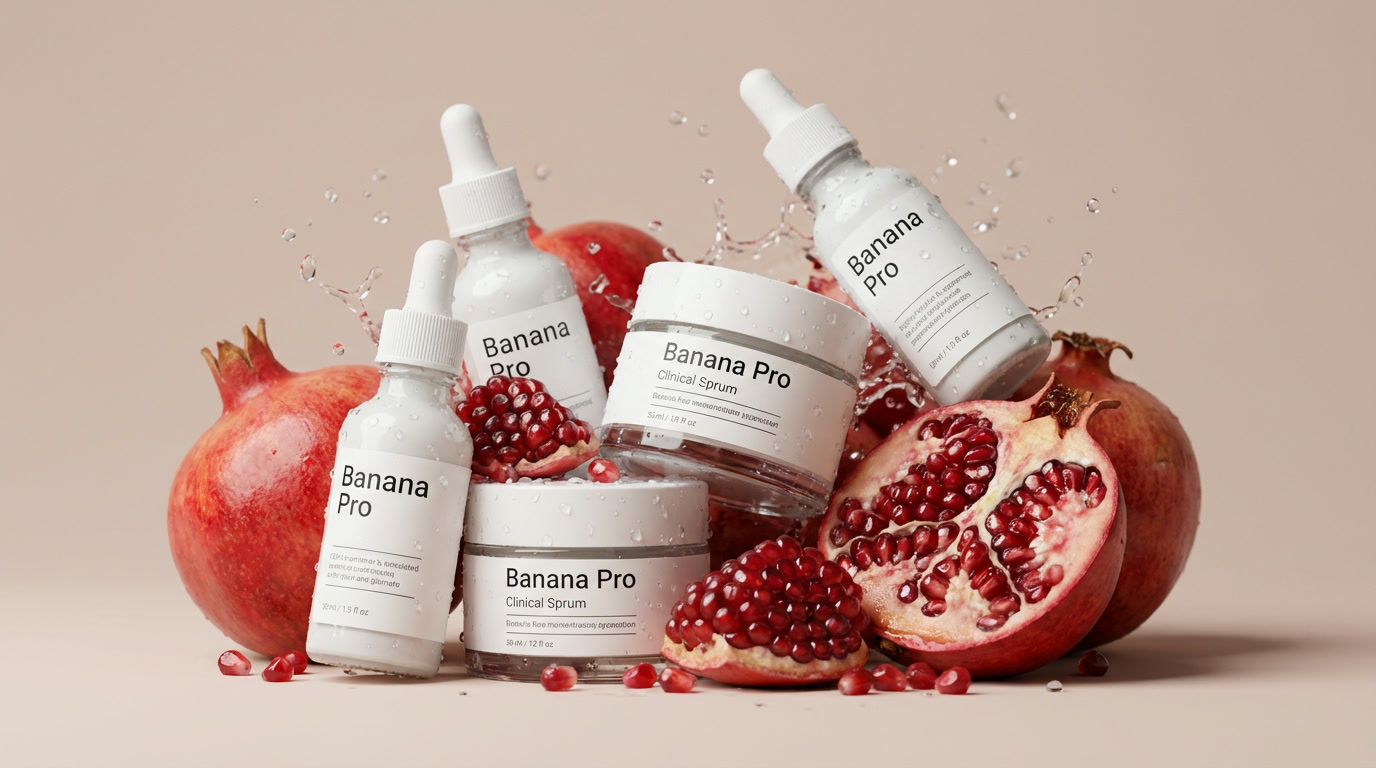
A skincare product set photographed with pomegranates and a water splash, generated by the AI image creator
Studio shots · Backgrounds · Angles

Ecommerce and product photos

Put a product into a styled scene with the ingredients, props, lighting and splash you would otherwise book a studio for. Or upload the flat catalogue shot you already have and use image to image to relight it, change the background, and keep the label exactly as it is.

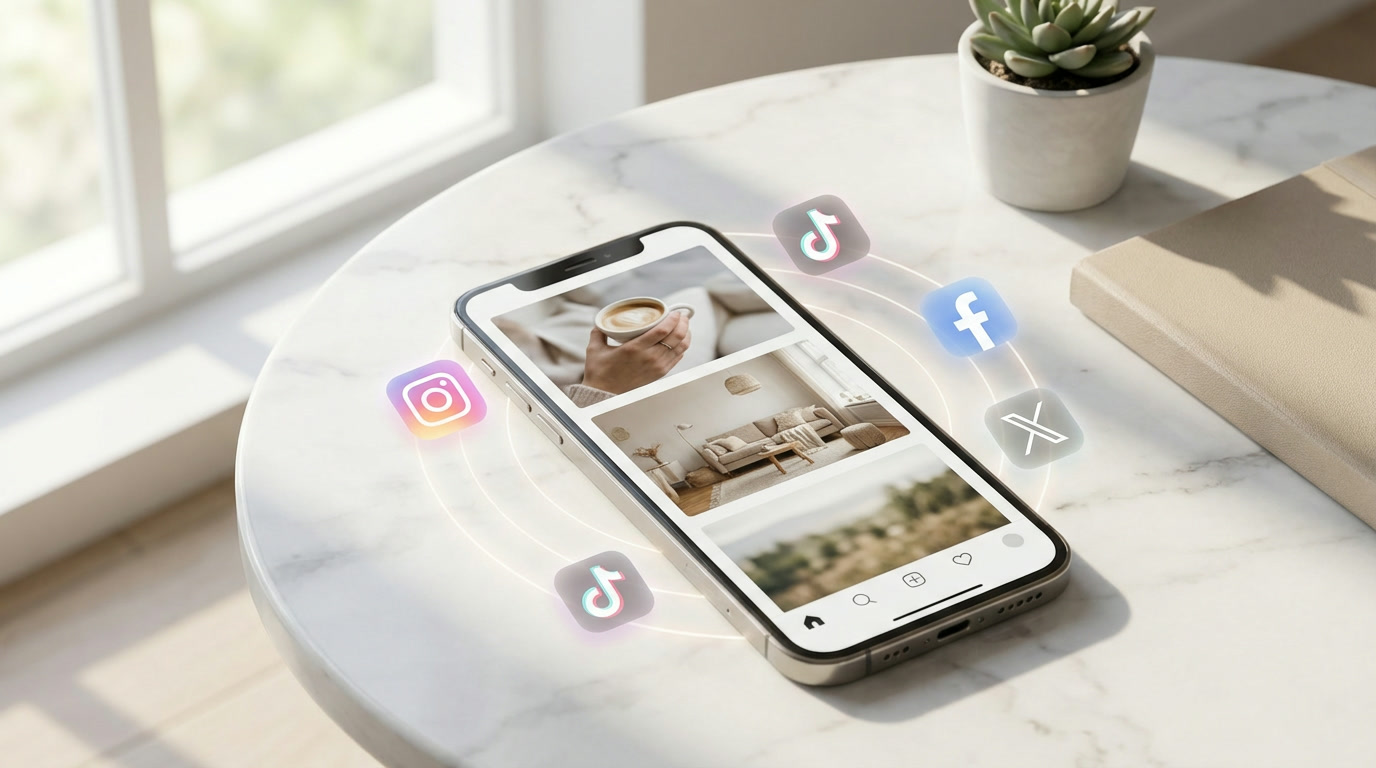
A phone on a table showing a social feed of AI-generated images, ringed by social platform icons
Feed posts · Thumbnails · Every aspect ratio

Creators and social media

Make one visual, then regenerate it at 9:16, 1:1 and 16:9 so the same idea fits a Reel, a grid post, and a thumbnail. Consistent output is what keeps a feed looking deliberate, and it is far quicker than sourcing stock that nearly matches.

In practice

What people build with the AI Image Maker

Concrete jobs the text-to-image and image-to-image modes cover.

Product shots without a photoshoot

Drop a plain catalogue photo into image-to-image and ask for new lighting, a new surface, or a seasonal set. The product geometry and label stay put while everything around them changes.

One idea, every aspect ratio

Generate the concept once, then re-run the same prompt at 9:16, 1:1 and 16:9 so a single campaign covers Reels, feed posts and banners without awkward cropping.

Concepts to show, not describe

Put five real visual directions in front of a client in the time it used to take to mock up one, then push the winner to 4K on a flagship model.

Sketch to finished artwork

Upload a rough pencil drawing and describe the medium you want it in. Composition, pose and proportions carry over; the rendering is redone.

Pricing

AI Image Maker pricing

Start free — new accounts get credits and no card is required. Every AI model and every resolution is available on the free tier; paid plans buy you more credits, plus batch generation on Pro and Max.

Plus

Monthly credits that refresh every billing cycle

$19.9$9.9/month

$119 billed yearly

2,200 Credits/month
  • 2,200 credits every month — up to 1,100 images / month
  • All AI models — Nano Banana & GPT Image 2
  • Every resolution up to 4K
  • Failed generations auto-refunded
  • Commercial usage license
Popular

Pro

Monthly credits that refresh every billing cycle

$49.9$24.9/month

$299 billed yearly

6,000 Credits/month
  • 6,000 credits every month — up to 3,000 images / month
  • All AI models — Nano Banana & GPT Image 2
  • Every resolution up to 4K
  • Batch generation: variations, products, and CSV — up to 200 imagesPro & Max only
  • Failed generations auto-refunded
  • Commercial usage license

Max

Monthly credits that refresh every billing cycle

$99.9$49.9/month

$599 billed yearly

15,000 Credits/month
  • 15,000 credits every month — up to 7,500 images / month
  • All AI models — Nano Banana & GPT Image 2
  • Every resolution up to 4K
  • Batch generation: variations, products, and CSV — up to 200 imagesPro & Max only
  • Priority generation queue
  • Failed generations auto-refunded
  • Commercial usage license

Credits are only spent on successful generations. If a generation fails, the credits go back automatically.

See the full pricing page
FAQ

AI Image Maker FAQ

The questions people ask before their first generation.

What is an AI Image Maker?

An AI Image Maker turns a written description into a picture. This one works two ways: text to image, which builds a brand-new picture from your prompt alone, and image to image, which takes a photo you upload and changes it according to your instructions. Both modes share the same prompt box and the same models.

Is this AI image maker free?

Yes, it is free to start. New accounts get free credits and no card is required to sign up. Every AI model and every resolution is available on the free tier, downloads never carry a watermark, and you get a commercial usage licence. Credits are only consumed by successful generations — if one fails, they are refunded automatically. Batch generation is the one feature reserved for the Pro and Max plans.

What is the difference between an AI image maker and an AI image generator?

In practice they are the same category of tool, and people use the two names interchangeably. "AI image generator" tends to emphasise creating something from a text prompt, while "AI Image Maker" is usually used more broadly to cover both making new pictures and editing existing ones. This page does both, so either name fits.

How do I turn text into an image?

Type your description into the prompt box in the generator above, pick an aspect ratio and a resolution, and press generate. Name the subject, the style, the framing and the lighting — specific prompts beat long ones. You do not need to upload anything for text to image.

Can I use my own photo?

Yes. Upload it in the generator and describe the change you want. Most models here accept up to five reference images at once, which lets you assign a different job to each one — subject, background, palette, pose. Imagen 4.0 and Z-Image-Turbo are text to image only and do not take uploads.

Which AI model should I use?

Nano Banana Pro is the default and the safest all-rounder. Use GPT Image 2 for typography and editorial layouts, Seedream 5.0 Pro for page and packaging design, Qwen Image 2.0 for dense infographics, Imagen 4.0 for photoreal people, and Z-Image-Turbo for cheap fast drafts. The model section above compares all six.

What resolution and aspect ratios can I get?

It depends on the model. Nano Banana Pro and GPT Image 2 go up to 4K; Seedream 5.0 Pro, Qwen Image 2.0 and Z-Image-Turbo go up to 2K; Imagen 4.0 outputs 1K. Common aspect ratios from 9:16 through 16:9 are available on every model, and you set both before you generate.

Do the images have a watermark?

No. Every image you download comes out clean at full resolution, on the free tier as well as on paid plans.

Can I use the images commercially?

Yes. You own what you generate and can use it in commercial work — client projects, ads, product listings, print — subject to the terms of service. You are responsible for what you prompt, so avoid recreating trademarked or copyrighted material.

How long does a generation take?

Most generations finish in seconds. Higher resolutions and prompts with many reference images take longer than a quick 1K draft. Because iterating is fast, changing one sentence and re-running is usually quicker than trying to write the perfect prompt up front.

How do I write a prompt that works?

Name four things: the subject, the style or medium, the framing, and the lighting. Be concrete — "shot on a 50mm lens, shallow depth of field, late afternoon light" beats "beautiful". For image to image, state what must stay unchanged before you describe the change. The gallery above is full of prompts you can copy and adapt.

Do I need an account?

You can open the generator and set up a prompt without signing in, but you need a free account to generate, because generations cost credits and your images are saved to a library tied to your account. Signing up takes under a minute and does not require a card.

Make your first image now

Free credits on sign-up, every model unlocked, no watermark. Start from a prompt or upload a photo to transform.

Start making images