

Alibaba image model on Bimg

Wan 2.7 Image AI Image Generator

Create balanced 1K and 2K images with Wan 2.7 Image on Bimg. Use text or up to five references for landscapes, square compositions, product edits, and everyday visual production at a practical credit cost.

Text to imageImage to image where supportedSingle and batch workflows
Wan 2.7 Image image generator overview
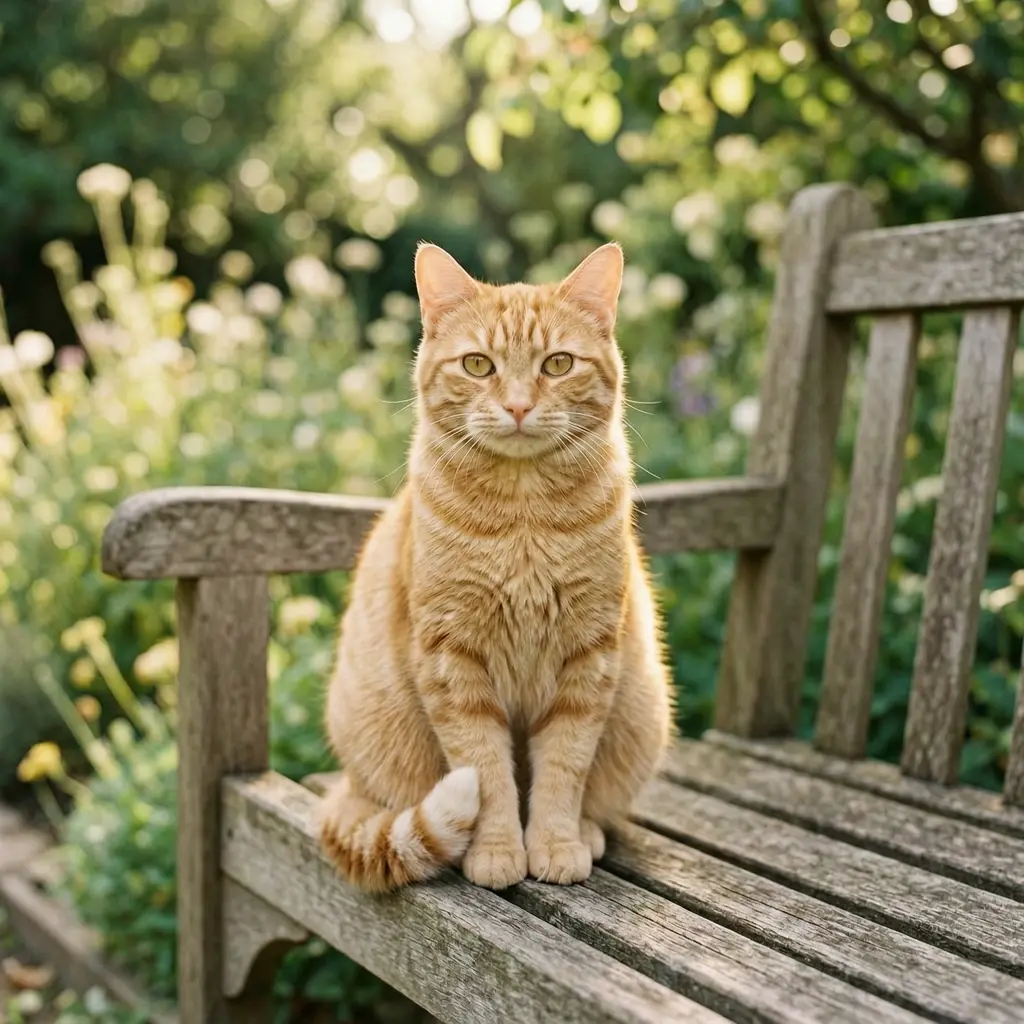
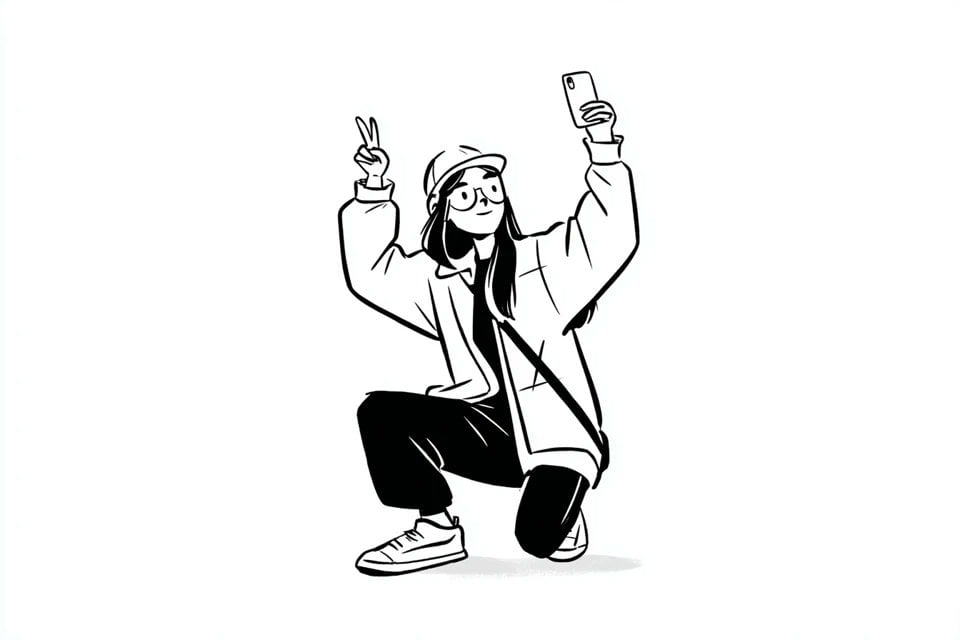
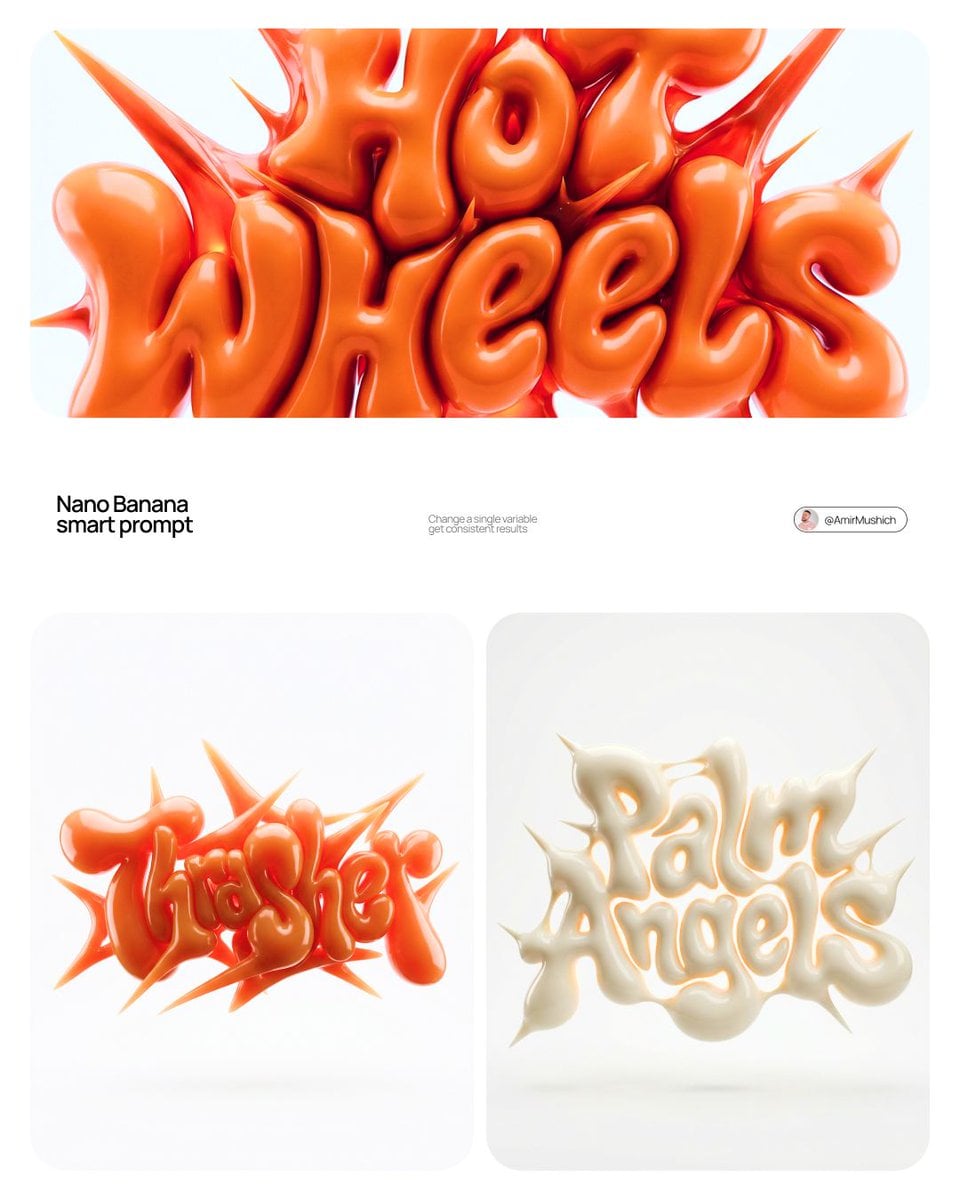
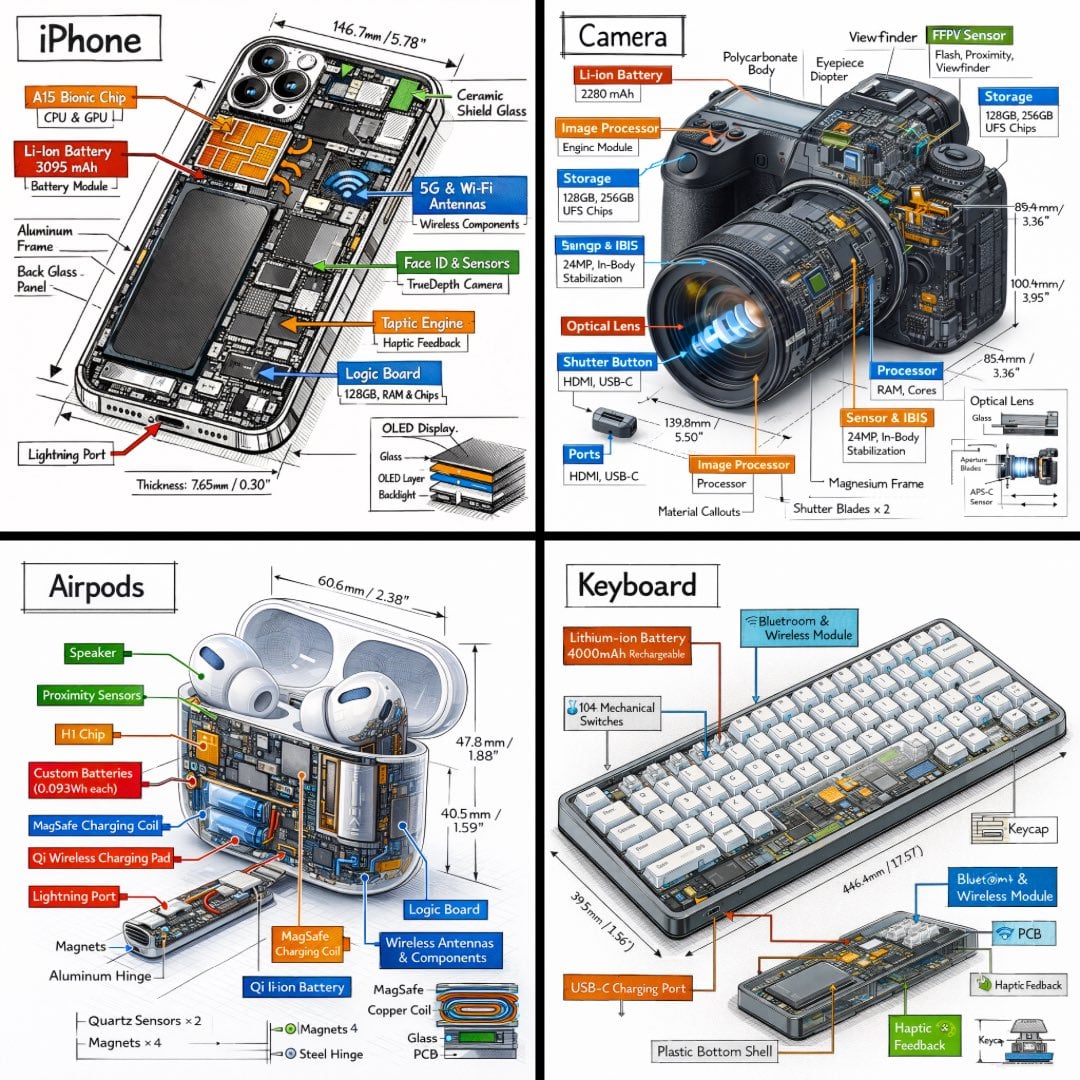
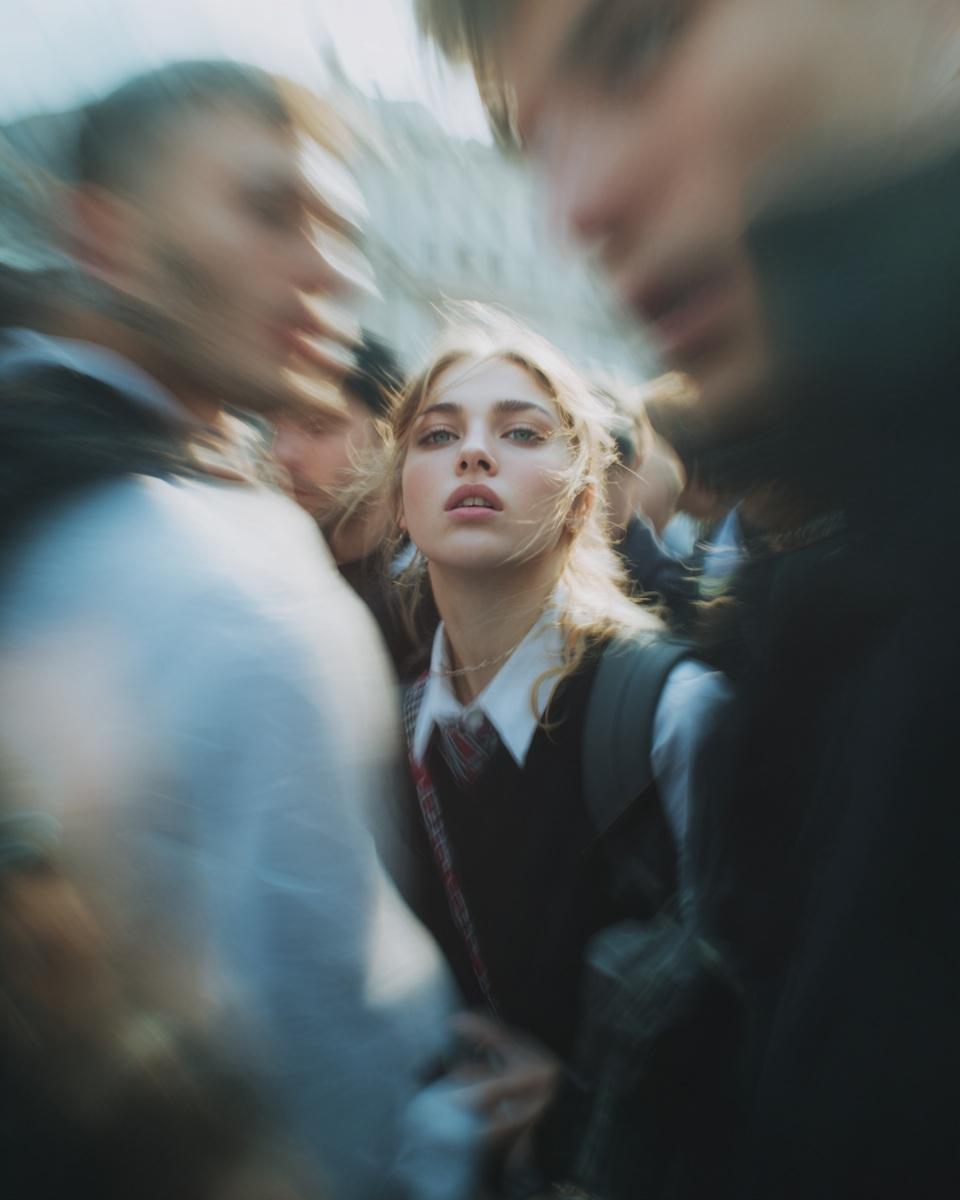
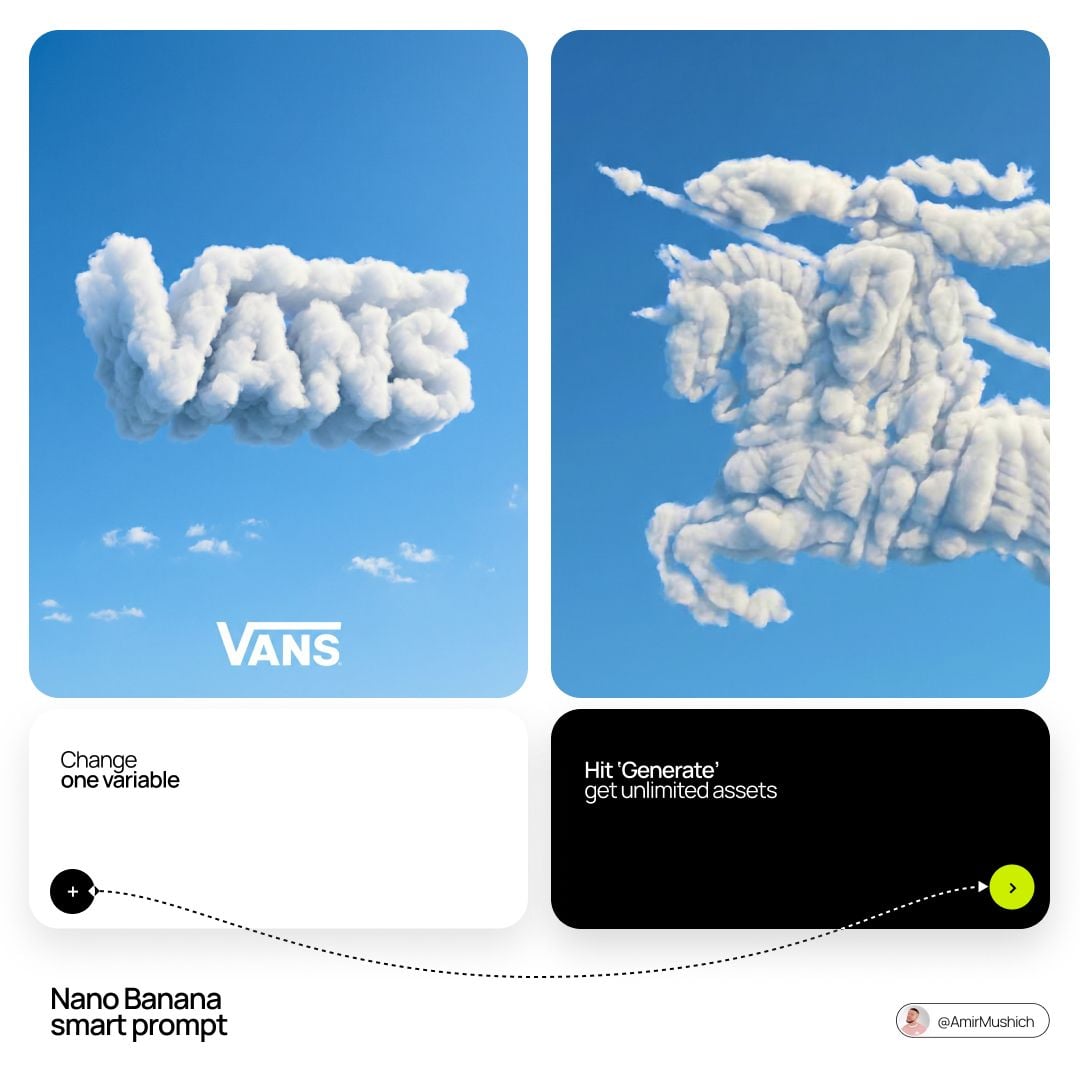
Curated visual for the Wan 2.7 Image workflow on Bimg.

Create with Wan 2.7 Image

Wan 2.7 Image is selected by default. Create one image from a prompt and optional references here, or open the batch workspace when you need Variations, CSV, or Products.

Loading the image generator…
Quick facts

Wan 2.7 Image quick facts

The settings below reflect the capabilities currently exposed in Bimg, so the generator and this guide stay aligned.

Developer
Alibaba Wan
Best for
Landscapes, balanced compositions, and structural edits
Generation modes
Text to image · Image to image
Reference images
Supported, up to 5
Output resolution
1K / 2K
Credits per image
13

Bimg is an independent platform and is not affiliated with, sponsored by, or endorsed by Alibaba. Model names are used for identification purposes only.

Capabilities

Wan 2.7 Image capabilities in Bimg

Bimg exposes the controls needed for repeatable production while keeping model-specific limits visible.

Landscape composition

Build depth from foreground to horizon

Name the foreground anchor, mid-ground subject, distant horizon, atmosphere, and direction of light for a more readable landscape.

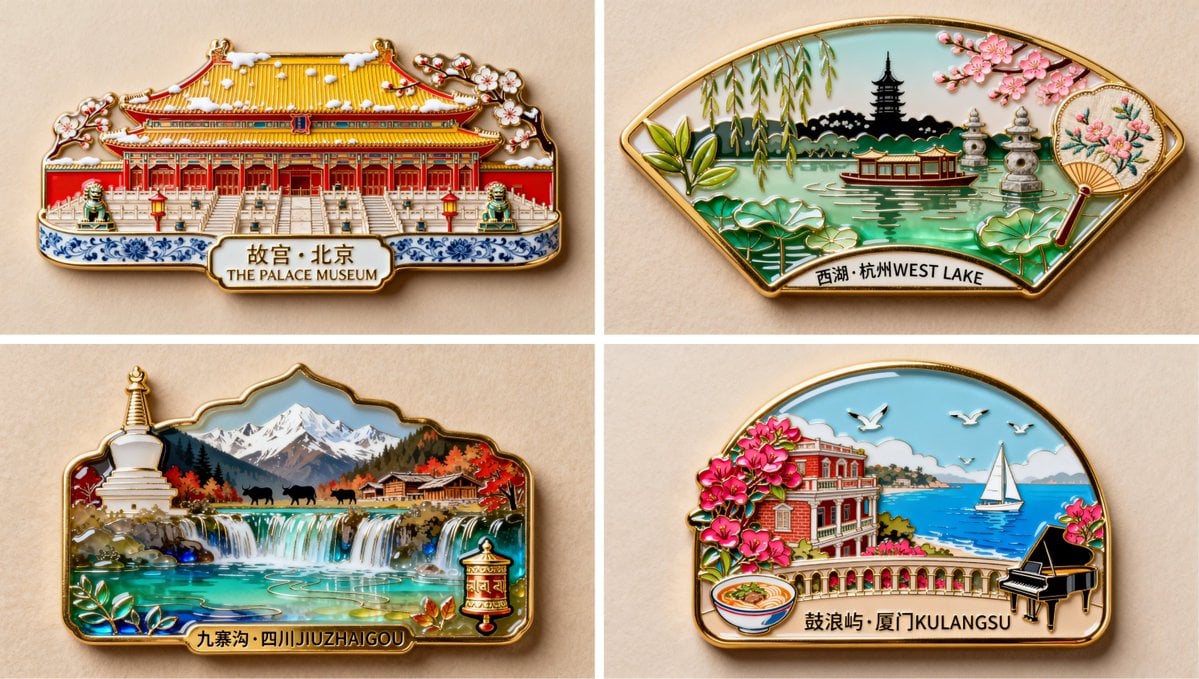
In Bimg, build depth by naming foreground, midground, and horizon so landscapes read spatially.
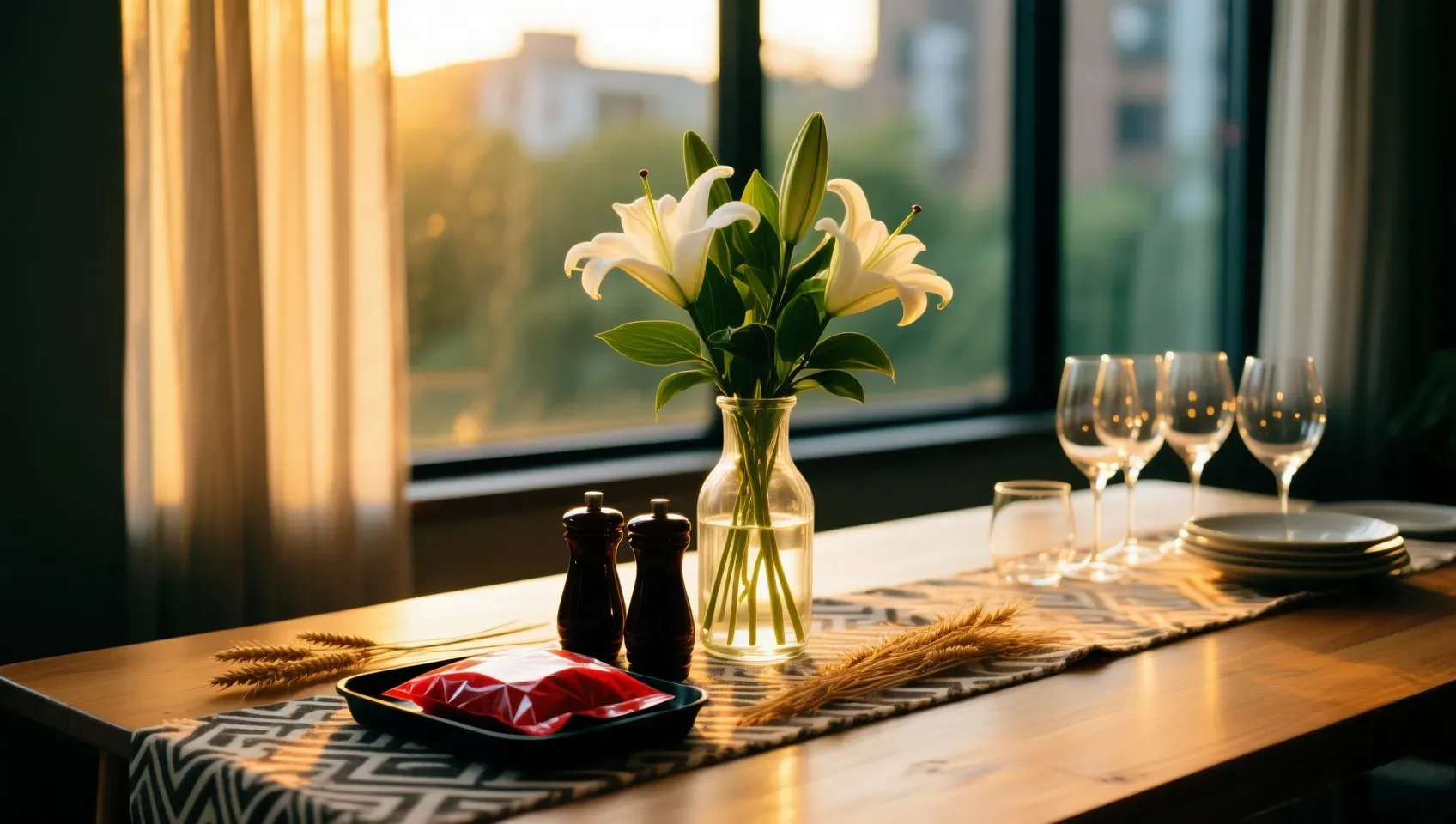
Wan 2.7 Image image generation example 1
Square composition

Design around the center without becoming static

Square images benefit from a strong diagonal, layered depth, or asymmetry that keeps the frame active.

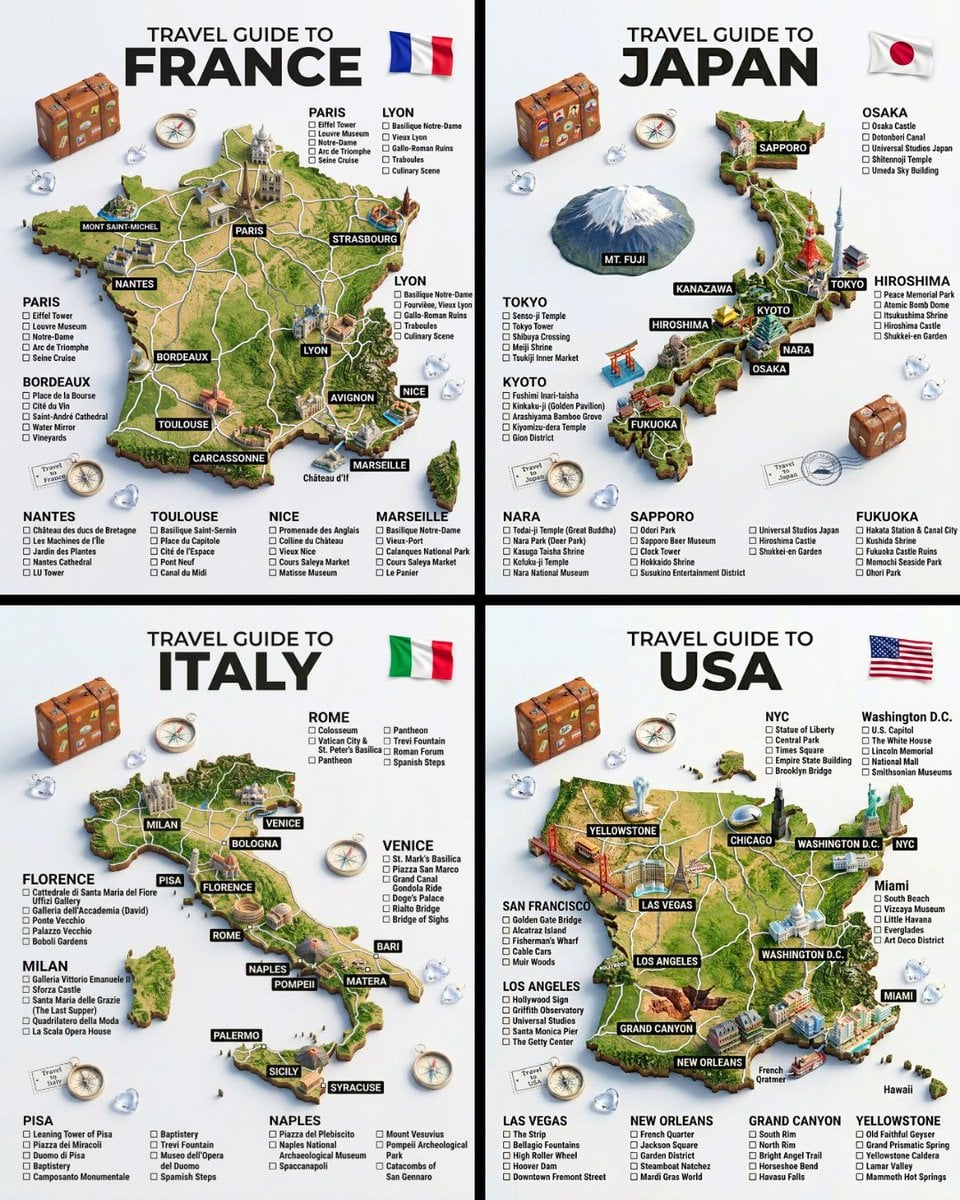
Design around the center in Bimg but add one off-axis element so a square frame avoids feeling static.

Wan 2.7 Image image generation example 2
Image editing

Protect geometry before changing context

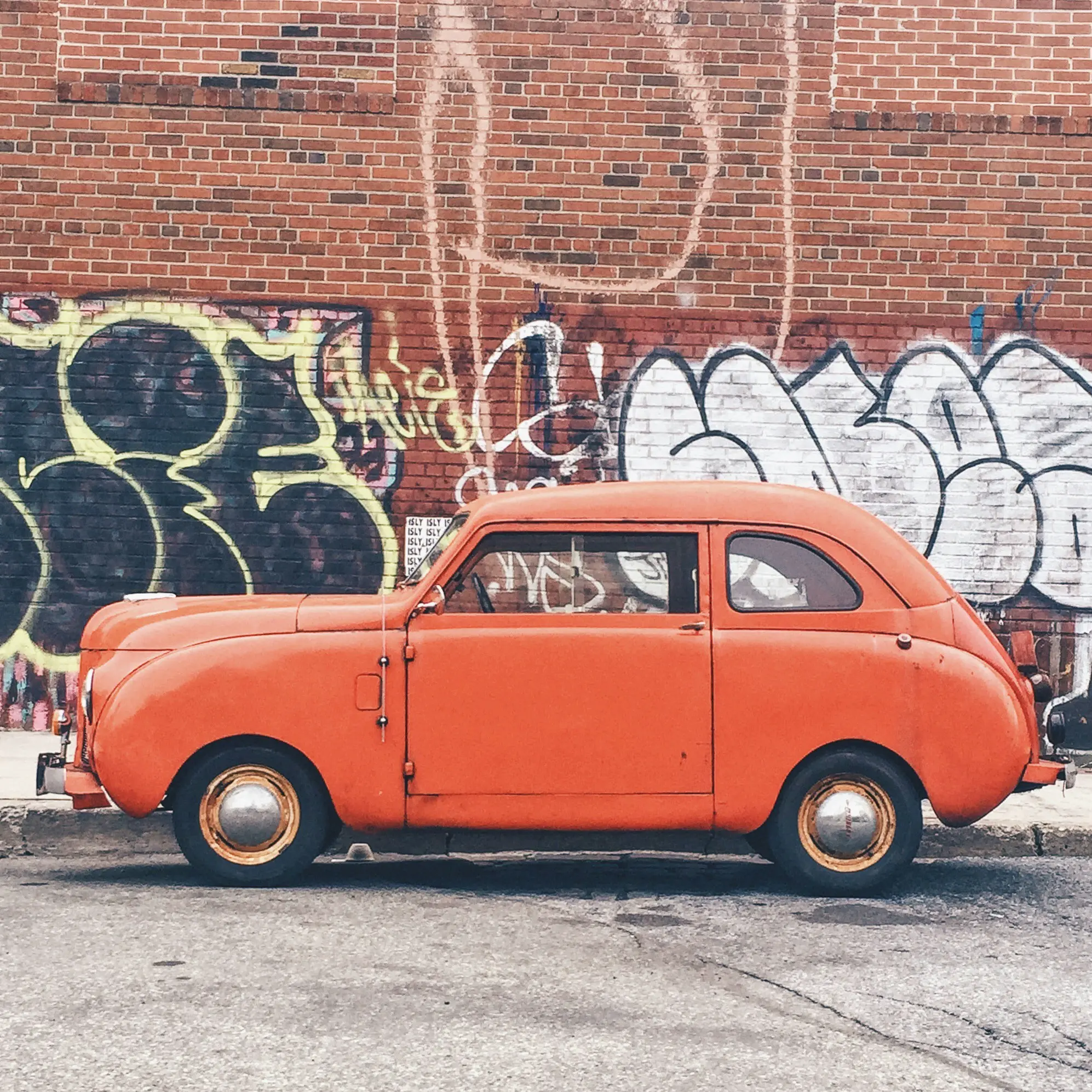
For vehicles and products, state that silhouette, proportions, camera, and distinctive details cannot change.

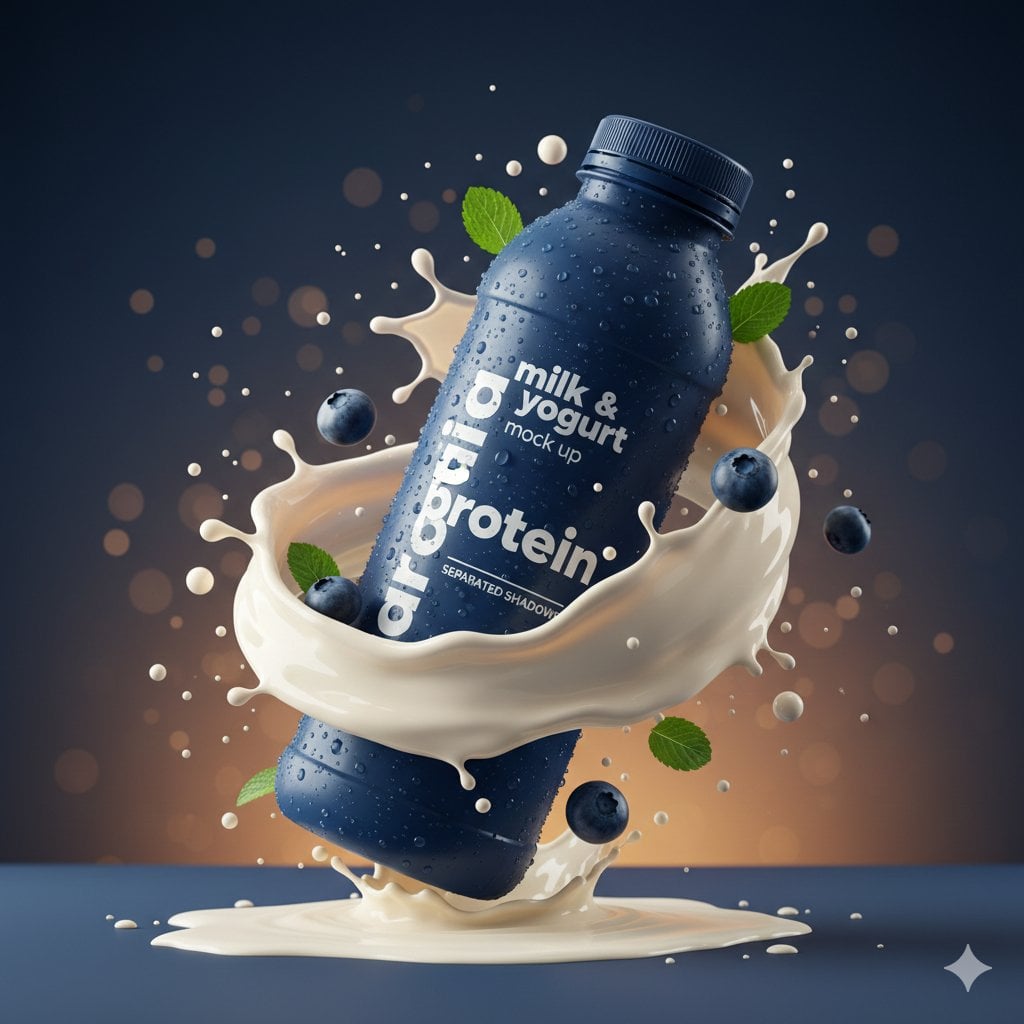
State the geometry to protect in Bimg before describing the change so structure survives the edit.

Wan 2.7 Image image generation example 3
Generation modes

Text to image and image to image with Wan 2.7 Image

Move from a written brief to a new visual, or use references when Wan 2.7 Image supports them. Both workflows send a working prompt directly to the generator above.

Wan 2.7 Image image generation example 1

Wan 2.7 Image text to image

Describe spatial depth, subject placement, atmosphere, light, and intended ratio. Use 1K for exploration and 2K for an approved composition.

Wan 2.7 Image image generation example 2

Wan 2.7 Image image to image

Upload references and protect product or subject geometry before changing scene, weather, palette, styling, or supporting objects.

Upload up to five reference images when Wan 2.7 Image needs an existing subject, palette, or layout to guide the edit.

Prompt guide

How to write better Wan 2.7 Image prompts

A strong prompt reads like a compact creative brief: concrete enough to guide the model, but organized enough to edit.

Subject + depth cues + composition + palette + reference roles

Describe depth in layers

Use foreground, middle distance, and horizon language for landscapes and wide environmental scenes.

Wide coastal valley after rain, dark rocks and grasses in the foreground, winding pale road in the middle distance, cobalt sea and low clouds, one coral vehicle for scale, soft evening light, 16:9.

Protect hard-surface geometry

For products and vehicles, name silhouette, proportions, seams, controls, wheels, and camera as invariants.

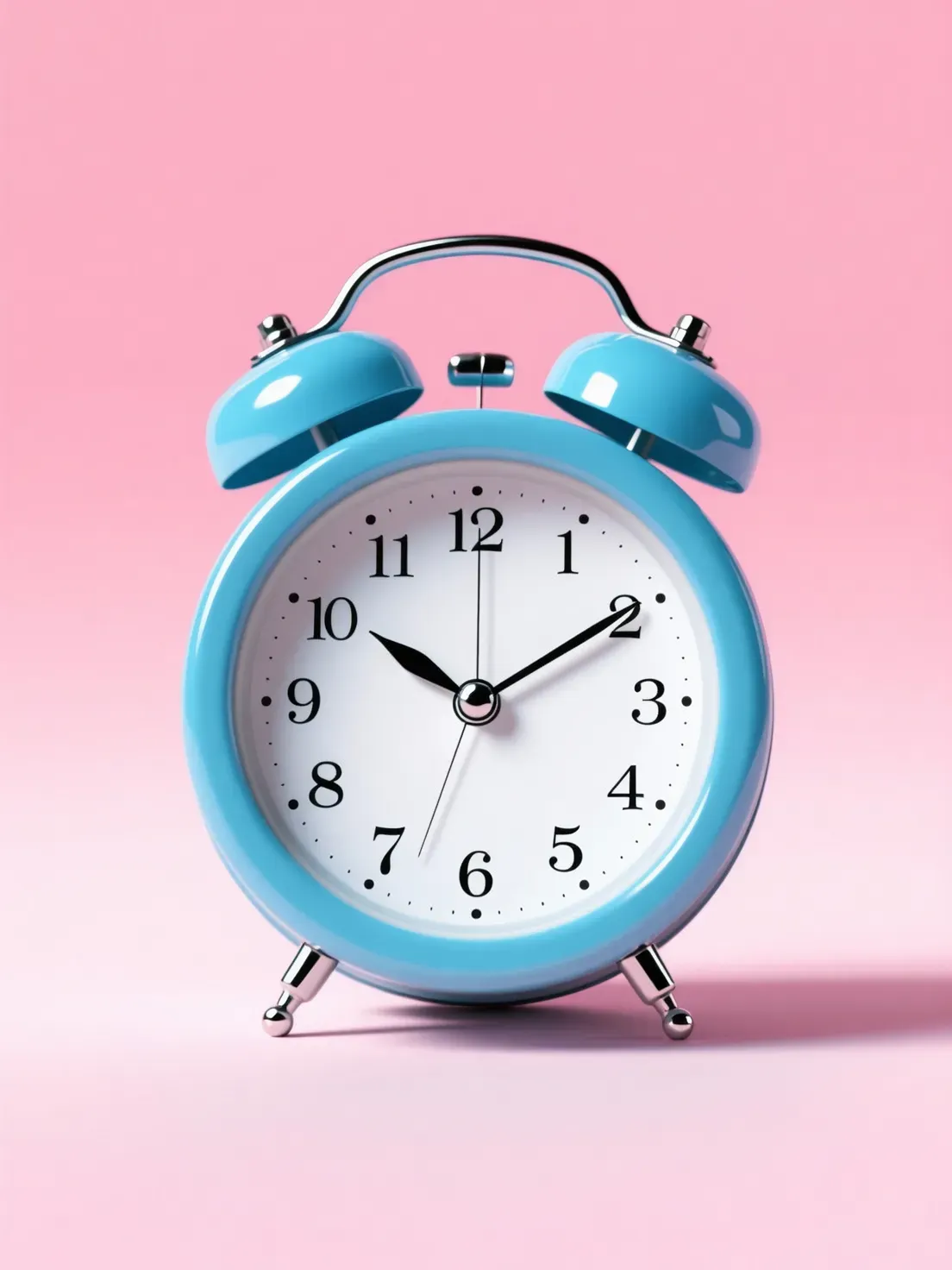
Top-down still life of a cobalt ceramic bowl, coral fruit, folded ivory linen, and pale stone surface, asymmetric diagonal arrangement, soft window light, tactile realistic photography, square format.

Compose for the actual ratio

A square still life and a wide landscape need different subject scale, diagonals, and negative space.

Keep the car model, body shape, wheel design, camera angle, reflections, and crop unchanged. Replace the background with a misty coastal road at blue hour, add subtle wet pavement and realistic matched light.

How it works

How to use the Wan 2.7 Image image generator

The same three-step workflow works for one-off ideas and structured batch production.

1

Start with this model

Wan 2.7 Image is selected when the page loads. Write one prompt, add supported reference images when needed, or open the batch workspace for larger jobs.

2

Write the brief and set output controls

Describe the subject, context, composition, style, and constraints. Then choose the supported ratio and resolution for Wan 2.7 Image, adding reference images only when the model allows them.

3

Generate, review, and refine

Submit the job, compare the Wan 2.7 Image results, and regenerate with targeted prompt changes. Completed work is available in history for later review and download.

Compare

Wan 2.7 Image compared with related models

Use credits, output tiers, and creative strengths as practical selection signals. The best model depends on the job, not one universal ranking.

ModelBest-fit strengthOutput tiersCredits / image
Wan 2.7 Imagebalanced quality and speed1K / 2K13
Qwen Image 2.0balanced quality and speed1K / 2K13
Qwen Image 2.0 Protext-rich and refined visuals1K / 2K31
Z-Image-Turbofast creative iteration1K / 2K7
FAQ

Wan 2.7 Image image generator FAQ

Practical answers about access, credits, inputs, output controls, batch workflows, and responsible review.

What is Wan 2.7 Image best for?

It is a balanced affordable option for landscapes, social compositions, product concepts, vehicle edits, and reference-guided image transformations.

How is Wan 2.7 Image different from Wan 2.7 Image Pro?

The standard model supports 1K and 2K at a lower cost. Pro adds a higher credit tier and output up to 4K for refined final work.

Can Wan 2.7 Image edit an uploaded photo?

Yes. Upload up to five references, protect the subject or product details, and describe the new environment, light, palette, or styling.

Is Wan 2.7 Image good for landscapes?

Yes. Describe foreground, mid-ground, horizon, atmosphere, scale cues, and light direction to build a scene with readable depth.

Should I generate at 1K or 2K?

Use 1K for concept iteration and 2K for approved digital delivery or closer detail review.

Can I use Wan 2.7 Image in batch mode?

Yes. Test one result first, then open Variations, CSV, or Products when the direction is stable.

How many Bimg credits does Wan 2.7 Image use?

Wan 2.7 Image currently uses 13 Bimg credits per image, depending on the available output or quality setting. The generator shows the exact estimate before you submit, and normal Bimg refund handling applies to failed jobs.

What output sizes can I create with Wan 2.7 Image?

The current Bimg integration exposes 1K and 2K output. Available aspect ratios are shown beside the generator and update automatically when you change the model or workflow.

Can I use reference images with Wan 2.7 Image?

Yes. Bimg accepts up to 5 reference images for Wan 2.7 Image. State what must remain consistent and what should change so the references act as clear constraints rather than vague inspiration.

Is Bimg the official Wan 2.7 Image website?

No. Bimg is an independent image-generation platform and is not affiliated with, sponsored by, or endorsed by Alibaba. The model name is used only to identify the generation option available in the Bimg workspace.

Start creating with Wan 2.7 Image

Open the generator above with Wan 2.7 Image already selected, write your brief, choose the delivery format, and move from one idea to a reviewable result in the same workspace.

Generate with this model