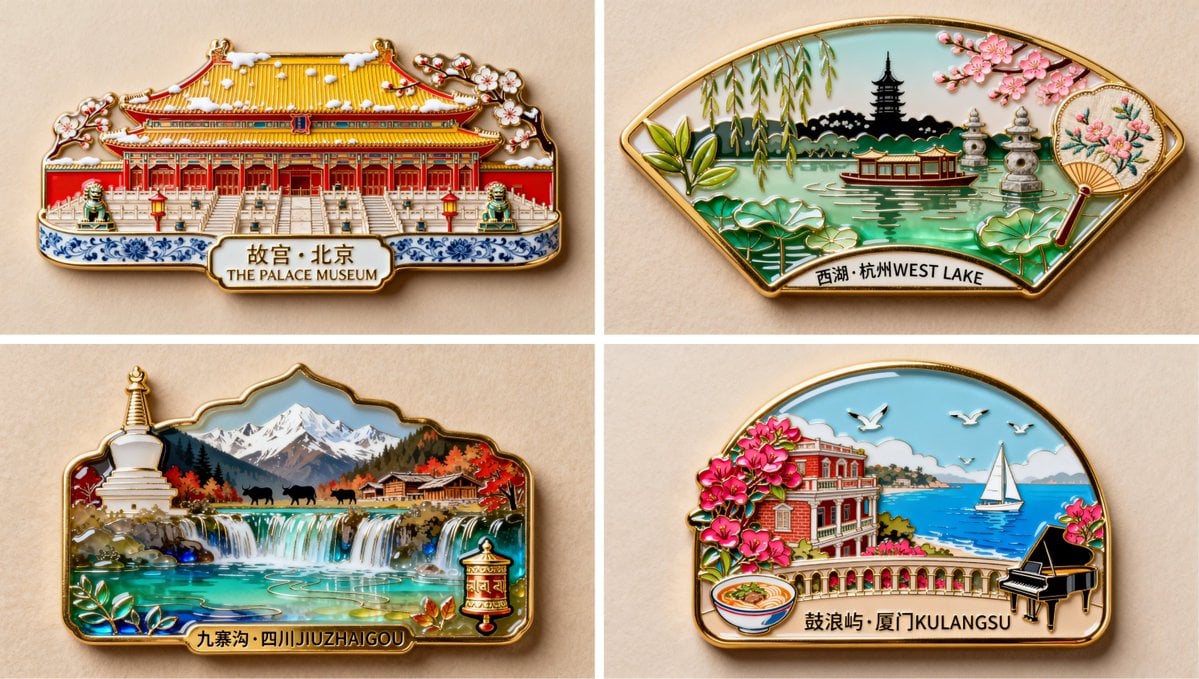
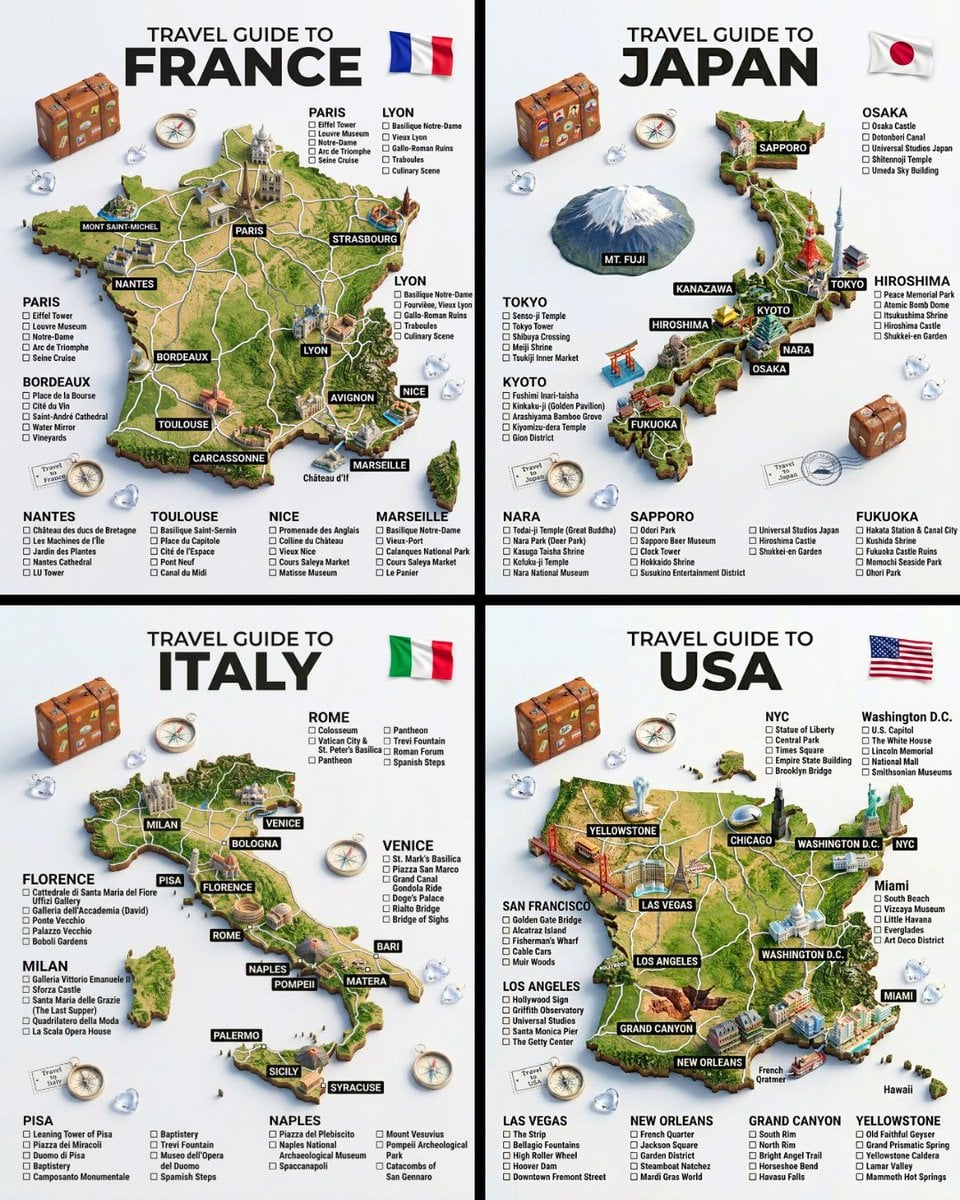
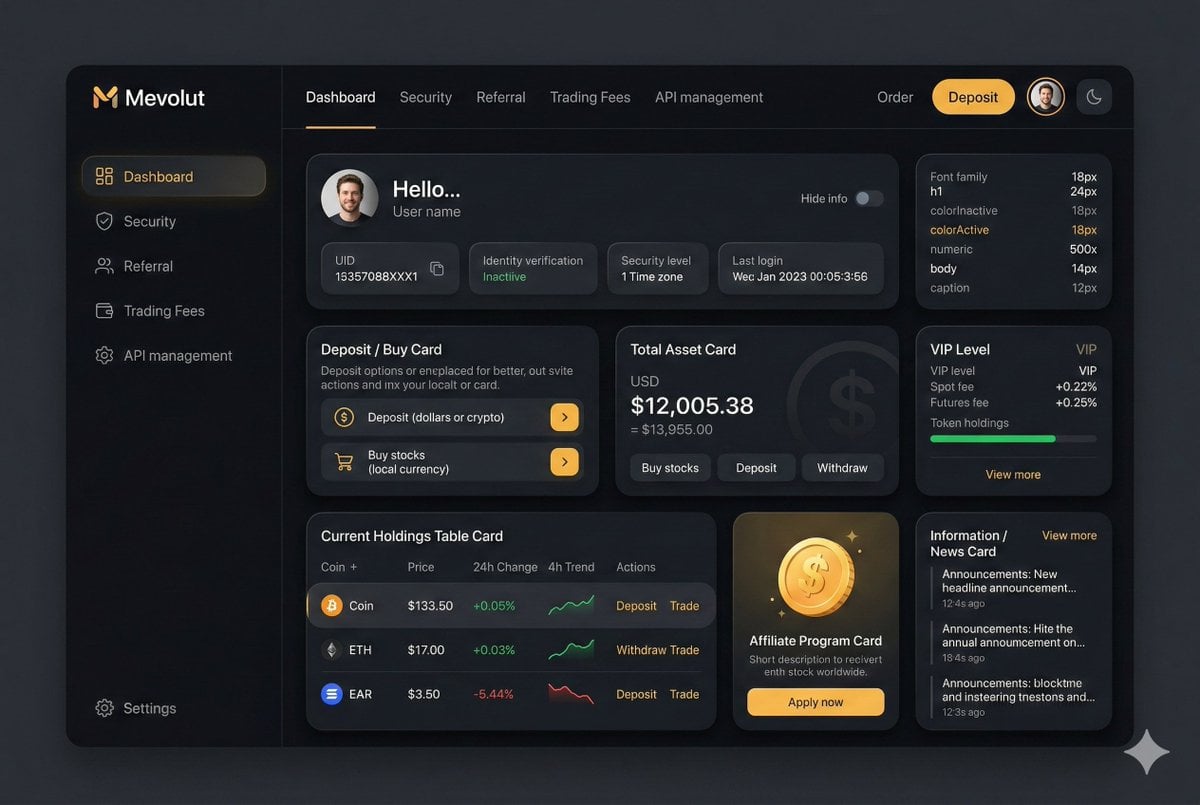
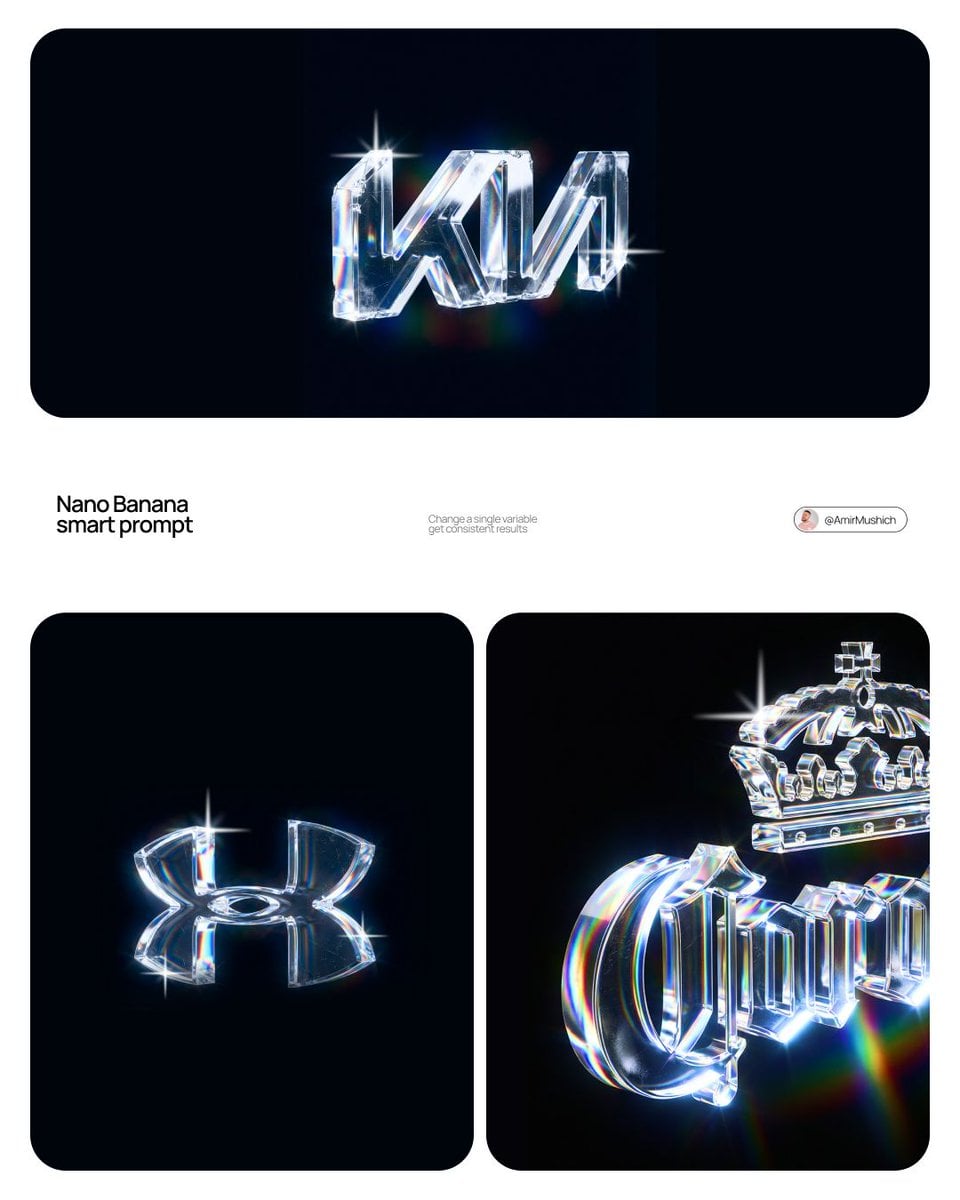
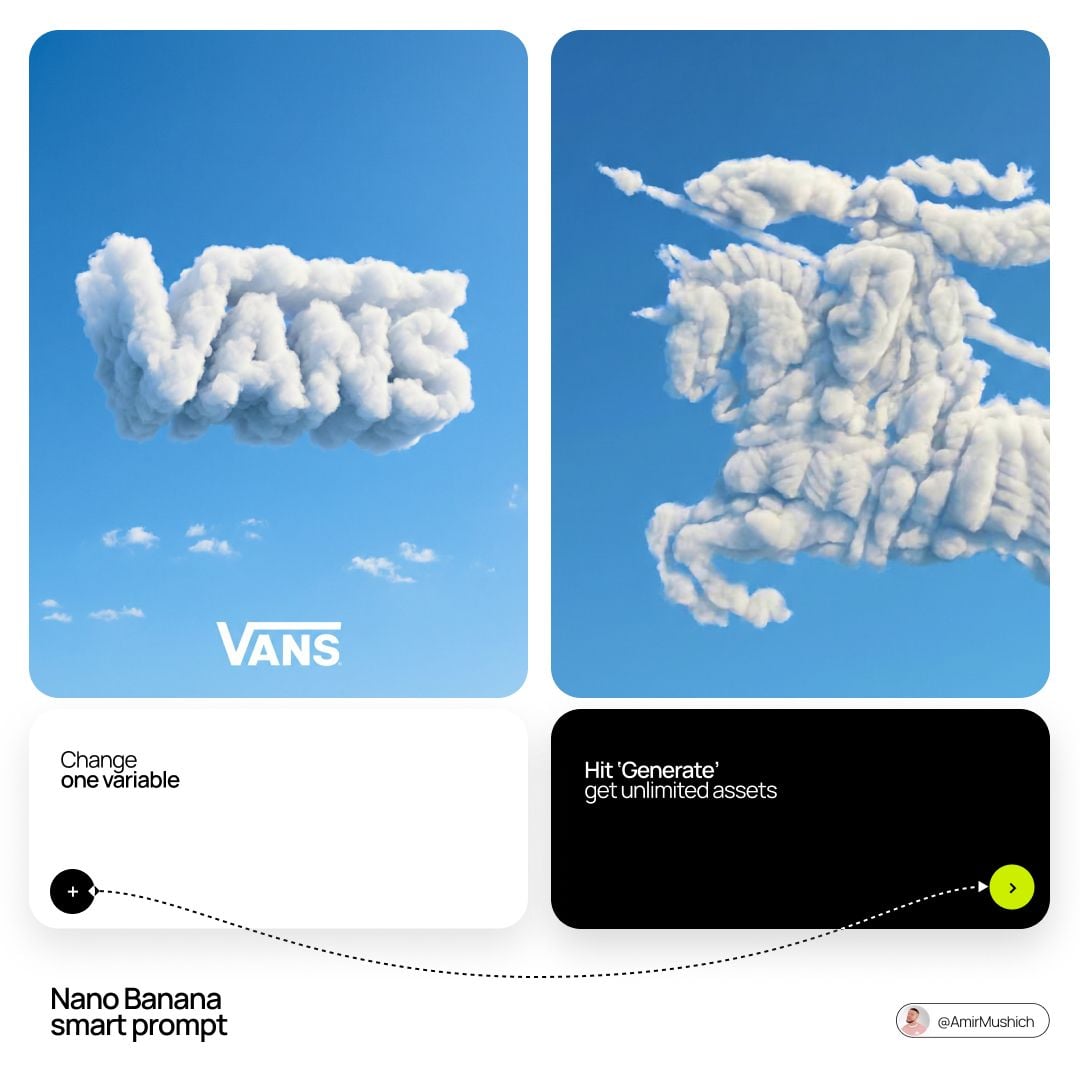
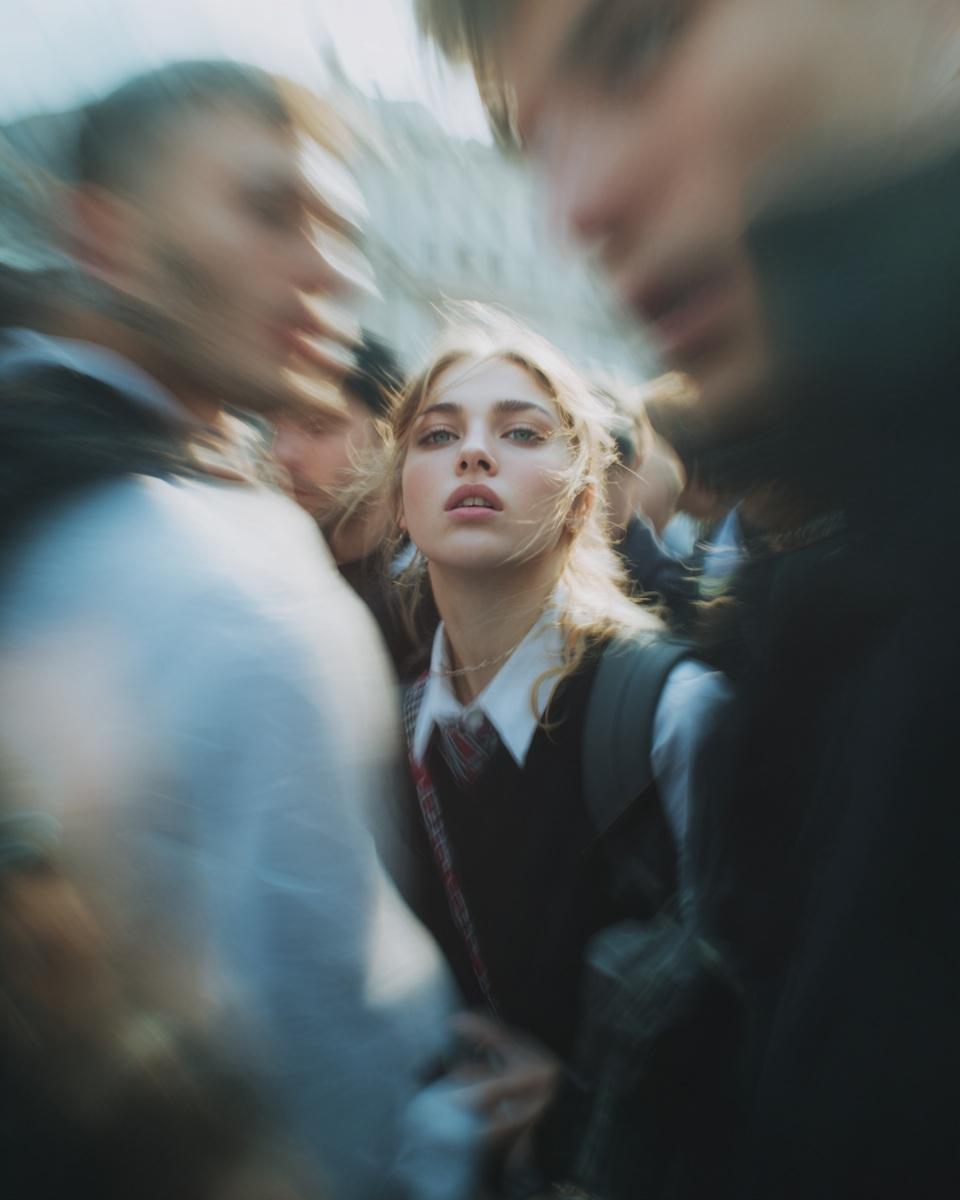
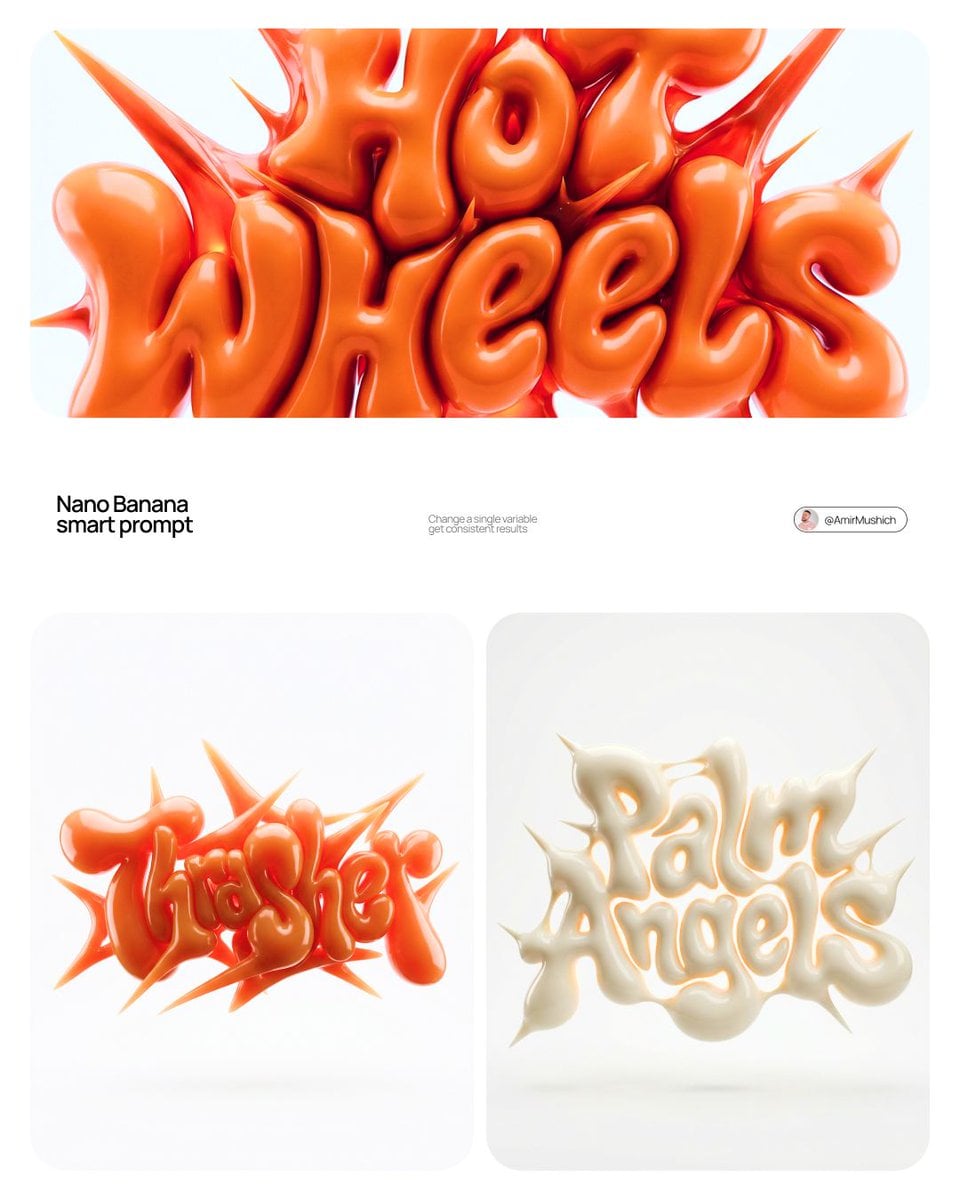
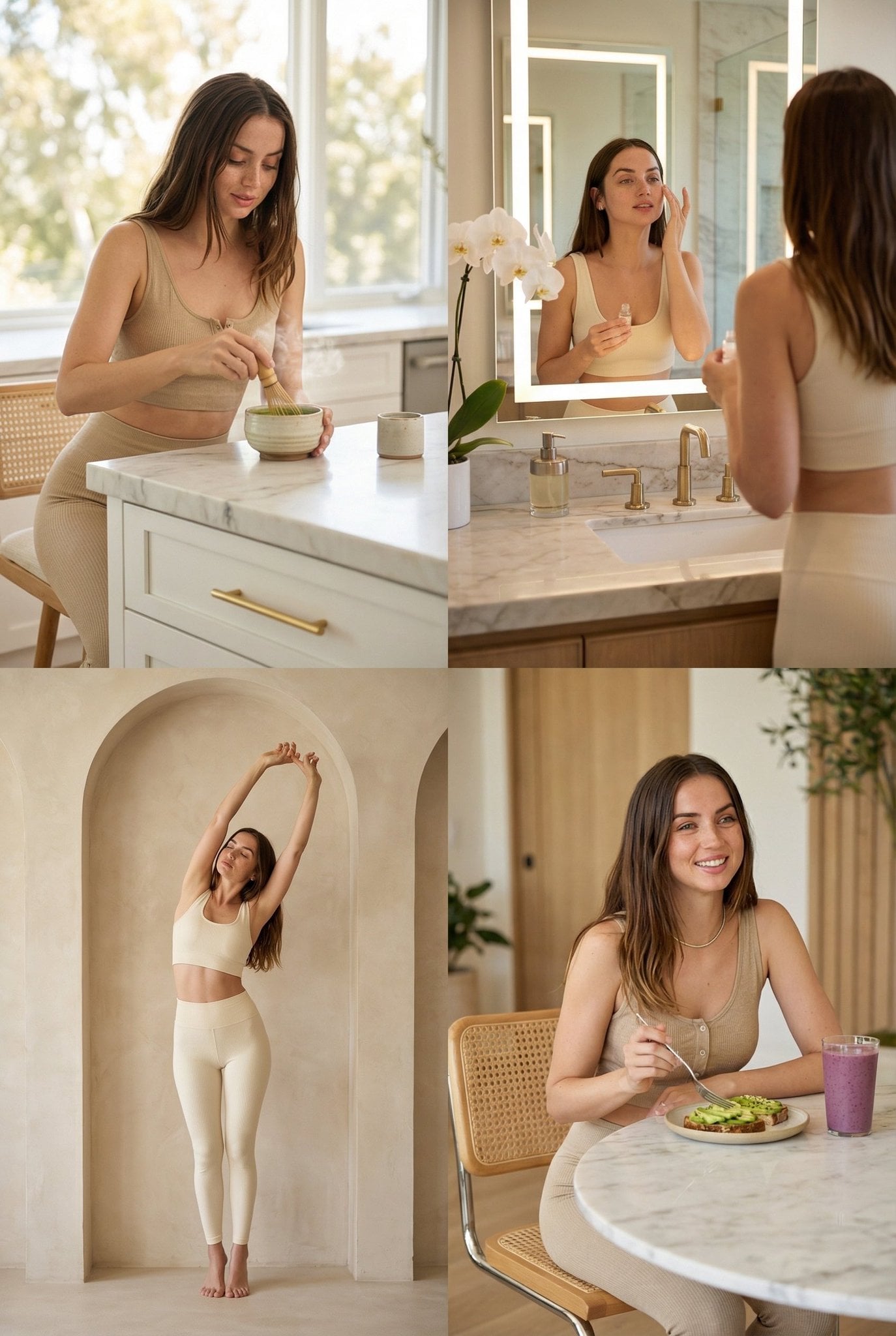
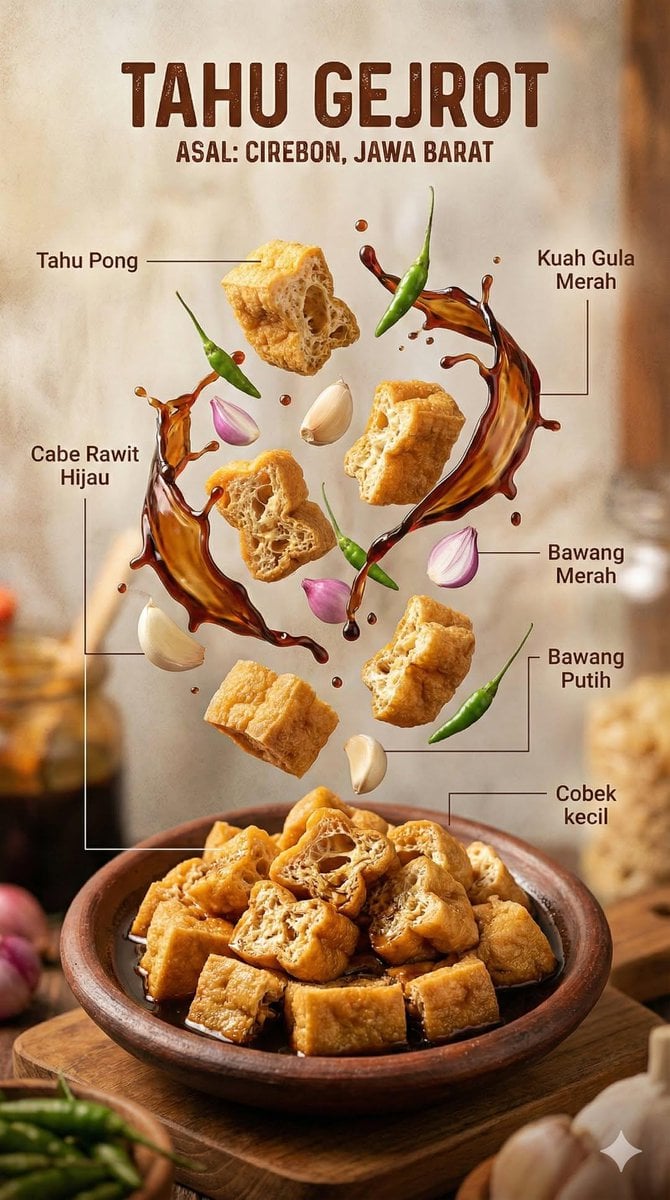
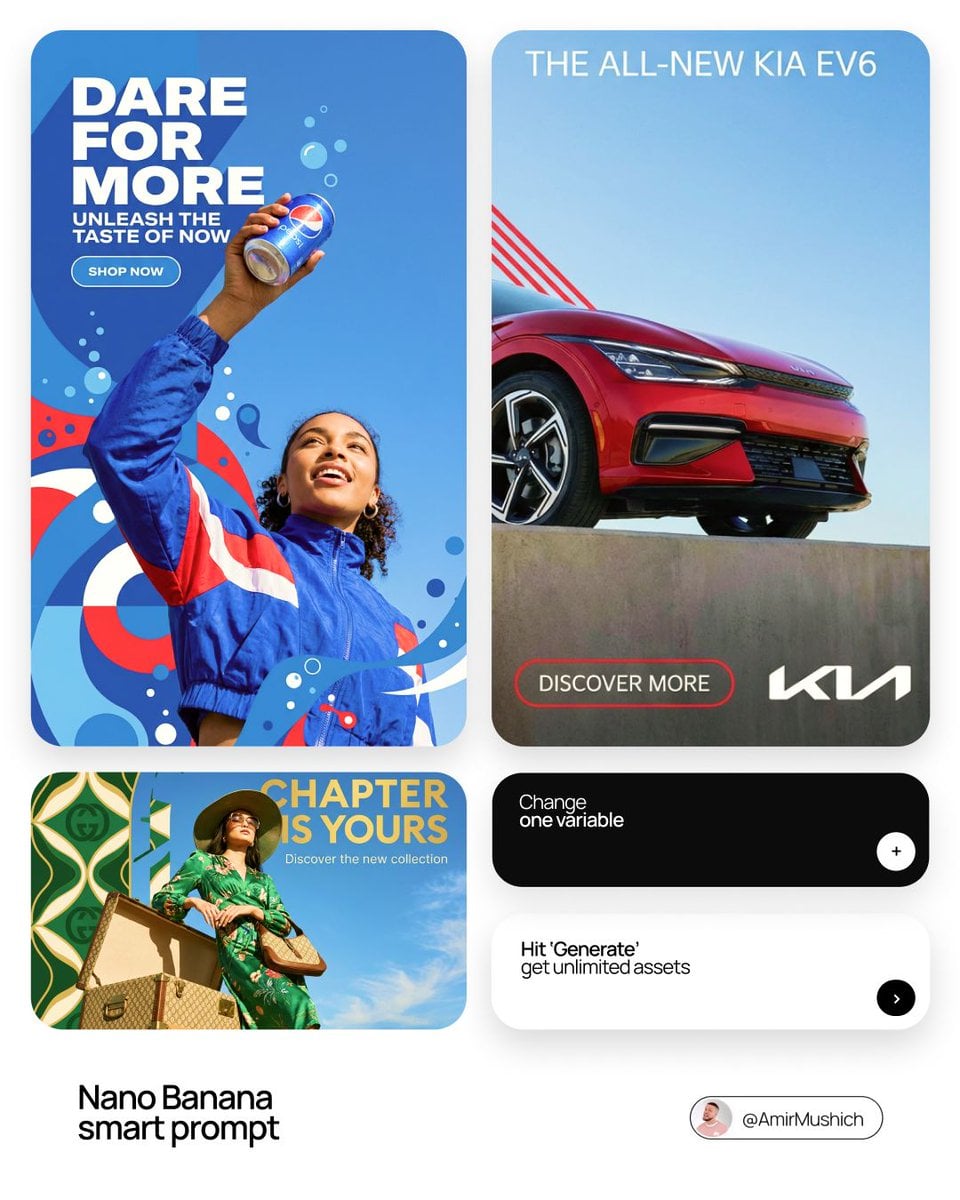
Google image model on Bimg

Nano Banana 2 Lite AI Image Generator

Turn concise prompts and reference images into quick 1K concepts with Nano Banana 2 Lite. Its focused Bimg workflow suits rapid ideation, lightweight production, and teams that want clear controls without high-resolution overhead.

Text to imageImage to image where supportedSingle and batch workflows
Nano Banana 2 Lite image generator overview
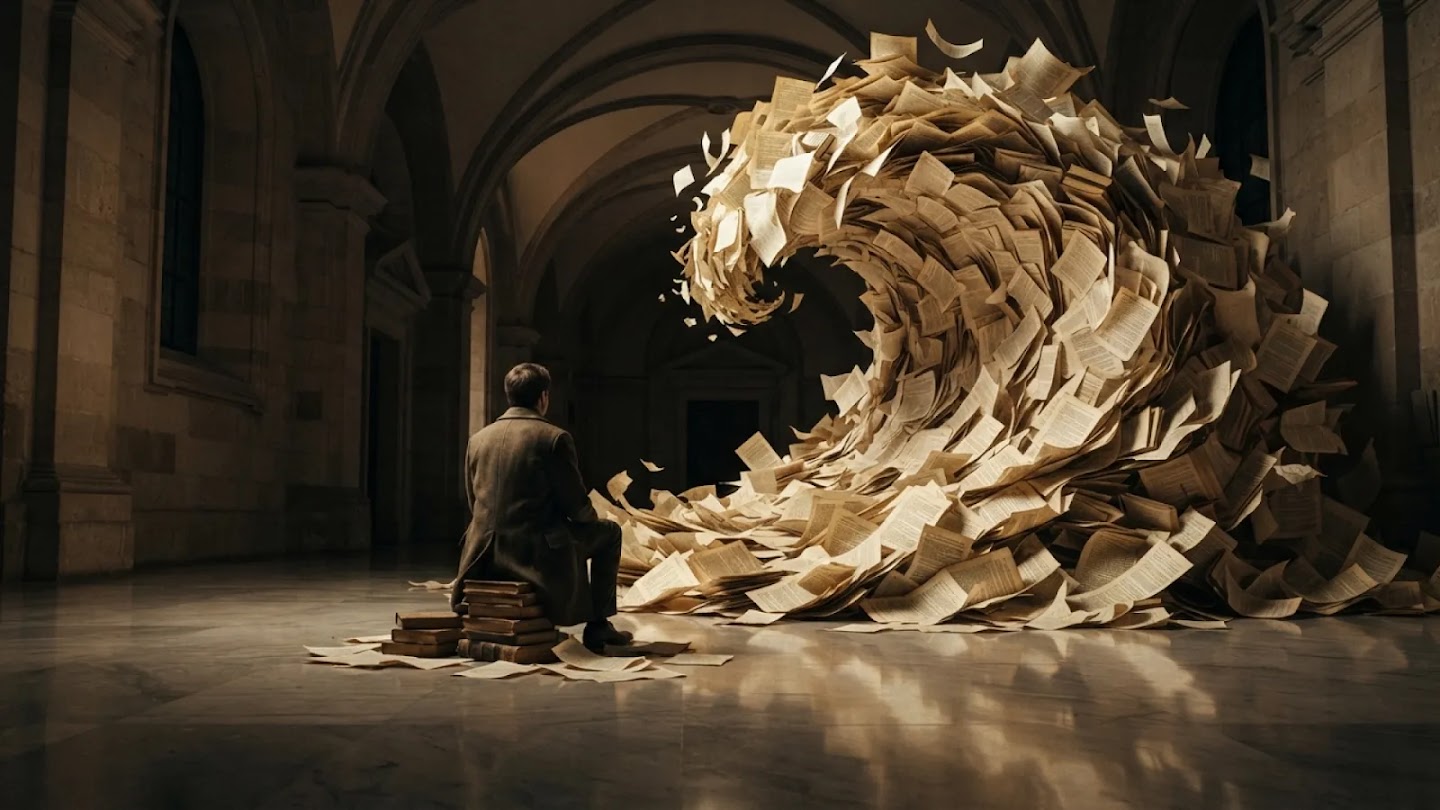
Curated visual for the Nano Banana 2 Lite workflow on Bimg.

Create with Nano Banana 2 Lite

Nano Banana 2 Lite is selected by default. Create one image from a prompt and optional references here, or open the batch workspace when you need Variations, CSV, or Products.

Loading the image generator…
Quick facts

Nano Banana 2 Lite quick facts

The settings below reflect the capabilities currently exposed in Bimg, so the generator and this guide stay aligned.

Developer
Google DeepMind
Best for
Quick 1K concepts and low-friction drafts
Generation modes
Text to image · Image to image
Reference images
Supported, up to 5
Output resolution
1K
Credits per image
20

Bimg is an independent platform and is not affiliated with, sponsored by, or endorsed by Google. Model names are used for identification purposes only.

Capabilities

Nano Banana 2 Lite capabilities in Bimg

Bimg exposes the controls needed for repeatable production while keeping model-specific limits visible.

Subject detail

Keep a clear focal subject

Lite workflows improve when the prompt names one dominant subject and limits secondary details. This prevents a fast draft from becoming visually noisy.

In Bimg, lead with the focal subject and one defining detail before adding scene context, so the draft stays readable.
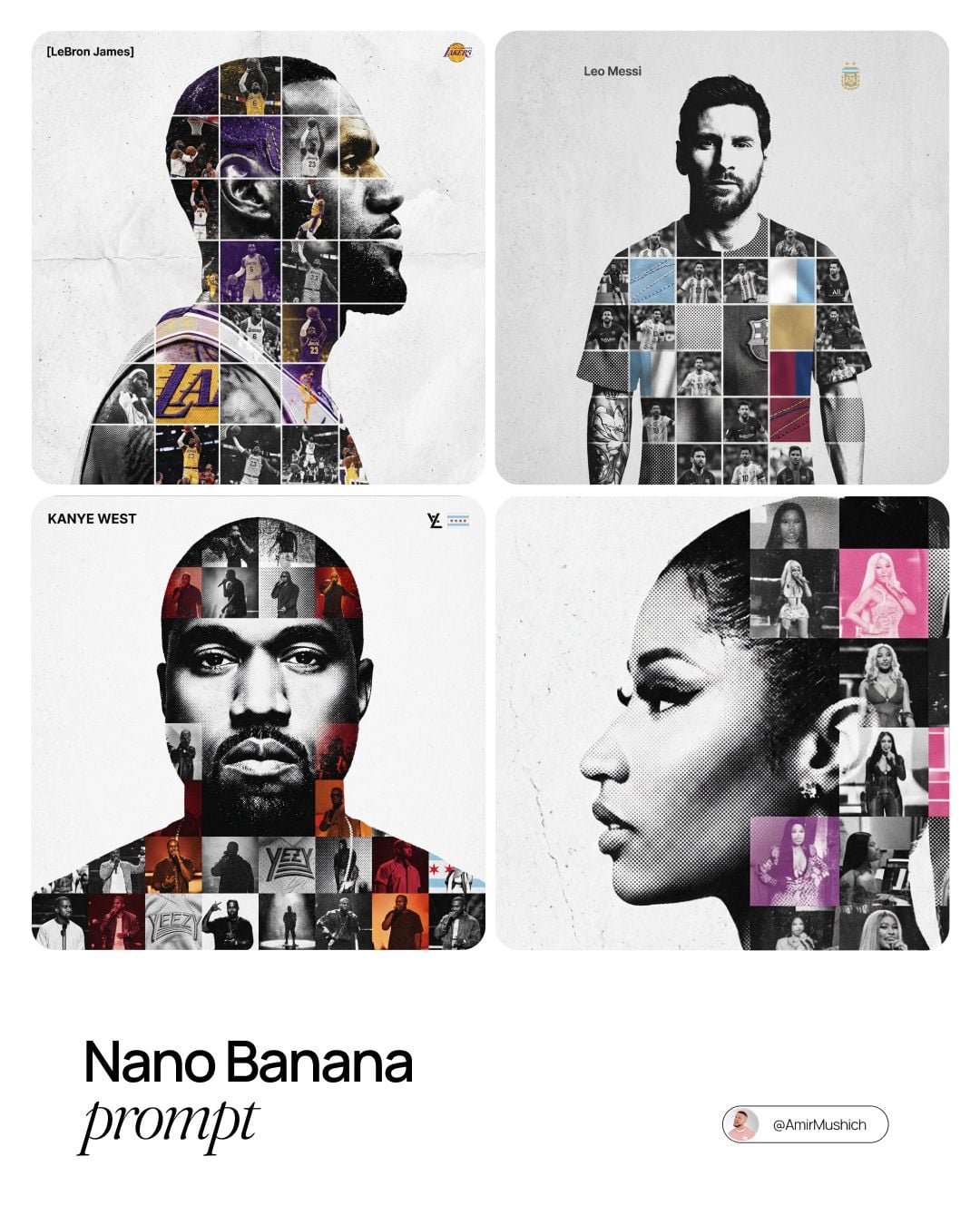
Nano Banana 2 Lite image generation example 1
Motion study

Describe action and camera position

Dynamic scenes need a readable gesture, direction of movement, and shutter or lens language. Define the moment rather than adding more style adjectives.

Describe the action and the camera angle in Bimg — for example a low, wide frame — to fix the sense of movement.

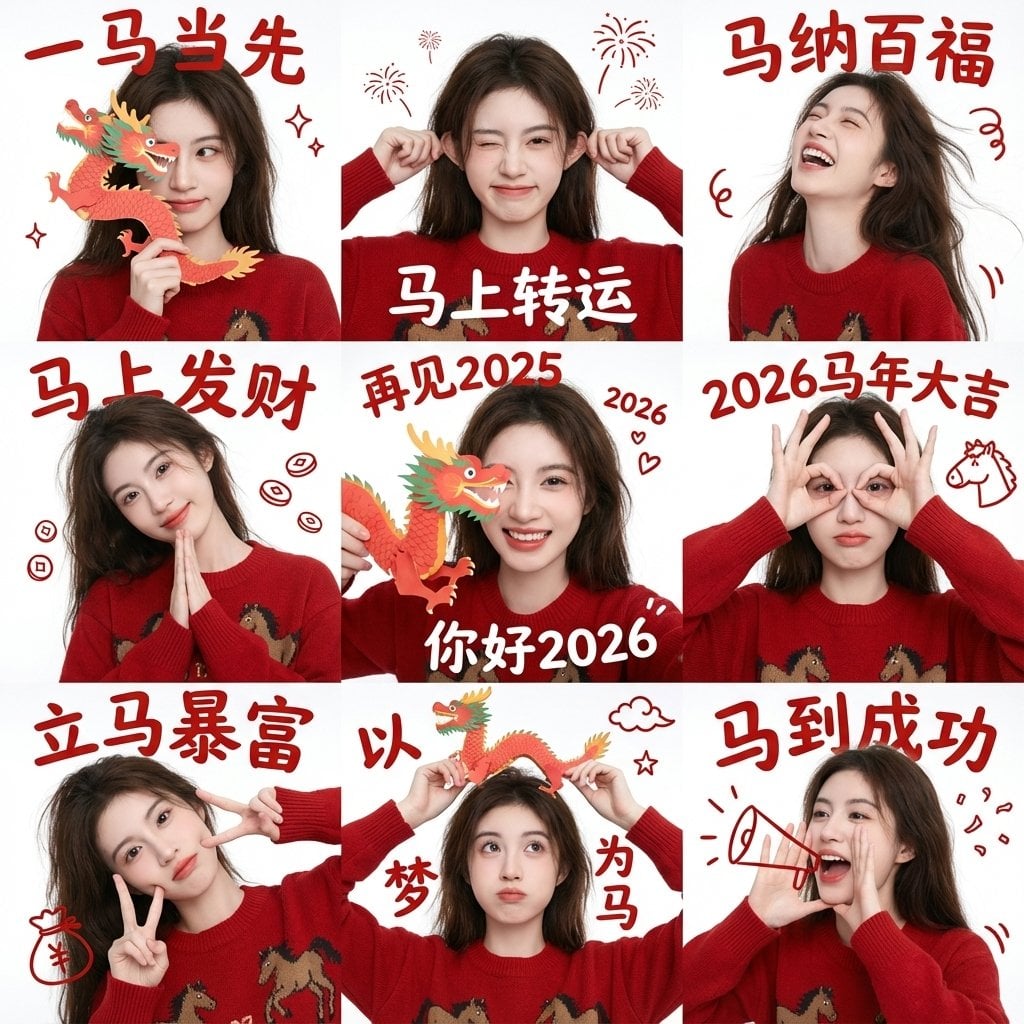
Nano Banana 2 Lite image generation example 2
Graphic draft

Reduce a concept to shape and color

Simple graphic compositions are a good match for quick ideation. Specify the dominant geometry, negative space, and a limited palette.

Reduce the brief to a few shapes and colors in Bimg and skip fine detail to keep fast drafts clean.

Nano Banana 2 Lite image generation example 3
Generation modes

Text to image and image to image with Nano Banana 2 Lite

Move from a written brief to a new visual, or use references when Nano Banana 2 Lite supports them. Both workflows send a working prompt directly to the generator above.

Nano Banana 2 Lite image generation example 1

Nano Banana 2 Lite text to image

Create fast visual drafts from a concise brief. Prioritize one subject, one environment, one lighting direction, and the delivery ratio.

Nano Banana 2 Lite image generation example 2

Nano Banana 2 Lite image to image

Test targeted changes around an existing reference before moving to final production. Protect the recognizable subject and ask for one transformation at a time.

Upload up to five reference images when Nano Banana 2 Lite needs an existing subject, palette, or layout to guide the edit.

Prompt guide

How to write better Nano Banana 2 Lite prompts

A strong prompt reads like a compact creative brief: concrete enough to guide the model, but organized enough to edit.

Subject + single action + camera position + mood + one styling cue

Keep the brief compact

Prioritize the subject, composition, light, and palette. A focused prompt is easier to compare across several quick drafts.

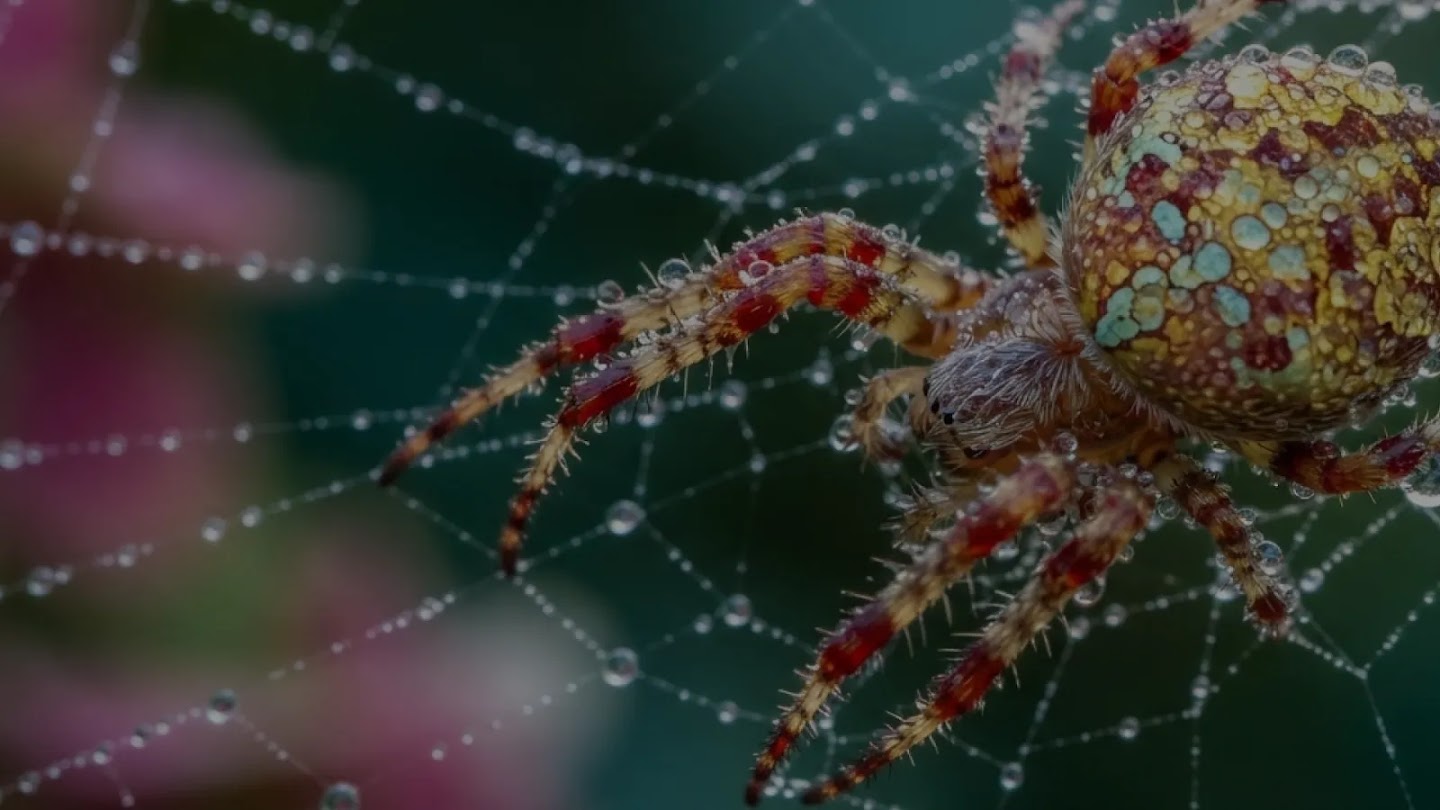
A macro wildlife portrait of a tiny jewel-toned spider on a single curved leaf, crisp eyes and fine texture, soft forest bokeh, natural morning light, one clear focal point, 4:3 composition, no text.

Use one dominant action

For motion, state the exact moment, direction, and camera viewpoint rather than stacking several events into one scene.

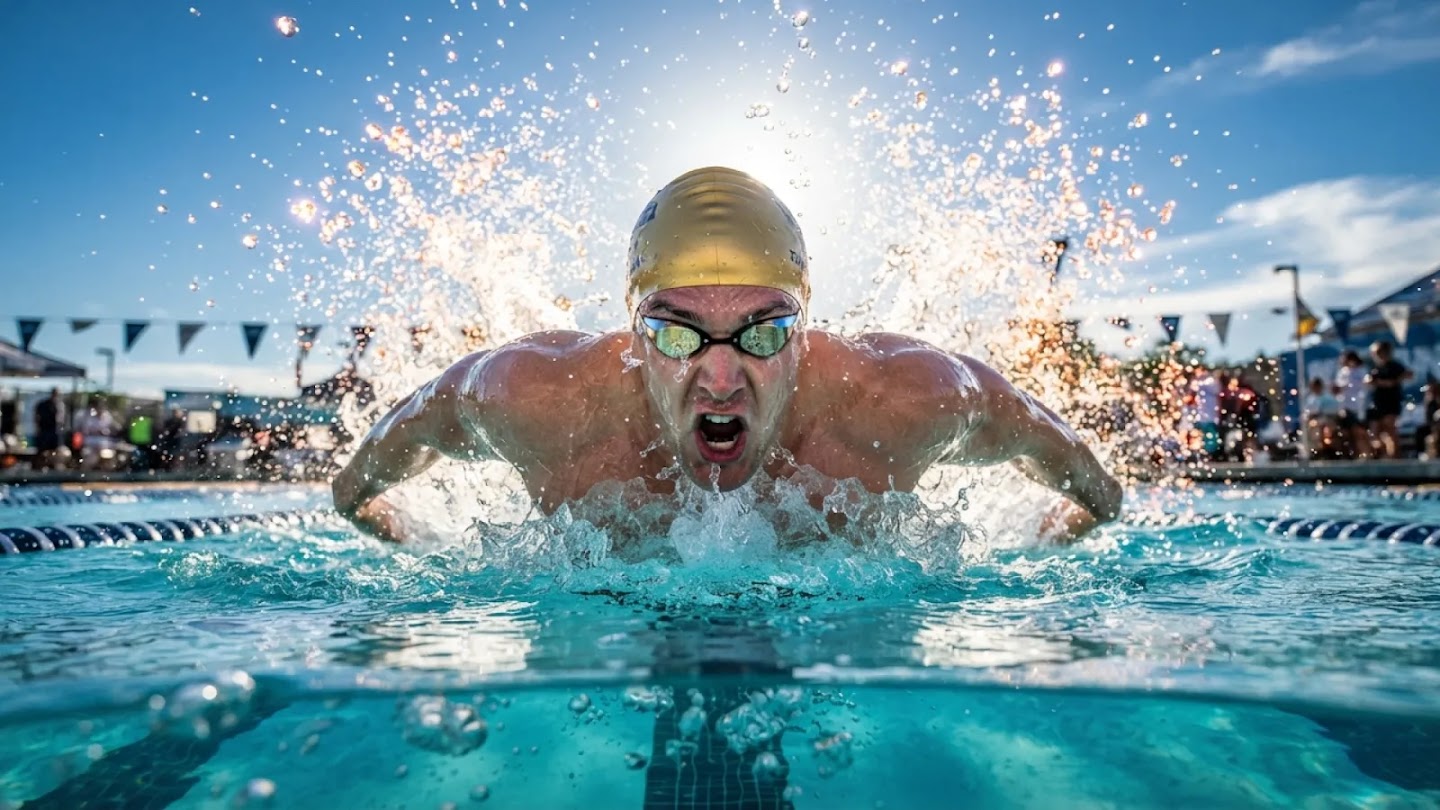
A competitive swimmer breaking the surface during a turn, side angle at water level, frozen droplets, strong diagonal movement, cool pool light with one warm highlight, editorial sports photography, 16:9.

Plan the final ratio early

A portrait concept and a landscape banner need different subject scale and negative space. Generate in the real destination ratio.

Abstract folded-paper waves crossing a warm ivory field, three large shapes only, cobalt blue and coral red, generous negative space, tactile paper texture, clean contemporary graphic design, 3:2.

How it works

How to use the Nano Banana 2 Lite image generator

The same three-step workflow works for one-off ideas and structured batch production.

1

Start with this model

Nano Banana 2 Lite is selected when the page loads. Write one prompt, add supported reference images when needed, or open the batch workspace for larger jobs.

2

Write the brief and set output controls

Describe the subject, context, composition, style, and constraints. Then choose the supported ratio and resolution for Nano Banana 2 Lite, adding reference images only when the model allows them.

3

Generate, review, and refine

Submit the job, compare the Nano Banana 2 Lite results, and regenerate with targeted prompt changes. Completed work is available in history for later review and download.

Compare

Nano Banana 2 Lite compared with related models

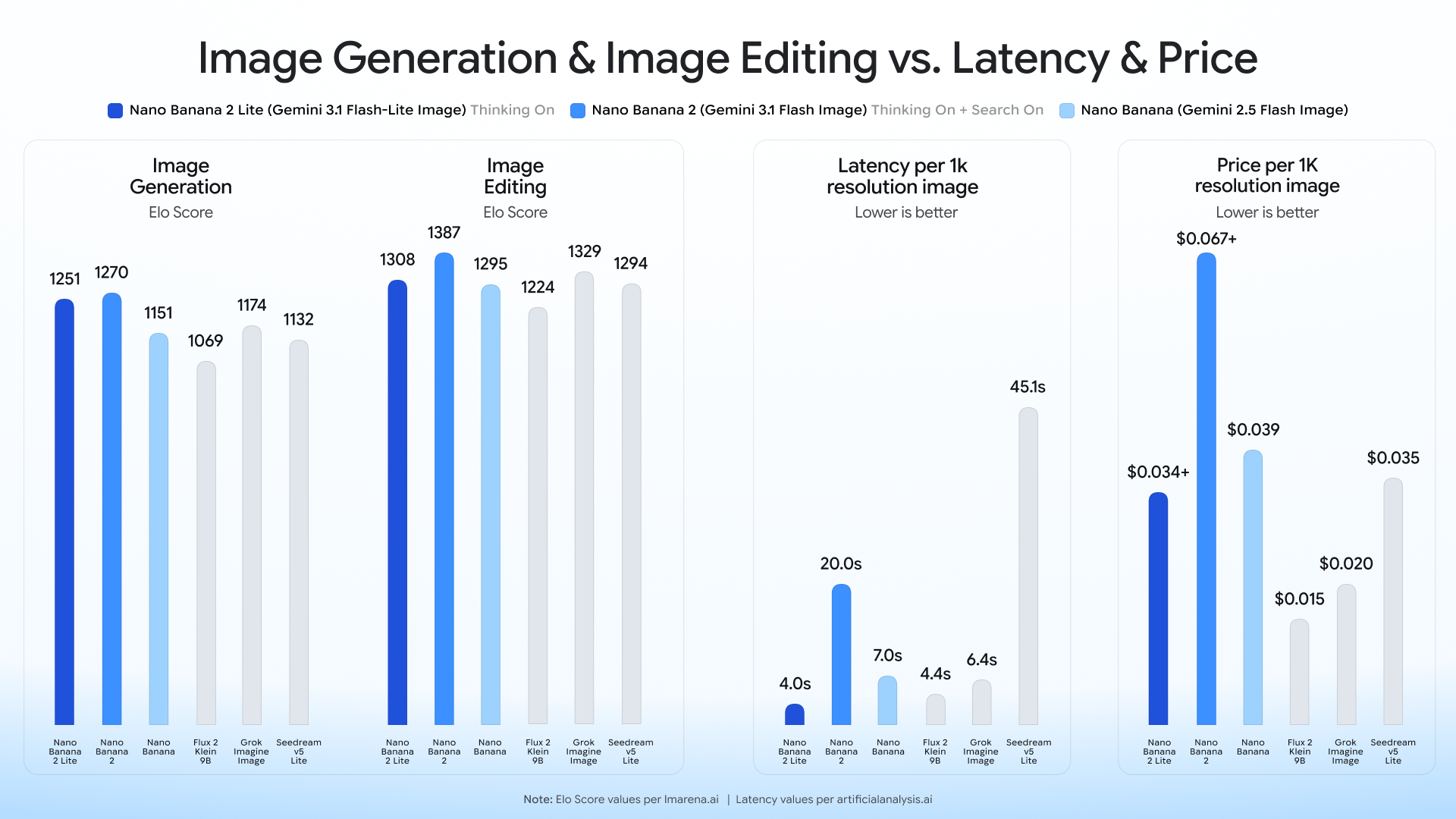
Use credits, output tiers, and creative strengths as practical selection signals. The best model depends on the job, not one universal ranking.

ModelBest-fit strengthOutput tiersCredits / image
Nano Banana 2 Litefast creative iteration1K20
Nano Bananabalanced quality and speed1K8
Imagen 4.0high-detail final output1K25
Seedream 5.0 Litefast creative iteration2K / 3K17
FAQ

Nano Banana 2 Lite image generator FAQ

Practical answers about access, credits, inputs, output controls, batch workflows, and responsible review.

What is Nano Banana 2 Lite?

Nano Banana 2 Lite is a lightweight Google image model configured in Bimg for fast 1K generation and reference-guided editing.

When should I choose Nano Banana 2 Lite?

Choose it for rapid drafts, social concepts, reference tests, mood exploration, and higher-volume ideation where speed matters more than maximum output size.

How is Nano Banana 2 Lite different from Nano Banana 2?

The Lite page uses a fixed 1K workflow focused on fast iteration. Nano Banana 2 offers larger output options and is better suited to ideas that need more final detail.

Can Nano Banana 2 Lite edit an uploaded image?

Yes. Upload up to five references, state what must remain unchanged, and describe the new setting, color, styling, or object change.

Is Nano Banana 2 Lite good for batch ideation?

Yes. Once a prompt works in the single generator, move it into Variations or CSV mode to explore a broader set of concepts.

Should I use Nano Banana 2 Lite for text-heavy posters?

It can be used for poster concepts, but exact wording should always be reviewed. For demanding typography and larger delivery, compare a model positioned for text-rich or high-resolution output.

How many Bimg credits does Nano Banana 2 Lite use?

Nano Banana 2 Lite currently uses 20 Bimg credits per image, depending on the available output or quality setting. The generator shows the exact estimate before you submit, and normal Bimg refund handling applies to failed jobs.

What output sizes can I create with Nano Banana 2 Lite?

The current Bimg integration exposes 1K output. Available aspect ratios are shown beside the generator and update automatically when you change the model or workflow.

Can I use reference images with Nano Banana 2 Lite?

Yes. Bimg accepts up to 5 reference images for Nano Banana 2 Lite. State what must remain consistent and what should change so the references act as clear constraints rather than vague inspiration.

Is Bimg the official Nano Banana 2 Lite website?

No. Bimg is an independent image-generation platform and is not affiliated with, sponsored by, or endorsed by Google. The model name is used only to identify the generation option available in the Bimg workspace.

Start creating with Nano Banana 2 Lite

Open the generator above with Nano Banana 2 Lite already selected, write your brief, choose the delivery format, and move from one idea to a reviewable result in the same workspace.

Generate with this model